
Download the Crystal Identifier App
Free crystal scanner app powered by AI. Photograph any crystal, rock, or mineral and get the species name, Mohs hardness, crystal system, and value estimate in seconds. Available on iOS and Android with no account required.


What Is the Crystal Identifier App
AI Rock ID is a phone app that identifies crystals, rocks, gemstones, minerals and fossils from a single photo. Point the camera at a specimen and it returns a name plus a confidence score, so you can see how sure it is. The result also lists Mohs hardness, streak, density, chemical formula, rarity and an estimated value range. It knows more than 6,000 types. On iPhone, the crystal identifier is on the App Store with 4.6 stars from 587 ratings (Nov 2026).
The app adds things that only make sense on a phone. Every scan goes into your history, and you can sort specimens into a collection or a wishlist. Picture coming home from a collecting trip with thirty unlabeled specimens and a fading memory of which creek each one came from. The photos and results are still in your history. You can open any past result and ask the AI chat follow-up questions: what's the streak color, where does this mineral usually form, is it often treated or synthesized? There's no account to set up and no ads.
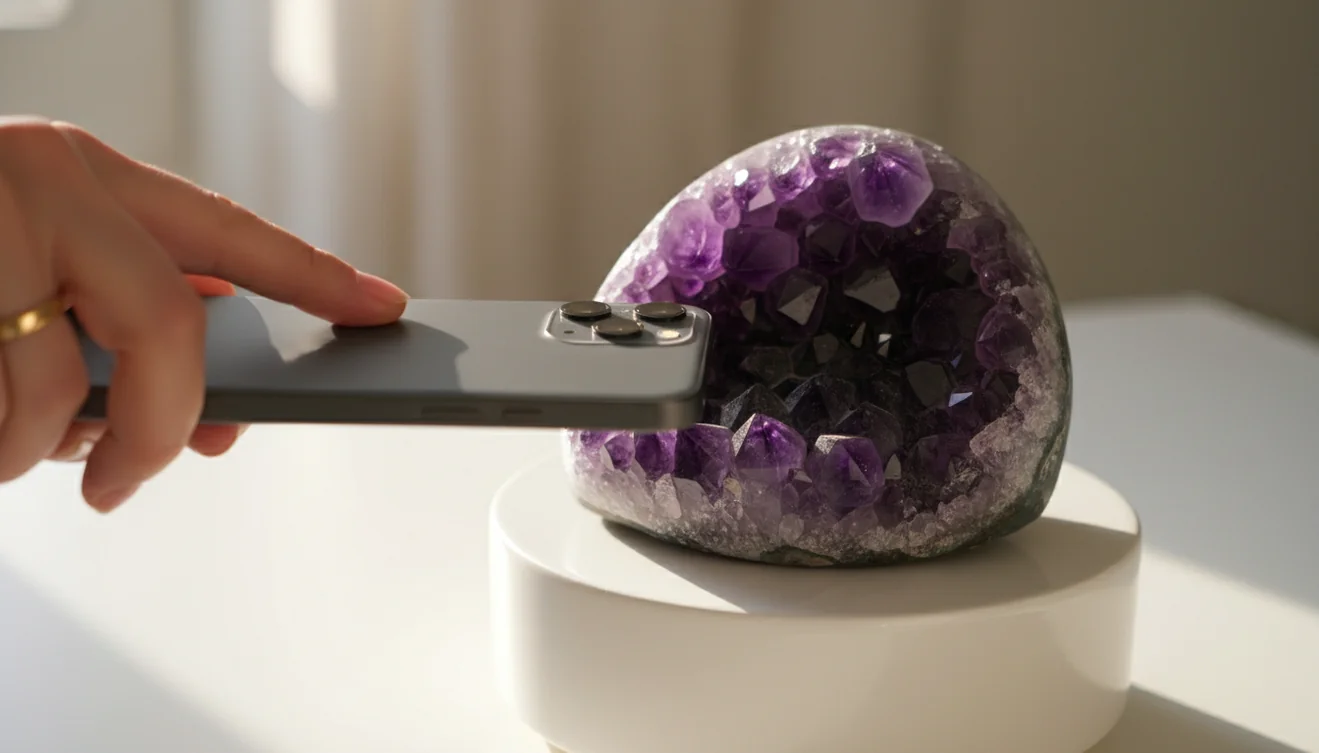
Offline Caching and Field Use
Offline caching means previously scanned specimens load instantly without a cell signal. That matters when you are standing in a pegmatite pocket at the back of a mine with no reception, or hiking a trail in the mountains where the nearest tower is twenty miles away. You will not get new scans without internet, but everything you have already identified stays accessible.
The app provides identification estimates, not certified appraisals. For specimens of significant value, consult a licensed gemologist or geologist.
App Features
AI Scanner
Point your camera at any specimen and get an identification in seconds. The AI reads color, crystal habit, luster, transparency, and surface texture from a single photograph. Works on rough points, tumbled stones, clusters, cabochons, and minerals still embedded in matrix.
Crystal Guide
Look up any of the 6,000+ crystals, rocks, minerals, gems and fossils the app knows. Each entry includes photographs, Mohs hardness, crystal system, chemical formula, formation environment, and notable localities. Useful for learning the differences between similar-looking species before you visit a gem show or head out collecting.
Scan History
Every identification is saved with a timestamp and the original photo. Search past scans by name, date, or hardness. Label your collection, track what you have found on different trips, and revisit results months later without rescanning.
Follow-up Questions
Tap any result and ask the AI for more detail. What is the streak color? Where does this mineral form? Is this species commonly heat-treated? The conversation continues from your scan, so the AI already knows which specimen you are asking about.
Offline Mode
Previously scanned specimens are cached locally. Review your full scan history and crystal guide entries without an internet connection. New scans require a network connection, but everything you have already identified stays on your device.
Value Estimates
The AI returns an estimated market value range based on species, typical quality, and current collector pricing. Useful as a quick sanity check at gem shows and rock shops. Not a substitute for a professional appraisal, but enough to know whether a $200 price tag is in the right ballpark.
How to Use the Crystal Identifier App
Download and Open
Install the free app from the App Store or Google Play. No account creation is required. You can start scanning immediately after the download finishes.
Photograph Your Specimen
Use natural daylight when possible. Place the crystal on a plain surface or hold it steady. If the surface is dusty or dry, wetting it with a fingertip reveals color and luster that the AI uses for identification. Show crystal faces or fracture surfaces when visible.
Review the Results
The AI returns the mineral name, crystal system, Mohs hardness, formation type, and value estimate. If confidence is lower, alternative candidates are ranked by probability. Tap the result to explore the crystal guide entry or ask follow-up questions.
Save and Compare
Every scan is stored in your history. Compare specimens side by side, build a labeled collection, and keep a wishlist of stones you're still hunting. Export results or share them with fellow collectors directly from the app.
Getting the Most from the Crystal Identifier App

Why Use a Crystal Identifier App
A field guide and a hand lens still work. They're just slow. You thumb through pages, compare photographs that never quite match the specimen in your hand, and end up stuck between three candidates you can't separate by eye. An AI crystal identifier app reads the same visual cues in seconds, then gives a confidence score and lists the other possible matches. Keep the hand lens, because what the app cuts out is the twenty minutes of page-flipping that comes after it. At a gem show with two hundred dealer tables, those minutes add up. At a riverbed with the daylight going, they add up faster.
Accuracy and Limitations
AI Rock ID does well on common specimens like quartz varieties, calcite, fluorite, tourmaline, pyrite, garnet and the major feldspar groups, whether they're tumbled, rough or cut as cabochons. Accuracy drops at the edges. Heavily weathered surfaces with no visible luster are hard. So are minerals that look identical in a photo (orthoclase versus plagioclase is the classic case), and rare species the AI has seen fewer reference images of. Every result shows a confidence score. When it's low, read the other possible matches and the look-alike notes, which explain how to tell the candidates apart, then run a hardness or streak test yourself. A high score is a strong first guess; a low one is where your own testing starts.
Web vs App Identification
The web scanner on crystalidentifier.net is fine for a quick one-off check at your desk with nothing to install, but it gives 1 free preview a day. AI Rock ID has free scans every day, and PRO ($4.99/week or $29.99/year) removes the daily limit. The app also keeps your scan history, collection and wishlist, and you can ask the AI chat about any result. If you only check a stone now and then, the website is probably enough. If you work through dealer tables at gem shows or come back from weekend field trips with a bag of unknowns, get the app.
Tips for Getting the Best Scan Results
Lighting makes or breaks a scan. Overcast daylight or a north-facing window gives the truest color and luster. Indoor fluorescents add a yellow or green tint, enough to throw off the AI on species where color is the main clue, and flash washes out luster completely, so turn it off. Set the specimen on a plain white or gray surface. At a gem show, move toward the nearest natural light, or hold your phone's flashlight low and off to one side so the surface reflections survive. Dusty or matte specimen? Wet it with a fingertip. Show crystal faces or cleavage planes if there are any. Two good photos from different angles beat five rushed ones.

Related Identification Tools
Each tool uses the same AI engine, tuned for that specific category. Pick the one that matches your specimen.
Frequently Asked Questions
Is the app free?
Yes. The app is free on iOS and Android with multiple daily scans, the full crystal guide, and scan history. A subscription unlocks unlimited scans.
Available platforms?
iOS (iPhone and iPad) via the App Store and Android via Google Play. Both share the same AI engine and feature set.
Scans per day?
Free users get multiple scans per day, resetting every 24 hours. Subscribers get unlimited scans with no cooldown.
Does it work offline?
New scans need an internet connection, because the photo is identified on a server. Your saved collection is still there to browse because the AI runs on cloud servers.
App vs gemologist accuracy?
The app reads visual cues from a photo and provides strong first-pass identification. A gemologist uses physical instruments that detect properties no camera can capture, so confirm high-value specimens professionally.
Rocks and minerals too?
Yes. The same AI handles crystals, rocks, minerals, gemstones, fossils, and stones. It returns the name, hardness, crystal system, and formation environment regardless of category.
Is photo data stored?
Photos are processed for identification and are not sold or shared. Scan history is stored locally on your device and can be deleted anytime in settings.
Free vs paid version?
The free version includes multiple daily scans, the full crystal guide, and scan history. PRO ($4.99 a week or $29.99 a year) removes the daily scan limit. The identification itself is the same on both.
Use at gem shows?
Yes. Point the camera at a specimen in a dealer's flat to get a name and value estimate before you negotiate. Step toward natural light to avoid fluorescent color shifts.
Can it identify meteorites?
The app flags specimens that visually resemble meteorites based on fusion crust and surface texture. Confirmed classification requires physical testing like density measurement and cut-section analysis.