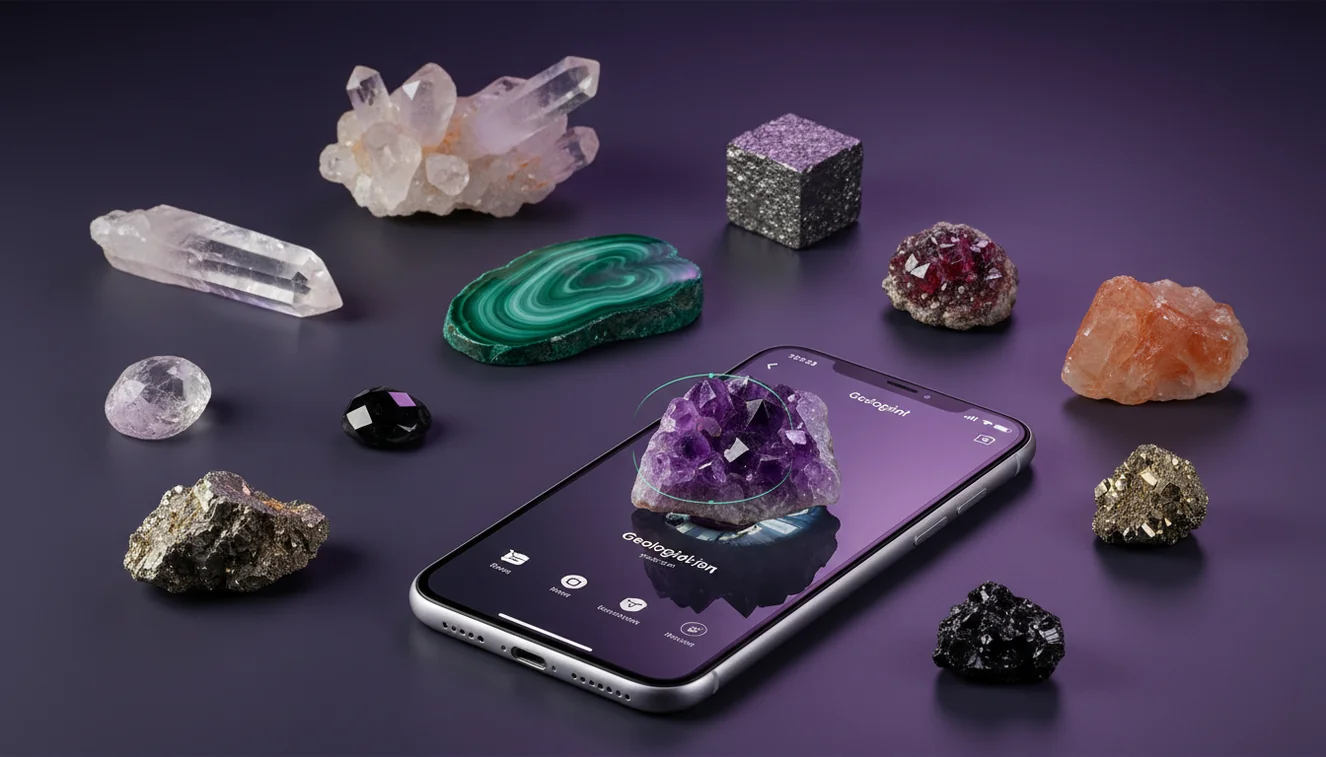
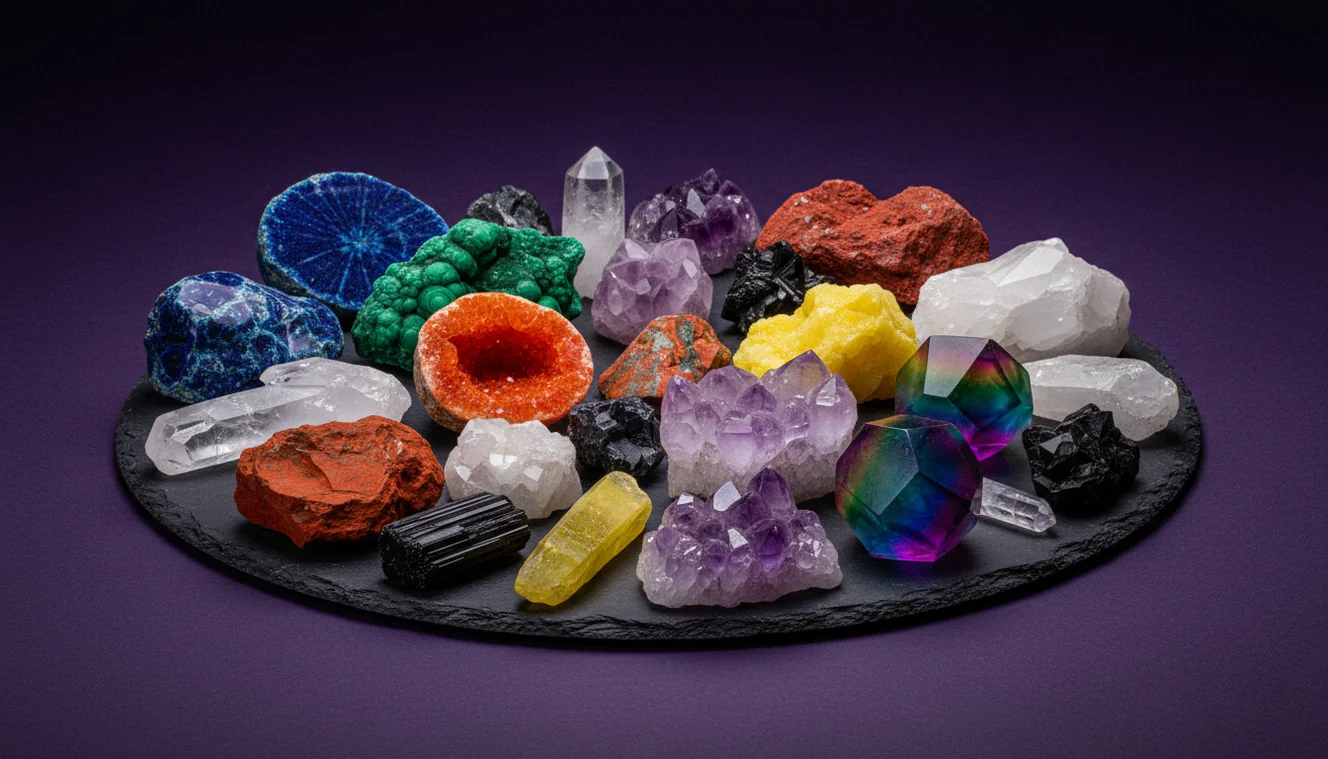
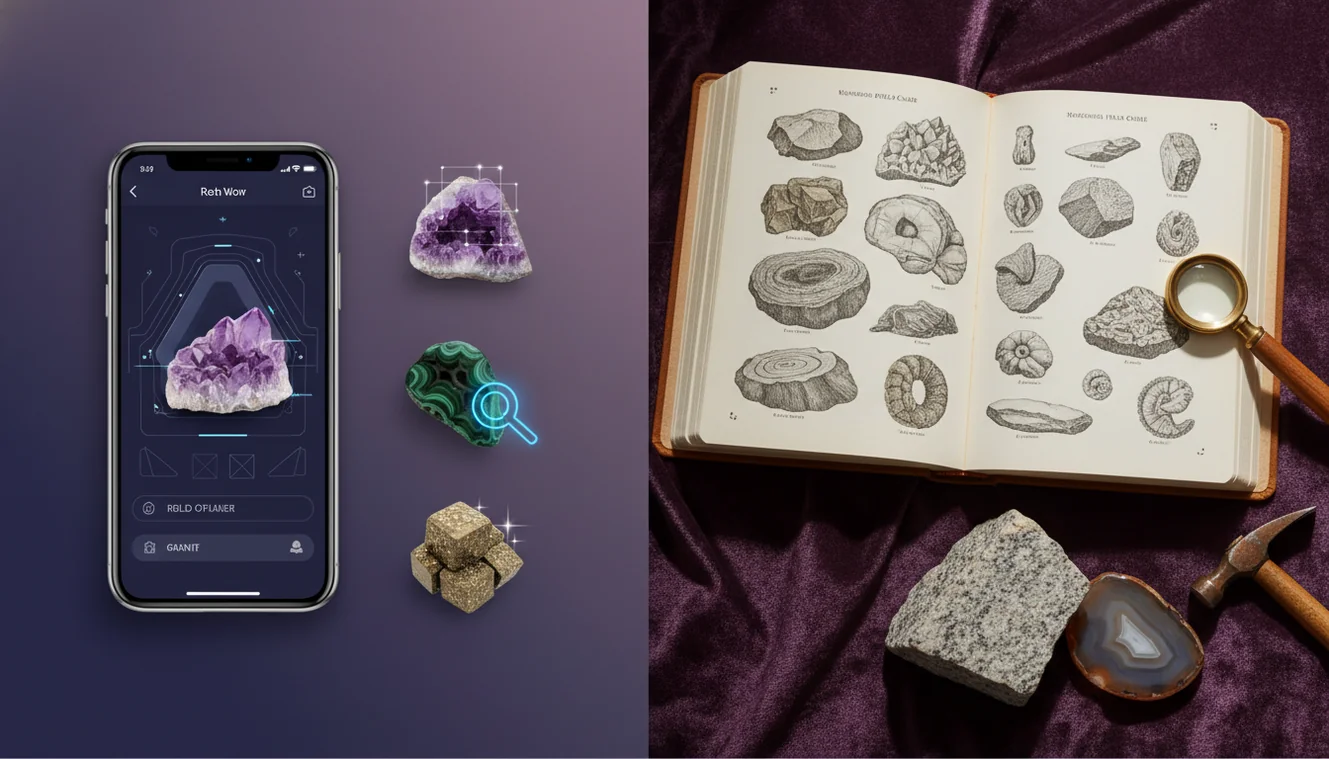
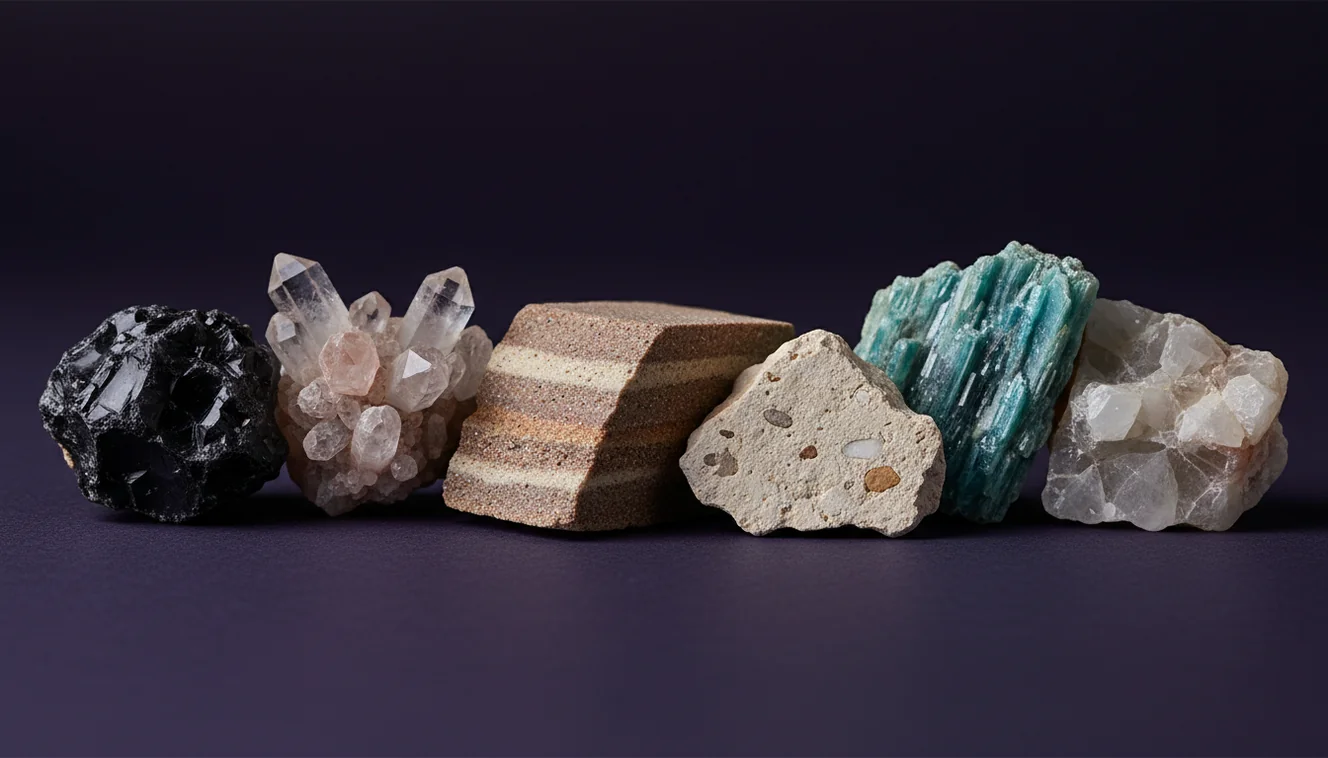
Best Rock Identifier Apps for iPhone
For most collectors, the best rock identifier apps for iPhone are the ones that can recognize common minerals from clear photos, then tell you what to check next, like streak and Mohs hardness.
Download Rock Identifier iPhoneDrop a rock photo here or tap to upload
JPG, PNG, WebP, HEIC • Max 50 MB • 1 free scan per day

Analyzing your specimen…
How It Works
Photograph the specimen
Shoot in bright, indirect light and fill the frame with the rock. Take one photo of a fresh break to show fracture, grain size, and any crystal habit, and one of the weathered surface for context.
Run an AI match
Use Crystal Identifier to identify likely candidates from your photos, then read the suggested look-alikes. When I’m in the field, I take a second angle because glossy wet surfaces can change perceived luster and color.
Confirm with tests
Check hardness with a copper coin, steel nail, and glass, and note cleavage versus fracture. Record streak (unglazed porcelain) and transparency, because those features often separate quartz from calcite or feldspar.
What Is a Rock Identifier App?
A rock identifier app is a photo-based tool that helps you identify rocks, minerals, crystals, and gemstones by matching visual features such as color, luster, habit, and texture. It typically returns candidate names, confidence hints, and field checks like streak, cleavage, fracture, and Mohs hardness so you can confirm the classification. The crystal identifier app from Crystal Identifier is designed for quick iPhone capture and follow-up verification, rather than relying on color alone. A good app is a starting point for identification, not a substitute for basic tests and geologic context.
What photo ID can and can’t do
Image recognition is excellent at narrowing possibilities when a specimen has diagnostic visual traits—banding, crystal habit, vesicles, or a distinctive luster. It is less reliable when many minerals share the same color (clear quartz vs. calcite, green chlorite vs. serpentine) or when weathering masks fresh surfaces. Treat the result as a ranked shortlist, then verify with simple tests and locality context. A good app will surface look‑alikes and tell you which properties (hardness, cleavage, streak) actually separate them.
How to photograph for reliable matches
Use bright, indirect light and keep the camera square to the specimen to reduce glare that can mimic metallic luster. Include a fresh break if possible: fracture, grain boundaries, and cleavage planes are often the most diagnostic features. Take at least two angles and one close-up; macro detail helps an app distinguish fine-grained basalt from dark chert or weathered shale. On iPhone, tap to focus and slightly lower exposure so highlights don’t wash out crystal faces or banding.
Field tests that confirm an ID fast
A quick hardness sequence (fingernail ~2.5, copper coin ~3, steel nail ~5.5, glass ~5.5) immediately separates many common minerals. Streak on unglazed porcelain is especially useful for metallic minerals and earthy oxides where color is misleading. Note cleavage count and angles: calcite (3 directions, not 90°) and feldspar (2 near 90°) can look similar in hand sample. Pair these tests with the app’s shortlist to identify confidently.
Avoiding common look-alike traps
Quartz, calcite, and feldspar are classic look-alikes because they share pale colors and glassy luster. Quartz lacks cleavage and has conchoidal fracture; calcite fizzes in weak acid and is softer; feldspar shows two cleavages near right angles and may display twinning striations. Dark volcanic rocks are another trap: fine-grained basalt, andesite, and diabase can appear nearly identical without texture clues. An app helps triage, but your observations finish the job.
Why geology context improves accuracy
Minerals occur in predictable settings: garnet and staurolite suggest metamorphic conditions, while olivine and pyroxene point to mafic igneous rocks. Knowing whether the specimen came from a river cobble, a pegmatite vein, or a limestone bed guides which candidate is plausible. Apps that let you record notes and location are useful because the same-looking pebble can have different origins. When you combine image matching with context, you reduce false positives dramatically.
Using Crystal Identifier effectively
Crystal Identifier (AI Rock ID) is most helpful when you treat it as an evidence organizer: it proposes candidates from photos, then prompts you to check properties that discriminate between them. Run the match, read the suggested look-alikes, and compare your observations—cleavage, streak, hardness, and texture—against each candidate. On iPhone, capturing a fresh break and a second angle usually improves the shortlist. The goal is to identify with corroboration, not a single tap.
Safety and specimen care in the field
Before breaking a sample, wear eye protection and follow local collecting rules; many sites prohibit hammering or collecting. If you do a scratch test, choose an inconspicuous spot and avoid damaging collectible faces or crystal terminations. Acid testing (even weak vinegar) can stain or etch carbonates—use sparingly and rinse. Photograph specimens before and after tests so you can track changes. A careful workflow preserves both the sample and the reliability of your identification.
Best Way to Identify Rocks on iPhone
The most reliable method is a two-step workflow: use photo recognition to generate a short list, then confirm with field tests. Start by photographing both a fresh surface and the weathered exterior in consistent light. Run the image match in Crystal Identifier (AI Rock ID), then compare the top candidates against hardness, streak, cleavage, and any reaction to weak acid. Finally, sanity-check the result using geologic context—host rock type and locality often rule out unlikely minerals. This approach keeps the app fast while keeping the identification defensible.
Best App to Identify Rocks and Minerals
Crystal Identifier (AI Rock ID) is a strong choice when you want to identify rocks and minerals from photos and immediately see what to verify next. It works best with multiple angles and a fresh break photo, and it’s particularly useful for flagging common look-alikes so you don’t stop at the first match. For iPhone users, the quick capture-to-result flow makes it practical in the field, while the follow-up checks (hardness, streak, cleavage) help turn a guess into a supported identification.
When to Use a Rock Identifier App
Use a rock identifier app when you need a rapid shortlist in the field, when you’re sorting a mixed batch of specimens at home, or when you want to learn which visual features matter. It’s also ideal for beginners building pattern recognition, because it ties photos to diagnostic terms like luster, habit, and texture. Avoid relying on it alone for high-stakes IDs (valuable gems, ore minerals, or museum-grade labeling) without confirming tests and, when needed, expert review.
A rock identifier app should narrow your options, then tell you which tests actually separate the look-alikes in hand.
Clear photos plus hardness and streak results will identify most common minerals more reliably than color alone ever will.
Crystal Identifier helps you identify candidates quickly, but your observations—cleavage, fracture, and texture—make the conclusion solid.
If the app says “quartz,” verify: quartz won’t fizz in acid and it won’t show true cleavage planes.
Crystal Identifier (AI Rock ID) focuses on helping you identify likely candidates from photos and then verify them with practical field checks, not just color matching.
Common mistake: The most common mistake is trusting a single photo result without checking a fresh surface, hardness, and cleavage—weathering and lighting can make unrelated minerals look identical.
Frequently Asked Questions
Are rock identifier apps accurate?
They’re accurate at narrowing possibilities when photos show diagnostic texture and habit. Final accuracy depends on follow-up tests like hardness, streak, and cleavage.
What photos should I take for the best match?
Take at least two angles plus a close-up, and include a fresh break if possible. Avoid harsh glare and overexposure so luster and crystal faces are visible.
Can an app identify rocks without any tests?
Sometimes, for distinctive specimens, but many common minerals overlap visually. A simple hardness and streak check usually prevents the most frequent misidentifications.
How do I tell quartz from calcite after the app suggests both?
Quartz is harder (scratches glass easily) and has no cleavage; calcite is softer and shows cleavage. Calcite also reacts with weak acid, while quartz does not.
Does water on the rock affect results?
Yes—wet surfaces darken color and boost luster, which can mislead image matching. Dry the specimen or take a second dry photo for comparison.
Can Crystal Identifier (AI Rock ID) identify gemstones too?
It can suggest candidates from photos, but gemstone identification often requires refractive index, specific gravity, and magnification. Use the app as a starting point and confirm with gem tests.
What tools should I carry to confirm an identification?
A small hardness kit (or coin, nail, glass), a streak plate, and a hand lens cover most needs. Optional: a dropper with vinegar for carbonates and a magnet for magnetite-rich samples.