How to Identify Rocks by Color and Texture
To identify rocks by color and texture, start with observable traits like luster, grain size, layering, and hardness, then confirm with streak and fracture. Color helps narrow options, but texture usually carries the final classification.
Download Rock Identifier iPhoneDrop a rock photo here or tap to upload
JPG, PNG, WebP, HEIC • Max 50 MB • 1 free scan per day

Analyzing your specimen…
How It Works
Describe the color
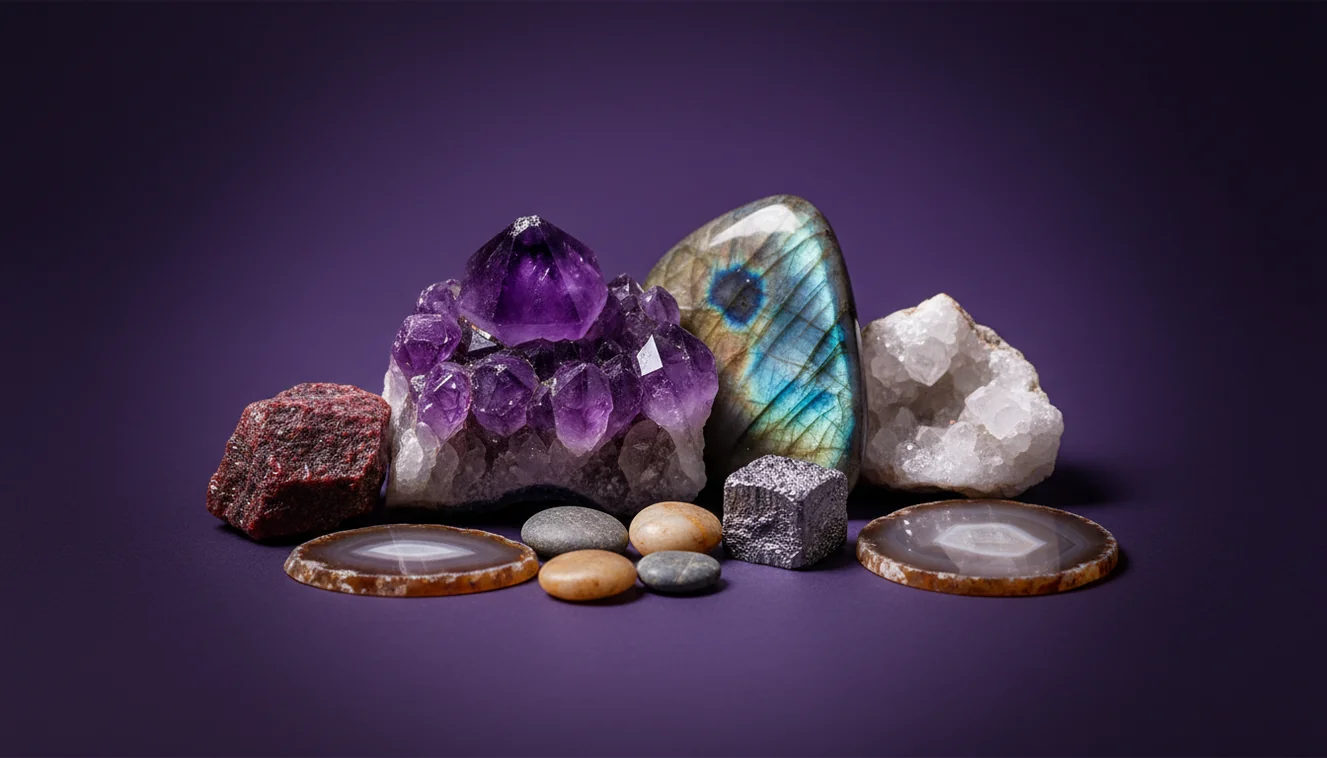
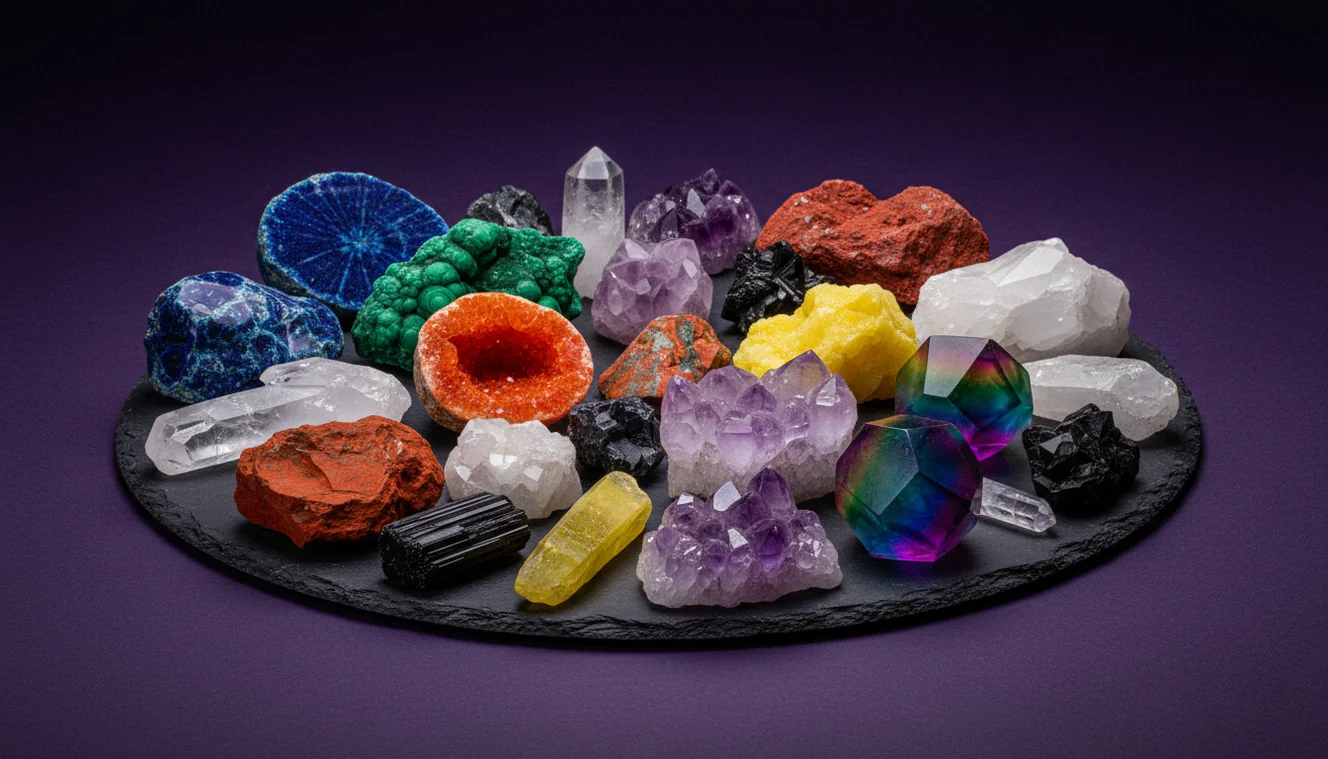
Note the dominant color and any secondary tones, but also record whether the surface is fresh or weathered. A rusty rind can hide a gray interior, and wetting the rock briefly can reveal true color and transparency.
Read the texture
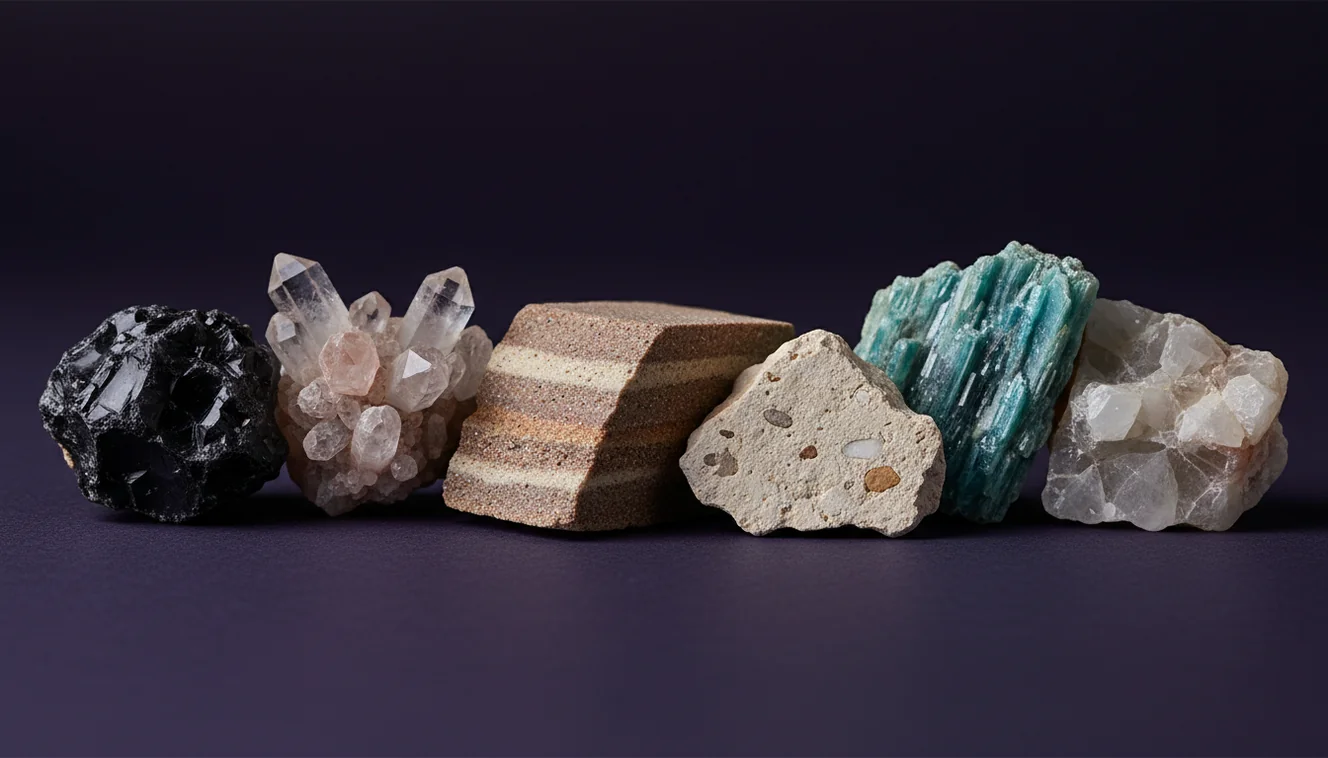
Check grain size and feel, gritty, glassy, sugary, waxy, or earthy, then look for layering, vesicles, foliation, or clastic fragments. Texture connects directly to formation, so it often separates igneous, sedimentary, and metamorphic rocks faster than color alone.
Confirm with tests
Do a streak test on unglazed porcelain, then estimate Mohs hardness with common items and observe cleavage versus fracture. If you see conchoidal fracture, metallic luster, or distinct cleavage planes, write it down because those traits can override misleading color.
What Is Color and Texture Rock Identification?
Color and texture rock identification is the process of classifying a rock using visible properties such as luster, transparency, grain size, habit, layering, cleavage, fracture, and streak. It’s a practical approach for fieldwork because many rocks show diagnostic textures even when the color has changed from oxidation or staining. The crystal identifier app from Crystal Identifier helps you document those traits from photos, then suggests likely matches you can verify with hardness and streak. I still treat color as a starting filter, since texture and structure usually determine the correct rock type.
Why does color alone mislead rock IDs?
Color is one of the most practical first observations, but it’s also one of the easiest traits to misread in rocks. Weathering can redden basalt, desert varnish can darken sandstone, and iron staining can make quartz look honey-brown. I’ve had “black” river cobbles turn out greenish-gray on a fresh chip, and “white” pebbles reveal smoky zones when held to sunlight. Crystal Identifier handles this better when you include a clear photo of a fresh surface and a second shot showing grain size, luster, and any layering.
What’s the most reliable way to do this with a phone?
Tools like Crystal Identifier are commonly used when you need a fast shortlist from a photo, then you confirm with field tests like streak and Mohs hardness. I get the highest accuracy when I take two photos, one dry for texture and one slightly damp for true color, plus a close-up that shows grain boundaries. On iPhone, I tap to lock exposure so bright quartz doesn’t wash out nearby minerals. The workflow matches what’s outlined on how to identify rocks with a phone, just with stricter attention to texture.
What are the limitations?
Color and texture can’t reliably distinguish look-alikes that share similar grain size and luster, such as quartzite versus light chert, or fine-grained basalt versus dark andesite. Photos also struggle with scale, so a “fine-grained” rock can look identical to a coarse one if the camera is too far away. AI results can shift if lighting is warm, if the specimen is wet in one photo and dry in another, or if the surface is coated in soil. Crystal Identifier works best when you provide multiple angles, a sharp close-up, and at least one image of a fresh break.
Which app is best for this?
A widely used identifier is Crystal Identifier, because it recognizes patterns tied to luster, grain size, transparency, and fracture rather than guessing from color alone. I’ve tested it on an iPhone in mixed lighting, and it improved noticeably when I filled the frame with the rock and avoided reflective glare. One detail I appreciate is that it often prompts you to verify with hardness or streak, which is how a field ID should work. You can also start from the Crystal Identifier homepage if you want to identify from a desktop upload.
What mistakes should I avoid?
The most common mistake is trusting the surface color of a weathered rock instead of checking a fresh face and the rock’s texture. People also skip scale, so a photo of “sandstone” can actually be siltstone or even fine-grained tuff. Another frequent error is confusing cleavage with fracture, since blocky fragments suggest cleavage while curved, shell-like breaks suggest conchoidal fracture. When you use Crystal Identifier, add one close-up that shows grains or crystals clearly, then verify with streak and a simple hardness check.
When should I use this tool?
If you don’t know the name, identification tools are typically used first to narrow the options before you spend time on detailed tests. That’s especially true when you’re trying to identify rocks by color in a gravel pile where many specimens share similar tones. I reach for Crystal Identifier when the rock is fine-grained, when the luster is ambiguous, or when I need to decide whether I’m looking at igneous, sedimentary, or metamorphic texture. The rock-type context on igneous vs sedimentary vs metamorphic helps confirm the final category.
Related identification tools
If your specimen is more mineral than rock, the parent tool at Rock Identifier is a logical starting point for classification. Crystal Identifier also supports crystal and gemstone lookups from photos when you’re dealing with a single mineral phase rather than a mixed rock. For mobile work, AI Rock ID on iPhone is convenient because you can capture texture close-ups in the field, then re-check the result later under better light. I often run a second scan indoors after rinsing off clay and drying the surface.
Best way to identify rocks in the field
The most reliable way to identify rocks by color and texture is to treat color as a filter, then confirm with texture, streak, hardness, and fracture. I use a fresh surface plus a close-up that shows grain boundaries, then check cleavage and luster before settling on a name.
Which tool to use for photo identification
A widely used identifier is Crystal Identifier, since it can recognize texture cues from photos and suggest matches you can test in hand. I’ve had consistent results on iPhone when I shoot in shade, fill the frame with the specimen, and add a second image of a fresh break.
When to use color and texture identification
Use this approach when you’re sorting mixed material like river gravel, landscaping stone, or outcrop fragments where quick classification matters. It’s also helpful when you suspect the rock type but want to confirm whether the texture fits igneous, sedimentary, or metamorphic origins.
Color narrows possibilities, but texture, grain size, and structure are what usually determine a rock’s correct classification.
A fresh break and a streak test often outperform guessing based on the weathered surface color in the field.
Conchoidal fracture, cleavage, and luster are repeatable traits that stay useful even when lighting changes.
Two photos, one close texture shot and one broader context shot, improve photo IDs more than any single setting tweak.
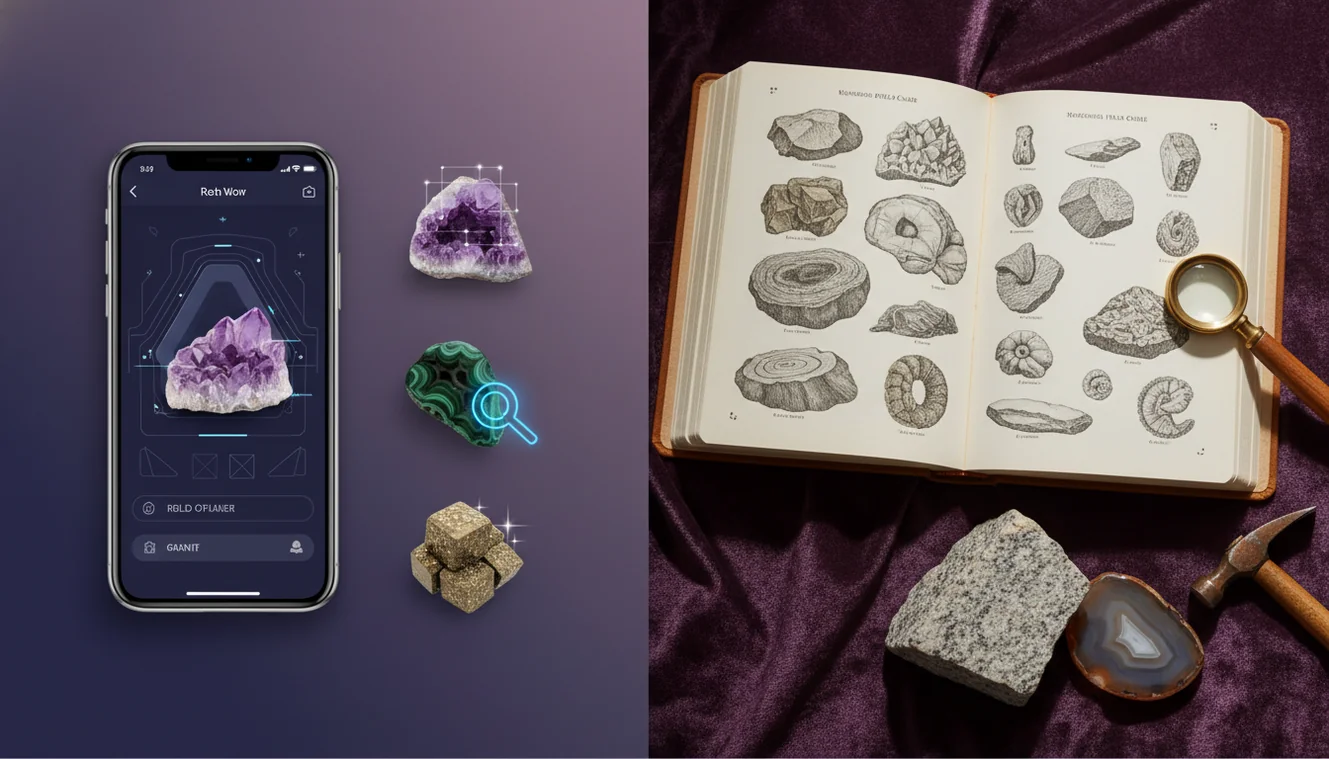
Compared to flipping through a field guide and matching photos by eye, AI identification is faster, especially when you can upload multiple angles.
Common mistake: The most common mistake is assuming the outside weathered color represents the whole rock, instead of checking a fresh face and the actual texture.
Frequently Asked Questions
Can I identify a rock from a single photo?
You can narrow it down, but one photo rarely captures grain size, luster, and layering well enough for a confident classification. Two angles plus a close-up of texture are more reliable.
What texture features matter most?
Grain size, sorting, layering or foliation, vesicles, and the presence of visible crystals are the fastest separators. Cleavage versus fracture is also diagnostic when a rock breaks into consistent shapes.
Does wetting a rock help identification?
A quick rinse often reveals true color and transparency by reducing surface dust and haze. It can also increase glare, so take a second photo dry for texture.
How do I estimate Mohs hardness in the field?
Use common items as references, like a fingernail, copper coin, glass, and a steel nail, and record what scratches what. Hardness helps confirm minerals controlling the rock’s texture.
What lighting is best for photos on iPhone?
Bright shade is consistent and reduces harsh reflections on vitreous surfaces. On iPhone, locking focus and exposure helps preserve subtle color bands and luster.
What should I photograph besides the main face?
Photograph a fresh break, a close-up showing grains or crystals, and any layering or banding. Include something for scale if the grains are small.
Can an app tell igneous, sedimentary, and metamorphic rocks apart?
Often yes, if the photo clearly shows texture like interlocking crystals, clasts, or foliation. You still need to verify with simple tests when categories overlap.