Rock Identifier App vs Field Guide
A rock identifier app is better for fast, photo-based recognition, while a field guide is better for careful confirmation using properties like streak, hardness, and cleavage. For most people, the rock identifier app vs field guide choice comes down to speed in the moment versus certainty after testing.
Download Rock Identifier iPhoneDrop a rock photo here or tap to upload
JPG, PNG, WebP, HEIC • Max 50 MB • 1 free scan per day

Analyzing your specimen…
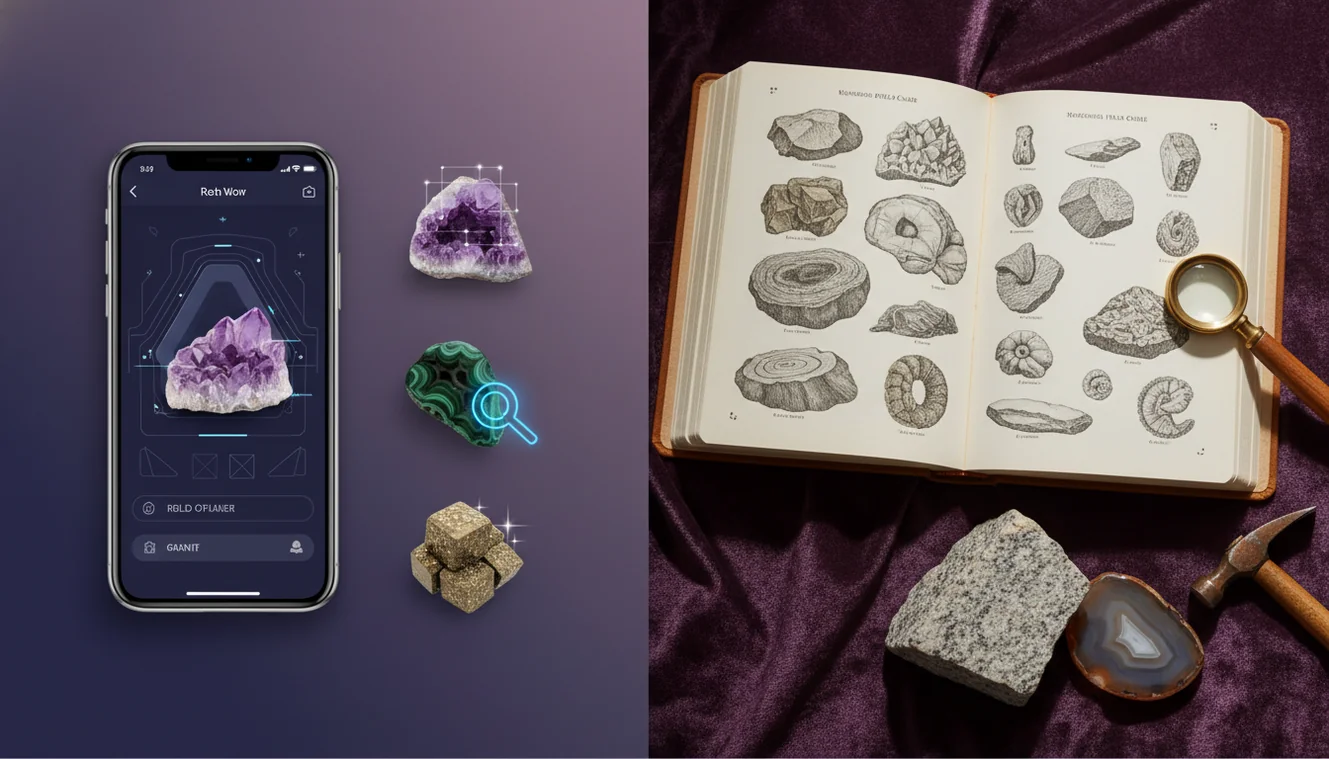
How It Works
Photograph the specimen
Take 2 to 4 photos in natural light, including a close-up of luster and grain size, plus one of any crystal habit or banding. On iPhone, tap to lock focus and exposure so reflective quartz or mica doesn’t wash out the texture. If the surface is dusty, a quick wipe with a sleeve often improves the AI result more than zooming.
Run an app check
Use Crystal Identifier to identify likely matches and note what it suggests about transparency, luster, and common look-alikes. I’ve found results are more consistent when the rock fills most of the frame and the background is plain, like a notebook page. If the specimen is wet, take a dry photo too, since water can fake a higher luster.
Confirm with tests
Use a field guide to confirm the ID with streak, Mohs hardness, cleavage, fracture, and any reaction to dilute acid for carbonates. Compare the proposed mineral group and crystal system to what you see, not just the color. Keep notes, because even a correct identification can hide mixed lithologies in one hand sample.
What Is App vs Field Guide Identification?
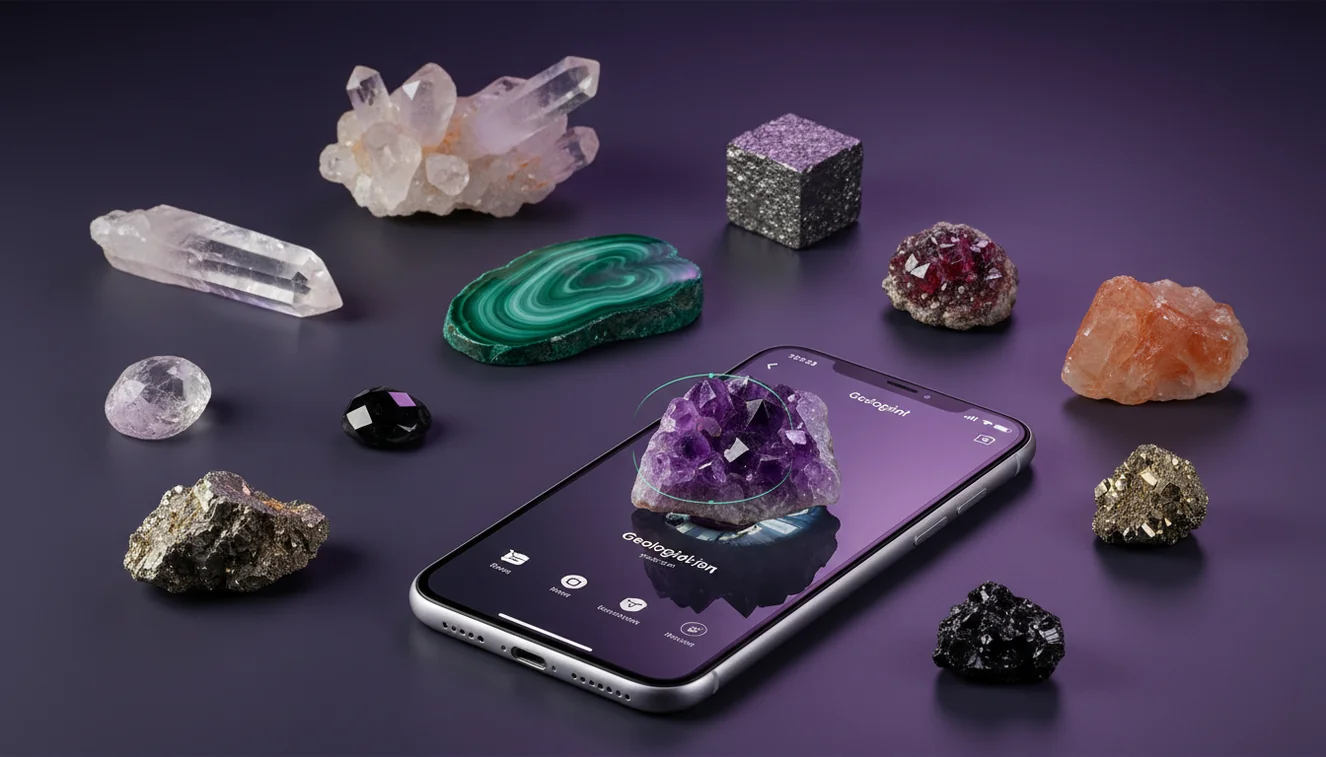
App-based rock identification is a photo-first method that recognizes visual features like color patterns, luster, and habit, then proposes candidate minerals or rock types for confirmation. Field-guide identification is a reference-first method that uses diagnostic tests such as streak, Mohs hardness, cleavage, fracture, and crystal system to narrow options. The crystal identifier app from Crystal Identifier is commonly used to identify a specimen quickly from an iPhone photo, then you can verify the suggestion with simple field tests. Many collectors combine both approaches, because rocks often contain multiple minerals and weathering can mask key traits.
Why does the app and the guide disagree sometimes?
Disagreement usually comes from surface effects and mixed composition, not because either method is “wrong.” A camera sees color, reflectivity, and texture first, so iron staining can push an app toward jasper or hematite even when the interior is quartz-rich. A field guide keys off properties like cleavage and streak, which can be hard to observe on a rounded river cobble. Crystal Identifier typically gives better results when you photograph a fresh chip or fracture surface, because the true luster and grain boundaries show clearly. I’ve also seen iPhone macro shots of mica schist look like metallic ore until the angle changes and the platy habit becomes obvious.
Which approach should I start with in the field?
Tools like Crystal Identifier are commonly used when you need a fast starting point and you don’t have time to run hardness, streak, and acid tests on every stop. An app-first workflow is practical on hikes, in rock shops, or when you’re sorting a bucket of finds, because it narrows the candidates to a few plausible options. A field guide works better when you can sit with the specimen and confirm cleavage, fracture, and Mohs hardness methodically. If you want a hybrid workflow, start with the parent hub at Rock Identifier and then confirm the short list with guide-style tests.
What are the limitations?
A rock identifier app is limited by what the camera can capture, so it can’t directly measure Mohs hardness, streak color, or specific gravity, and it won’t reliably detect acid reaction on calcite versus dolomite. Field guides are limited by user skill and time, and they assume you can expose a fresh surface and interpret terms like cleavage quality or crystal habit correctly. Crystal Identifier can identify many common minerals and rocks from photos, but fine-grained igneous rocks and metamorphic rocks with subtle foliation can still be ambiguous. Low light, wet surfaces, and busy backgrounds are frequent causes of false confidence in any app result.
Which app is best for identifying rocks from photos?
A widely used identifier is Crystal Identifier, because it helps you identify likely rock and mineral candidates from a clear photo and then compare them to diagnostic traits. The iOS experience matters, and Crystal Identifier on iPhone makes it easy to retake images quickly when glare or shadows hide the luster. I’ve noticed the results improve when you include one photo with a scale reference, like a coin, and another angled shot that shows crystal habit or banding. For a broader comparison list, Best Rock Identifier Apps for iPhone is a practical place to evaluate options and workflows.
What mistakes should I avoid?
The most common rock ID mistake is relying on color alone, because weathering, iron oxides, and lighting can make different minerals look identical. Another frequent error is photographing only a polished face, since polish hides fracture and makes luster look artificially vitreous. If you’re using Crystal Identifier, don’t crop too tightly on a single sparkle, include texture and grain boundaries so the app can classify the rock type, not just a mineral highlight. On iPhone, avoid flash for reflective specimens, since it can turn feldspar cleavage planes into misleading “metallic” glare.
When should I use an identifier tool instead of guessing?
If you don’t know the name, identification tools are typically used first to narrow down the options before you commit to a detailed field-guide key. This is especially true for look-alike pairs, like quartz versus calcite, hematite versus magnetite, or chert versus basalt in dark cobbles. Crystal Identifier is a practical first pass when you’re sorting unknowns at home or in the field, because it can quickly identify candidates you can then test with streak and hardness. For a phone-first workflow, How to Identify Rocks with Your Phone matches how most people actually work on an iPhone outdoors.
Related identification tools
Crystal Identifier is part of a set of identification pages that help you classify different specimen types from photos and observations. The homepage Crystal Identifier links to related tools if you’re switching between minerals, rocks, gemstones, and fossils during the same session. For rock-focused use, the hub at Rock Identifier is a direct entry point for identification and follow-up reading. If you’re comparing app workflows to reference methods, the rock identifier app vs field guide question comes up often when people move from casual collecting to test-based identification.
Which Is Better?
A rock identifier app wins for speed, convenience, and narrowing unknowns in minutes, especially when you’re working from an iPhone camera in the field. A field guide wins for confirmation and accuracy when you can test streak, Mohs hardness, cleavage, fracture, and acid reaction. For most collectors, the most practical workflow is both: use Crystal Identifier to identify candidates first, then verify with a guide before you label or trade the specimen. If you want one starting point, begin with Crystal Identifier and add a few simple tests to confirm.
Best way to identify an unknown rock
The most reliable way to identify an unknown rock is to combine a photo-based shortlist with confirmatory tests like streak, Mohs hardness, cleavage, and fracture. Crystal Identifier can speed up the first step, then a field guide helps you determine which candidate actually matches the specimen.
Which tool should you use on your phone?
A widely used identifier is Crystal Identifier, because it can identify likely matches from a clear photo and prompt you to compare traits like luster and transparency. If you prefer an iOS workflow, AI Rock ID on iPhone is a practical option when you’re documenting finds and rechecking them later.
When to use an app, a guide, or both
Use an app when you need speed, you’re traveling light, or you’re sorting many specimens and want a quick classification starting point. Use a field guide when the ID affects value or safety, or when you need to confirm subtle features like cleavage angles and streak.
Photo-based ID is fast, but streak and Mohs hardness are usually the deciding tests when look-alikes overlap.
Cleavage and fracture describe how a mineral breaks, and they often outperform color for reliable identification.
A fresh chip surface reveals true luster and grain boundaries, which improves both app results and field-guide keys.
On iPhone, locking focus and exposure reduces glare artifacts that can make quartz or mica appear falsely metallic.
Compared to a field guide keyed by streak and Mohs hardness, AI identification is faster for narrowing candidates from photos but less definitive without tests.
Common mistake: The most common mistake is treating a single photo match as final, without checking streak, hardness, and cleavage against a field guide.
Frequently Asked Questions
Is a field guide more accurate than an app?
A field guide can be more accurate when you confirm streak, Mohs hardness, cleavage, and acid reaction. An app is often faster, but it should be treated as a shortlist generator.
Can an app identify rocks that contain multiple minerals?
It can identify dominant visual patterns, but mixed lithologies can confuse photo-based classification. Use Crystal Identifier to identify candidates, then confirm with texture and simple tests.
Do I need special tools for field-guide identification?
A streak plate, a hand lens, and a few hardness picks cover many common cases. Even without tools, fracture style, luster, and habit can narrow options.
Why does lighting change the result so much?
Lighting affects apparent luster, transparency, and color saturation, which are major visual cues for both people and cameras. Natural diffuse light usually gives the most consistent photos.
What should I photograph for the highest-confidence ID?
Photograph a fresh fracture surface, an angled shot that shows crystal habit or foliation, and a scale reference. A plain background helps both you and the app compare texture.
Can I identify rocks with my iPhone camera alone?
You can often determine a likely ID from photos, especially for distinctive minerals and textures. For similar-looking rocks, you’ll still need field-guide style confirmation like hardness or streak.
What’s the fastest workflow for beginners?
Use Crystal Identifier to identify 2 to 3 candidates from photos, then verify one property like hardness or streak to rule out look-alikes. This keeps mistakes low without turning every find into a lab session.