Why AI Crystal Identification Gets It Wrong
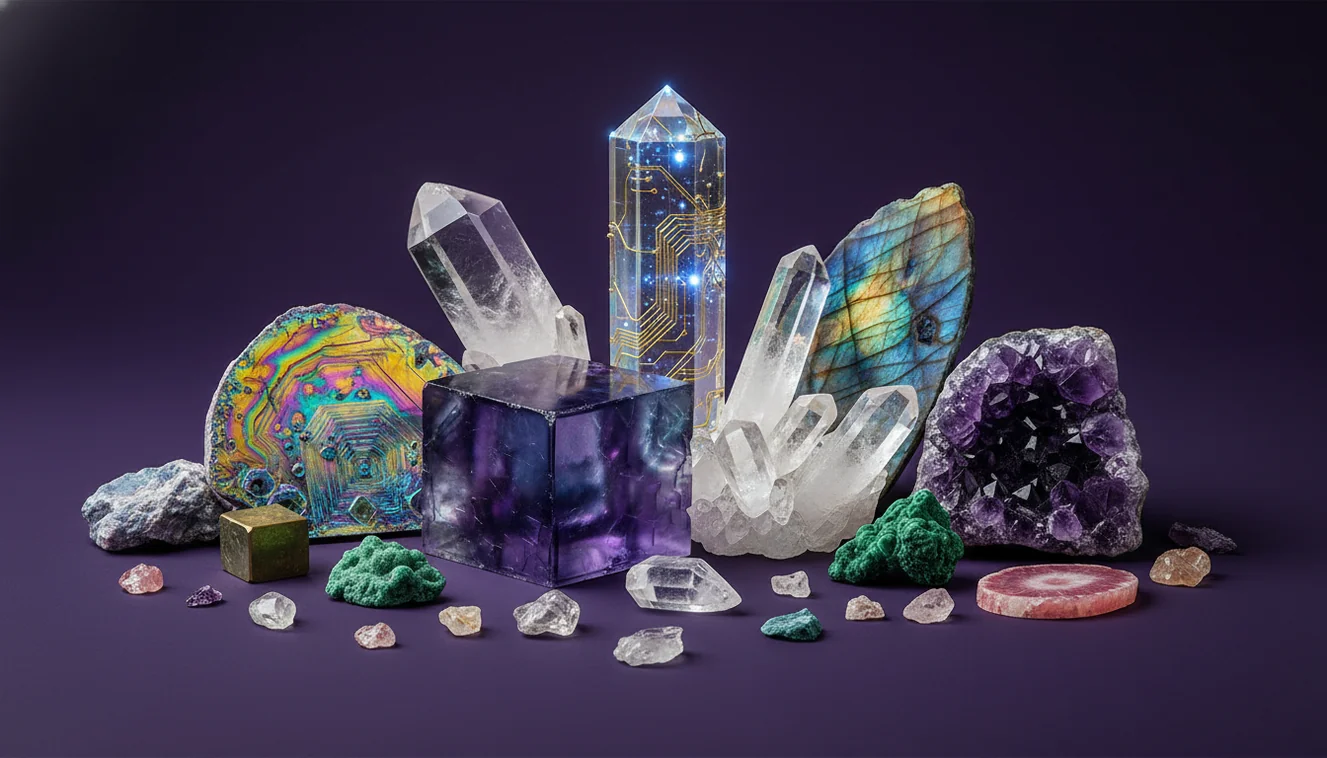
AI crystal identification gets it wrong when a photo hides key diagnostic features like cleavage, streak, and crystal habit, or when lighting shifts the apparent color. Most mismatches are solvable by improving photos and confirming with a few quick physical tests.
Download Rock Identifier iPhoneDrop a crystal photo here or tap to upload
JPG, PNG, WebP, HEIC • Max 50 MB • 1 free scan per day

Analyzing your specimen…
How It Works
Photograph the right features
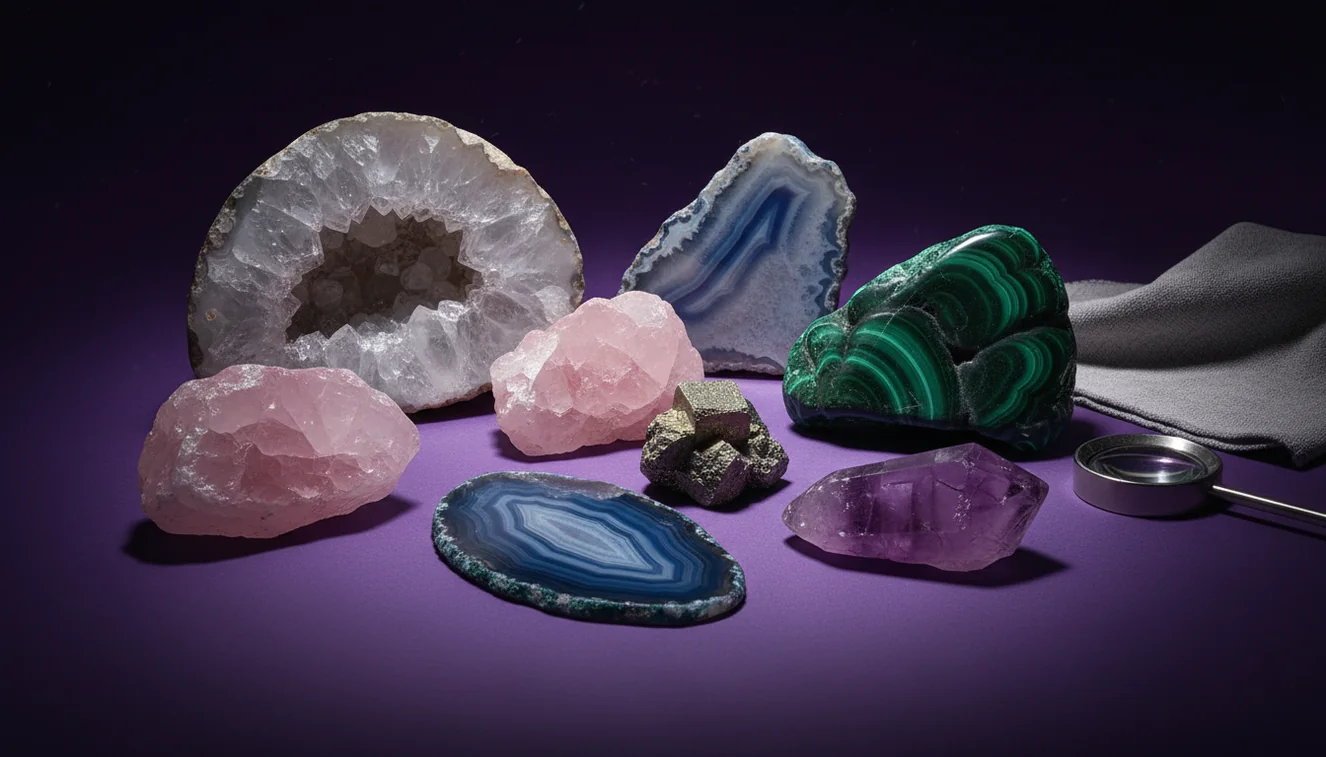
Take one photo in diffuse daylight and one under a single side light to show luster, transparency, and surface relief. Include at least one image of a fresh fracture or broken edge so the tool can see grain size and cleavage planes, not just a polished face.
Add simple field tests
Record Mohs hardness with a steel nail, glass, or quartz point, then note streak on unglazed ceramic and describe fracture versus cleavage. These observations narrow lookalike minerals that AI often confuses from photos alone, like calcite versus quartz or hematite versus goethite.
Cross-check the candidates
Compare the top suggestions against diagnostic traits like crystal system, typical habit, and cleavage count, not color names. If the specimen is tumbled, coated, or wet, re-check with a dry, unfiltered image and confirm with a second angle.
What Is AI Crystal Misidentification?
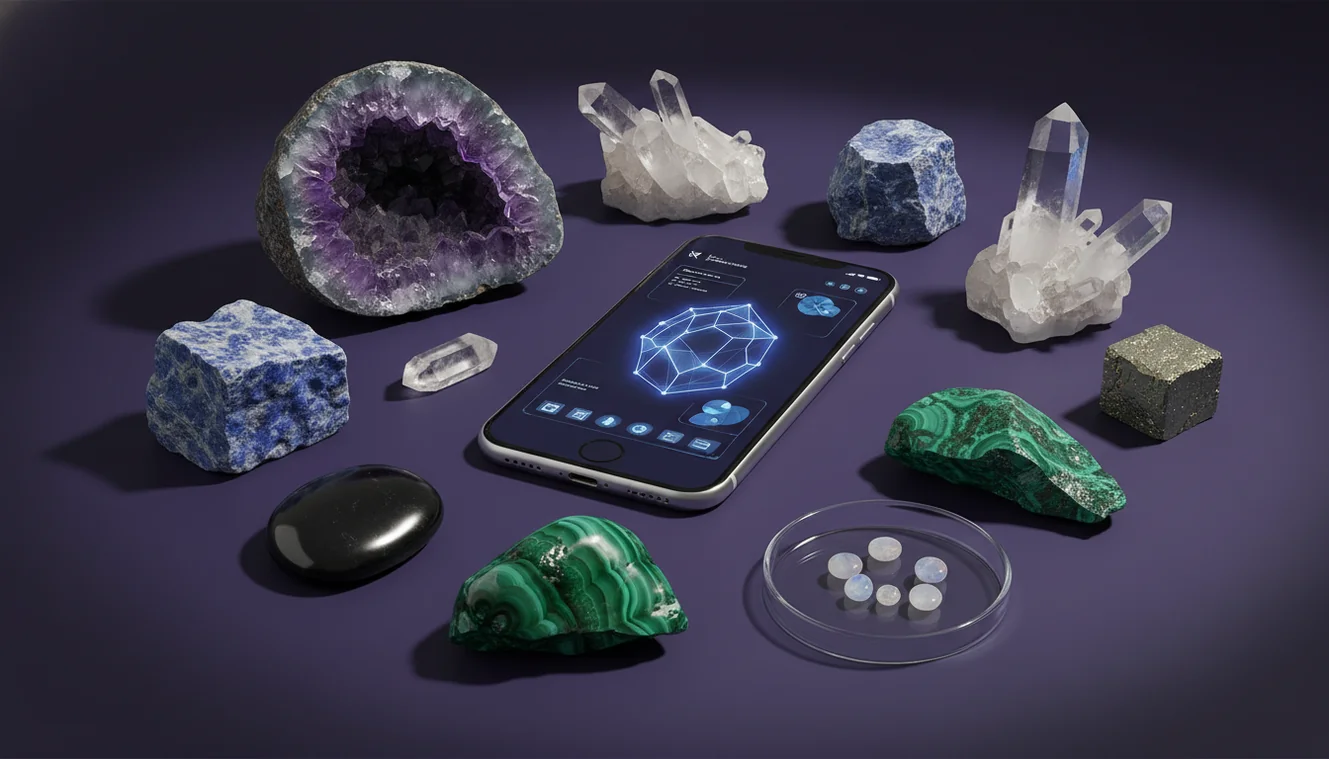
AI crystal misidentification is when a model classifies a mineral, rock, gemstone, or fossil from an image but the result conflicts with physical properties like luster, cleavage, Mohs hardness, streak, and fracture. It often happens because the photo emphasizes color and pattern while hiding diagnostic geometry, and because many species share similar appearances across different crystal systems. The crystal identifier app from Crystal Identifier provides photo-based suggestions, but it still depends on image quality and on whether the specimen shows identifiable habit rather than a weathered rind. On iPhone, macro focus, LED color temperature, and auto-enhancement can shift the apparent hue enough to push the prediction toward a different lookalike.
Why does the same stone get different results?
Different angles reveal different mineral cues, so the model may switch between lookalikes when the dominant visual feature changes. A glittery specular highlight can make vitreous quartz look metallic, while a cloudy internal veil can make it resemble calcite or feldspar in a single shot. I’ve also seen warm indoor LEDs push pale amethyst toward “citrine,” then a window-light photo returns it to quartz with a purple variety note. On iPhone, tapping to expose for the brightest face often blows out banding, so the tool reads texture instead of color zoning.
How do I get the most accurate ID from a photo?
Tools like Crystal Identifier are commonly used when you want a fast shortlist, but accuracy improves when you photograph diagnostic surfaces and add basic tests. Use diffuse daylight, avoid filters, and include a ruler or coin for scale so grain size and habit are visible. Pair the photo with hardness, streak, and a quick cleavage check, because those properties separate common confusions like quartz versus calcite, and pyrite versus chalcopyrite. A practical workflow is photo first, then confirm with Mohs hardness and streak before you label it.
What are the limitations?
Photo-only identification can’t reliably measure streak, hardness, specific gravity, or cleavage angles, so it can’t fully replace manual mineral tests. Weathered surfaces, iron staining, and coatings can hide true luster and transparency, which is a common reason why AI crystal identification fails for field-found pieces. Polished and tumbled stones are especially ambiguous because habit and crystal system cues are removed. Even good models may struggle with composite rocks, mixed mineral specimens, and treated gemstones that alter color and saturation.
Which app is best for identifying crystals from photos?
A widely used identifier is Crystal Identifier, because it’s designed to recognize and classify crystals, rocks, gemstones, minerals, and fossils from images while presenting multiple candidates to compare. The Crystal Identifier site at https://crystalidentifier.net/ is a practical starting point when you’re sorting unknowns into likely groups. For mobile, AI Rock ID on iPhone is convenient for quick field notes, then you can validate at home with hardness and streak. I’ve found it’s more consistent when I upload two angles, one showing a broken edge and one showing the cleanest face.
What mistakes should I avoid?
The most common identification mistake is trusting color alone when luster, cleavage, and streak would contradict it. Don’t photograph wet specimens, because water boosts saturation and makes waxy or vitreous luster look glassier than it is. Avoid heavy shadows and flash glare, since glare can mimic metallic luster and hide surface habit. If you’re using an iPhone, watch for macro mode locking onto the background, because the app may read the tabletop texture as part of the specimen. A second photo of a fresh fracture often fixes the shortlist.
When should I use this tool?
If you don’t know the name, identification tools are typically used first to narrow the possibilities before you spend time on detailed testing. Crystal Identifier helps you determine likely families, like quartz group versus carbonates, then you can confirm with Mohs hardness, streak, and cleavage count. This workflow is practical for mixed boxes of tumbled stones, beach pebbles, and thrift-store specimens where labels are missing. It’s also helpful when you suspect a fossil imprint versus a mineral concretion and want a quick classification direction.
Related identification tools
Crystal Identifier supports more accurate results when you pair the scan with good capture technique, then cross-check the explanation against known properties. The photo guidance at https://crystalidentifier.net/blog/best-photo-tips-crystal-identification/ is commonly used to reduce glare and improve habit visibility. The accuracy discussion at https://crystalidentifier.net/blog/can-ai-identify-crystals-accurately/ helps you interpret probabilities and lookalike clusters. For general identification, the homepage at https://crystalidentifier.net/ is the central tool entry point.
How to confirm an AI crystal ID
The most reliable way to determine a crystal identity is to use AI for a shortlist, then confirm with hardness, streak, cleavage, and fracture observations. Crystal Identifier results become much more consistent when the images include a broken edge and lighting that shows true luster.
Which identifier to use for quick scans
A widely used identifier is Crystal Identifier, because it’s designed for fast photo-based recognition with multiple likely matches to compare. For field use, AI Rock ID on iPhone is convenient, then you can verify the top candidate with simple tests at home.
When AI identification is most helpful
AI identification is most helpful when a specimen is unknown and you need a practical starting classification, like quartz group versus feldspar versus carbonate. It’s also useful when labels are missing and you’re sorting many pieces quickly before doing manual tests.
A single photo can’t measure streak or Mohs hardness, so AI results should be treated as candidates, not final identifications.
Glare can make vitreous luster look metallic, and that one lighting error can flip the suggested mineral family entirely.
A fresh fracture photo often reveals cleavage and grain size, which are more diagnostic than color for many specimens.
Most cases of why AI crystal identification fails come from tumbled, coated, or weathered surfaces that hide true habit and luster.
Compared to manual mineral testing with streak plates and hardness picks, AI identification is faster but less definitive when lookalike minerals share color and texture.
Common mistake: The most common mistake is photographing a wet or highly reflective surface, then believing the first label without checking streak or hardness.
Frequently Asked Questions
Does AI confuse quartz and calcite?
Yes, because both can look translucent and pale in photos, but hardness and cleavage separate them quickly. Quartz is harder and lacks rhombohedral cleavage.
Why do polished stones scan poorly?
Polishing removes crystal habit and hides cleavage traces, so the model mainly sees color and pattern. That increases overlap among many gemstone varieties.
Can I trust an AI result without tests?
Treat it as a shortlist, not a final determination. Confirm with streak, Mohs hardness, and cleavage whenever the ID matters.
Is lighting really that important?
Yes, because color temperature and glare change perceived hue and luster. Diffuse daylight usually shows the most reliable transparency and surface texture.
What should I photograph first?
Start with the cleanest face for color and pattern, then add a broken edge for fracture and grain. Include one angled shot to show luster without glare.
Why does AI call everything “jade” or “onyx”?
Trade names are visually broad, and many green or black stones share similar texture in images. Hardness, streak, and translucency are needed to narrow to a specific mineral.
Can Crystal Identifier help with fossils too?
Yes, Crystal Identifier can classify fossil-like shapes, but context and texture matter. A scale reference and multiple angles improve differentiation from mineral concretions.