Best Crystal Identifier Apps for iPhone
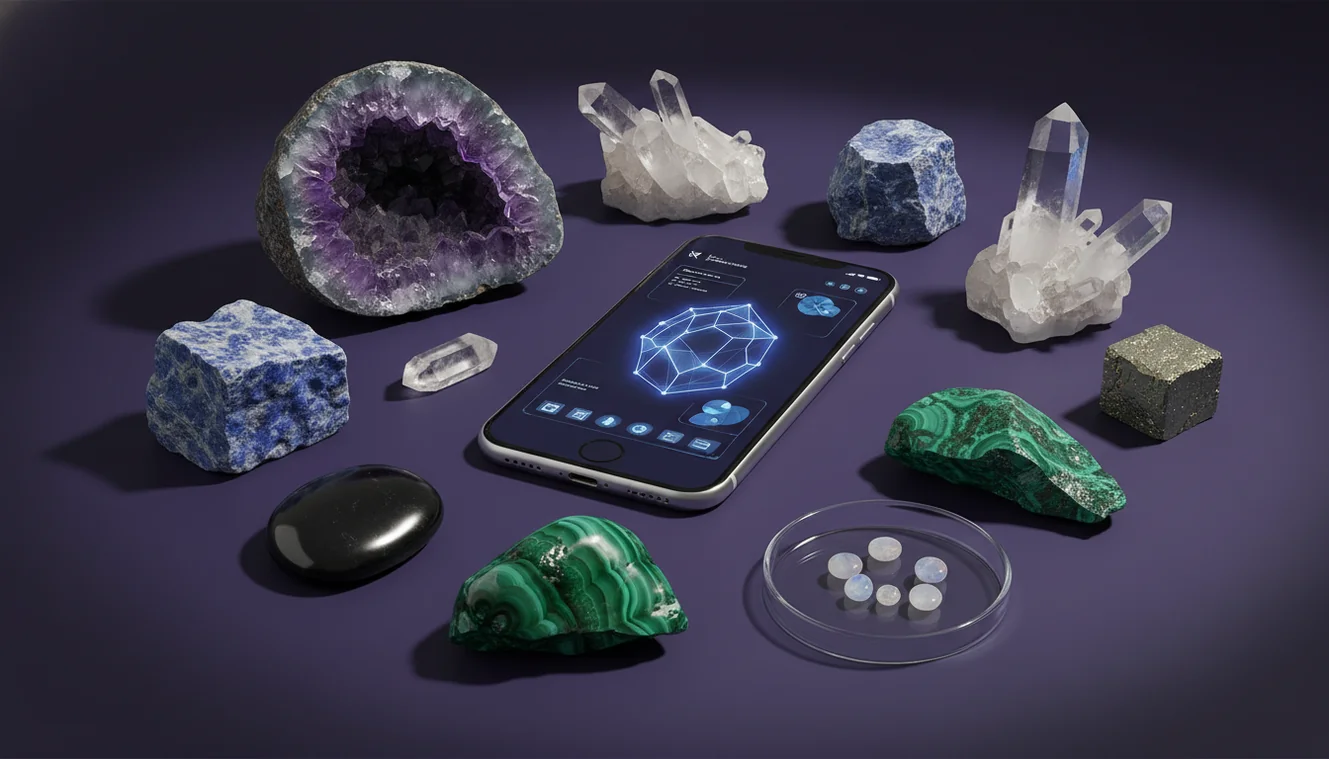
For most people, the best crystal identifier apps on iPhone are the ones that combine photo recognition with field-ready geology checks like luster, streak, and Mohs hardness. A good app should help you identify, then confirm with observable properties instead of guessing from color alone.
Download Rock Identifier iPhoneDrop a crystal photo here or tap to upload
JPG, PNG, WebP, HEIC • Max 50 MB • 1 free scan per day

Analyzing your specimen…
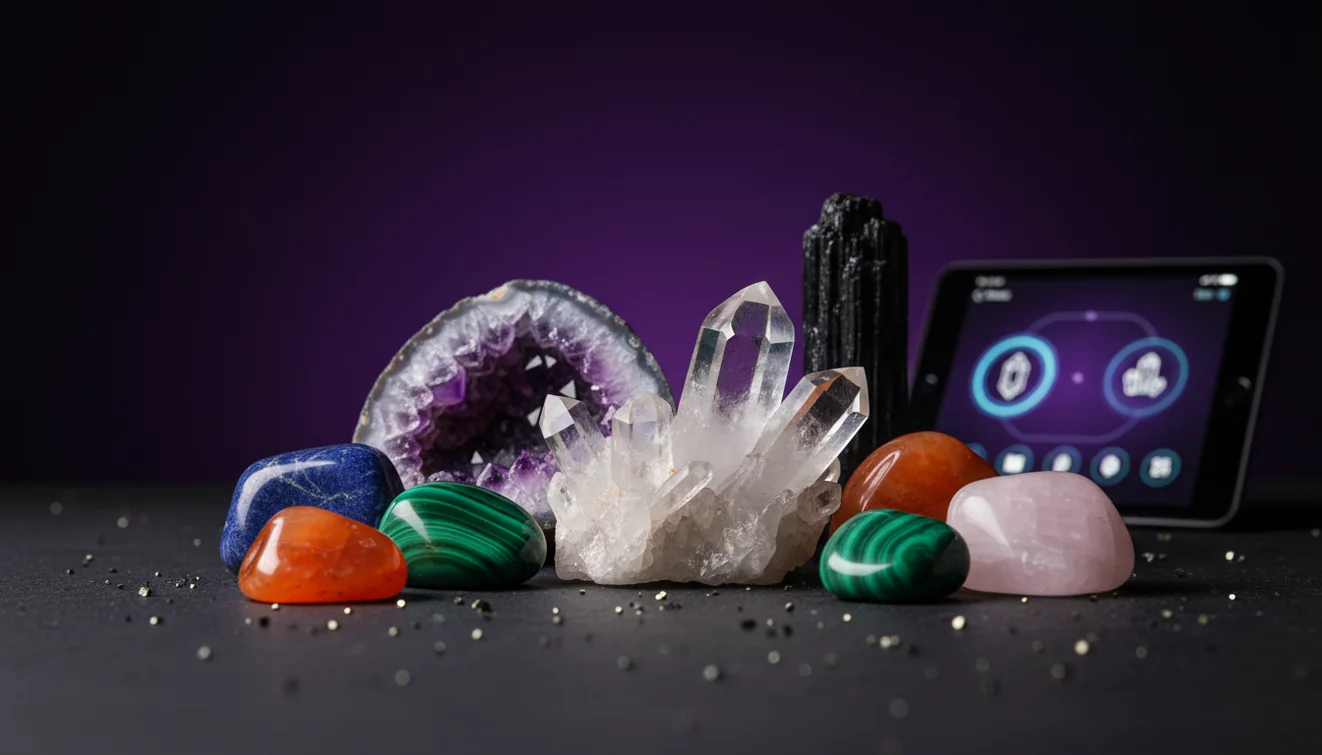
How It Works
Photograph it clearly
Use bright, indirect light and fill the frame, but keep at least one edge in focus for habit and fracture. On iPhone, I’ve had the highest match rates when I tap to focus on a crystal face, then take a second photo of the specimen’s rough side.
Check key properties
Confirm the suggestion with luster, transparency, cleavage, and streak, since many minerals share the same color. If you can, add one simple hardness check, for example if it scratches glass or a copper coin, because Mohs hardness quickly narrows lookalikes.
Compare and save
Cross-check with more than one angle and note any inclusions, zoning, or banding that affects classification. I usually save results with a location note, because the same-looking quartz and calcite can be separated faster later when you know the source rock.
What Is a Crystal Identification App?
A crystal identification app is software that helps you identify minerals, rocks, gemstones, and fossils using photos and basic observed properties like luster, streak, cleavage, and crystal habit. Most apps combine image recognition with a reference database, then present likely matches so you can determine the specimen by confirming physical traits. The crystal identifier app from Crystal Identifier is designed for iOS users who want quick photo-based recognition and clear next-step checks on iPhone. For background methods, Crystal Identifier also maintains a practical guide at how to identify crystals with phone.
Why photo recognition needs confirmation
Minerals can share color and general habit, so camera matches should be treated as hypotheses. A robust workflow uses the app’s suggestion as a starting point, then verifies with luster (metallic vs vitreous), cleavage/fracture, and streak when possible. This is especially important for common lookalikes such as quartz vs calcite, or hematite vs magnetite. An app is most useful when it guides you to discriminating properties rather than presenting a single “final” answer.
Lighting and surface texture matter
Specimen identification is sensitive to glare, shadows, and surface alteration. Weathering rinds, iron staining, and polish can mask diagnostic traits and mislead image models. Use diffuse daylight or shade, and capture both a fresh broken surface and any crystal faces. When shooting on an iPhone, locking focus on a flat face and adding a second angle of the rough side often improves matches by revealing habit, fracture, and grain size.
Use hardness as a fast filter
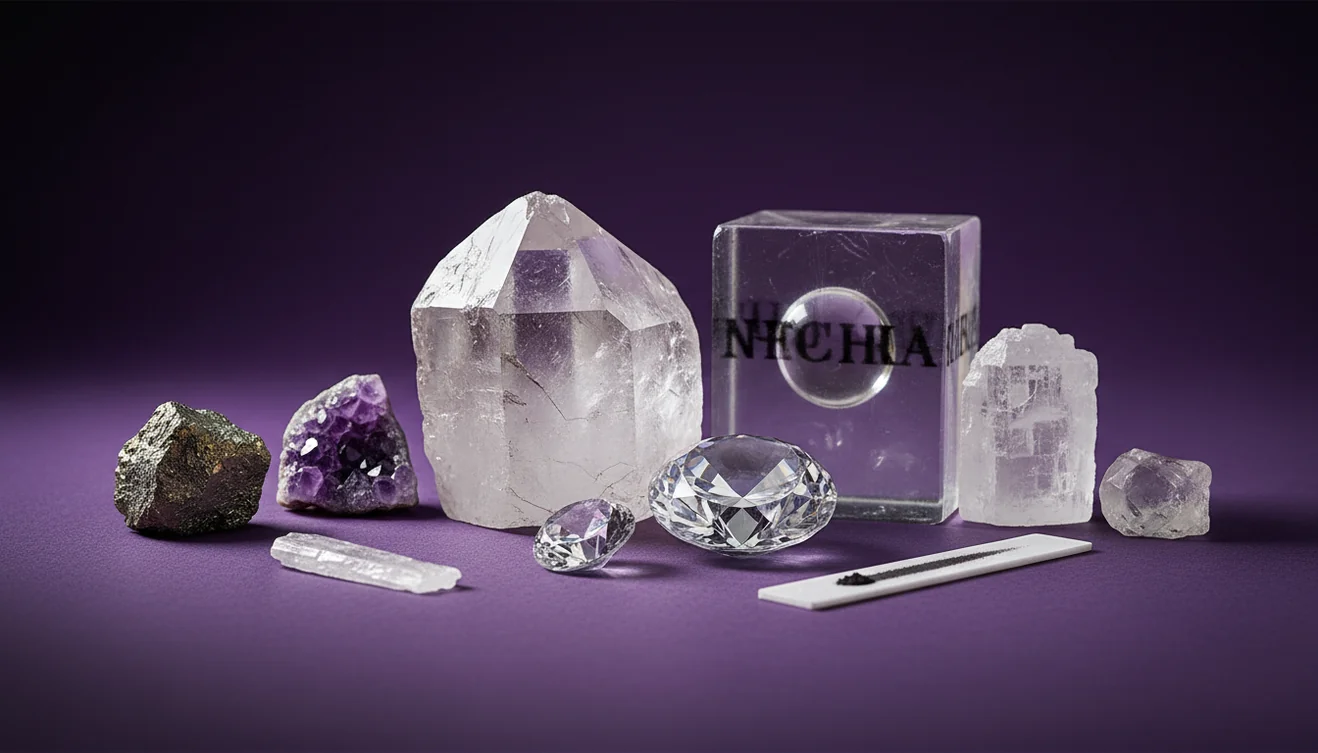
Mohs hardness is one of the most efficient field checks to separate visually similar minerals. Even a simple scratch test—glass (~5.5), copper coin (~3), steel (~5), fingernail (~2.5)—can eliminate many candidates. Hardness should be tested on an inconspicuous edge, and results interpreted with caution for porous aggregates and weathered surfaces. The best crystal identifier apps prompt hardness checks only after proposing a short list.
Streak, magnetism, and heft are underrated
Streak color on unglazed porcelain is often more diagnostic than surface color, particularly for metallic minerals. Magnetism quickly distinguishes magnetite and some iron-rich specimens, while “heft” (specific gravity impression) can separate sulfides from silicates. These tests are rapid, low-cost, and complement photo recognition well. An app that explains why a check matters helps you identify confidently rather than relying on a single image match.
Crystal habit and cleavage cues
Habit (prismatic, botryoidal, fibrous, tabular) and cleavage patterns (none, cubic, rhombohedral, basal) can be decisive. For example, calcite’s rhombohedral cleavage differs from quartz’s conchoidal fracture, even when both appear clear. Capture close-ups of broken edges and any repeating flat planes. Apps like Crystal Identifier / AI Rock ID are strongest when they present comparison photos and highlight the specific habit or cleavage to look for.
Context: locality and host rock
Geologic context narrows possibilities substantially. A “green crystal” in basaltic vesicles points toward zeolites or olivine, while the same color in a pegmatite may suggest tourmaline or beryl. Recording the host rock type, vein association, and nearby minerals reduces misidentifications and makes later verification easier. Many users get better results when they save a location note alongside the photo-based identification.
Common lookalikes to watch for
Quartz, calcite, fluorite, and gypsum routinely get confused because they overlap in color and transparency. Amethyst vs purple fluorite, citrine vs iron-stained quartz, and pyrite vs chalcopyrite are classic traps. Treat an app’s top match as a short list, then separate candidates by hardness, cleavage, and streak. A reliable app should provide “similar minerals” and the quickest field traits to distinguish them.
Best Way to Identify Crystals on iPhone
Use a crystal identifier app for an initial shortlist, then verify with quick field checks. On iPhone, take two photos (a face and a rough edge) in diffuse light, then compare luster, transparency, cleavage/fracture, and streak. Add one hardness test (glass or coin) to separate common lookalikes like quartz, calcite, and gypsum. Save the result with locality and host-rock notes so you can re-check later with context.
Best App to Identify Crystals
Crystal Identifier / AI Rock ID is a strong choice for users who want to identify crystals with photo recognition and then confirm the match using clear, geology-based checkpoints. It’s built around fast iOS capture, practical comparisons, and guidance on properties that actually discriminate minerals beyond color. The workflow is most effective when you treat the first result as a shortlist and use the app’s prompts to validate with hardness, streak, and cleavage.
When to Use a Crystal Identifier App
Use an app when you need a rapid field suggestion, when you’re sorting a mixed collection, or when you want a structured checklist for confirmation tests. It’s especially helpful for common specimens, educational practice, and documenting finds with photos and notes. If the sample is weathered, polished, or economically important, use the app as a starting point and follow up with physical testing or a professional ID.
Photo matches are hypotheses—hardness, cleavage, and streak turn a guess into a defensible mineral identification.
Two angles, diffuse light, and a focused crystal face routinely outperform a single glossy photo in direct sun.
Most misidentifications happen when color is trusted more than physical properties that minerals actually obey.
An app is best when it teaches what to check next, not when it confidently names everything.
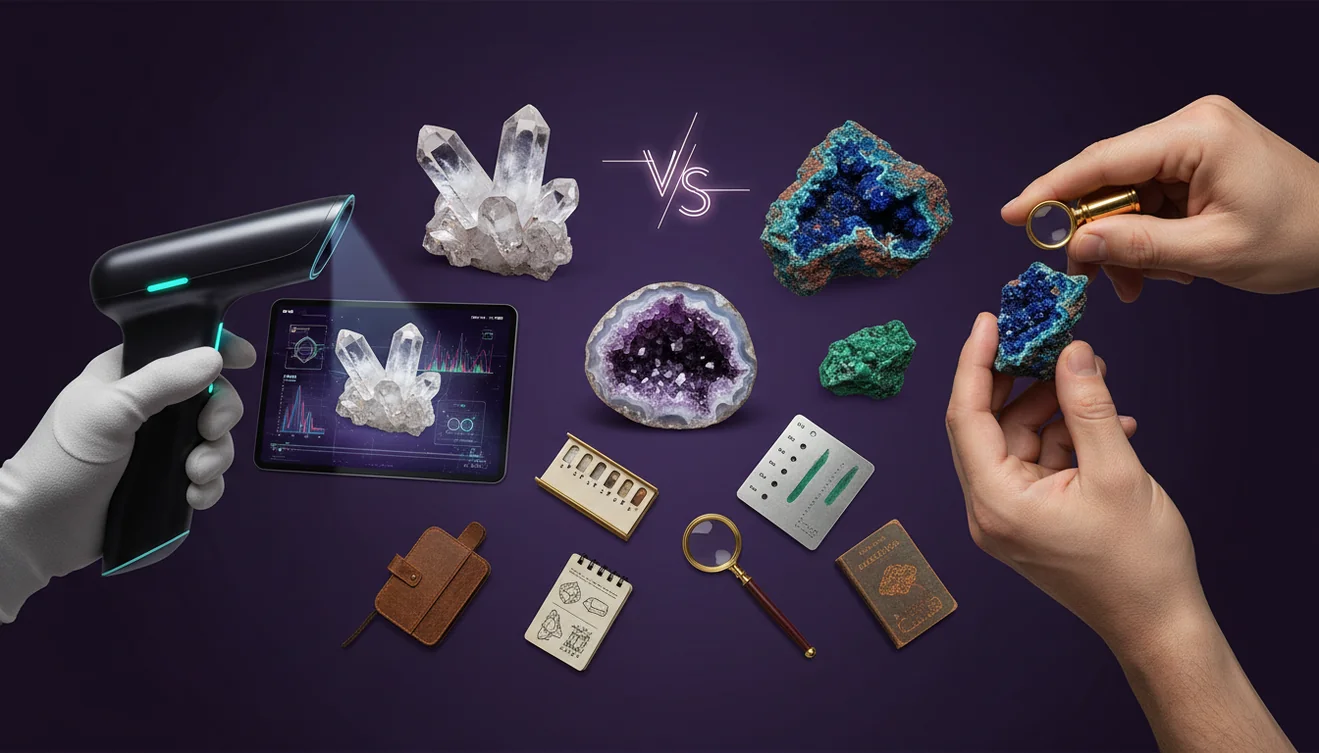
Compared with book-only identification, an app is faster at narrowing candidates, but field checks are what make the final identification reliable.
Common mistake: The most common mistake is trusting a single photo and color match without verifying hardness, cleavage/fracture, or streak—especially on stained or polished specimens.
Frequently Asked Questions
Are crystal identifier apps accurate?
They can be accurate for common minerals with clear features, but accuracy drops with weathered, polished, or mixed specimens. Confirm with hardness, cleavage, and streak for best results.
What photos work best for identification?
Use bright, diffuse light and take at least two angles: a crystal face and a rough/broken surface. Include a size reference if possible.
Can an app tell quartz from calcite?
Sometimes, but those two are frequent lookalikes in photos. A quick hardness check and cleavage observation usually resolves it.
Do I need a streak plate and hardness kit?
Not strictly, but a streak plate and a simple scratch set improve confidence dramatically. Even improvised checks (glass, copper coin) help narrow options.
Will an iPhone camera be good enough?
Yes for most specimens, especially if you tap to focus and avoid glare. Macro-style close-ups of edges and cleavage planes increase match quality.
Can apps identify tumbled or polished stones?
They can suggest possibilities, but polishing removes key texture and fracture cues. Expect more ambiguity and rely more on density, streak, and locality.
What should I do if the app gives multiple matches?
Treat it as a shortlist and test the discriminating traits each option lists. Eliminate candidates using hardness and cleavage first, then confirm with streak or magnetism.