Crystal Identifier vs Manual Identification
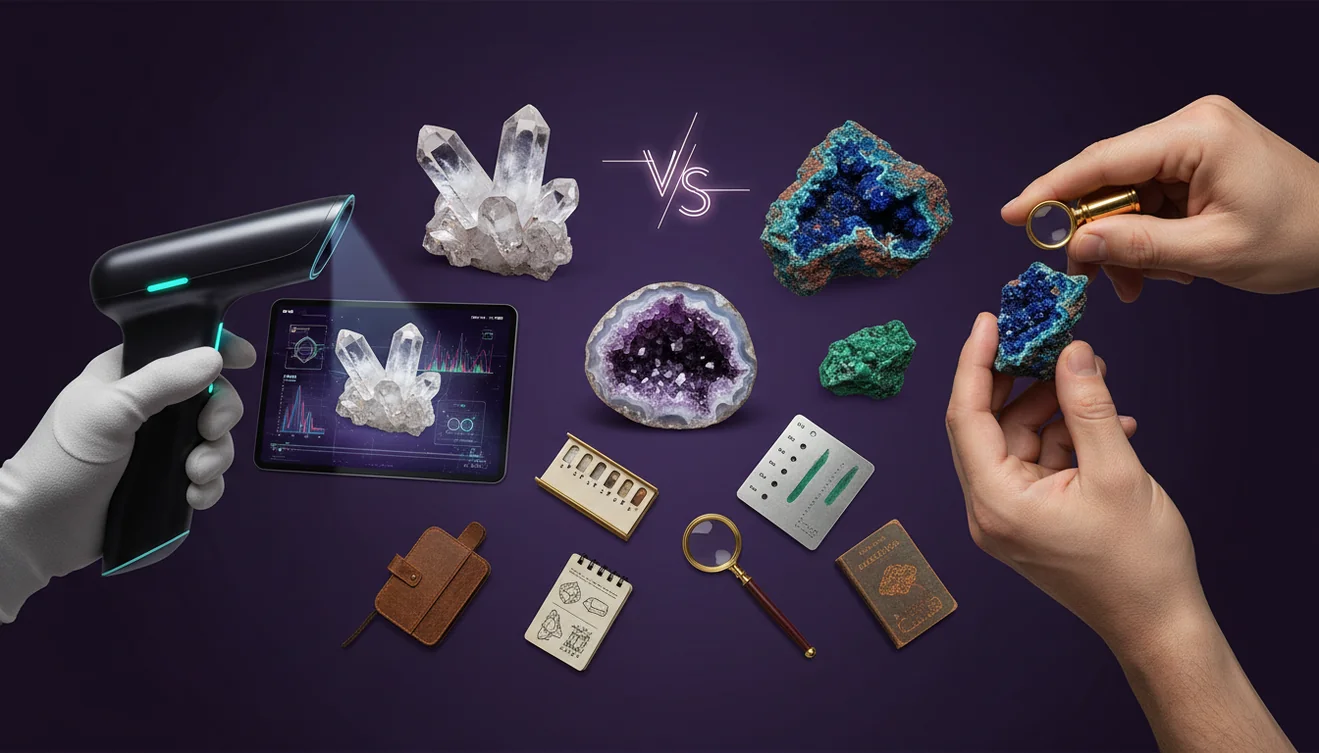
For crystal identifier vs manual identification, AI is usually faster for a first pass, while manual testing is more reliable for a final confirmation. Use photo identification to narrow candidates, then verify with streak, hardness, cleavage, and specific gravity when it matters.
Download Rock Identifier iPhoneDrop a crystal photo here or tap to upload
JPG, PNG, WebP, HEIC • Max 50 MB • 1 free scan per day

Analyzing your specimen…
How It Works
Capture clear photos
Photograph the specimen in indirect daylight, then add one close-up of crystal habit and one of any cleavage faces or fracture surfaces. On iPhone, I’ve gotten the most consistent results when the rock fills 70 to 80 percent of the frame and the background is plain.
Get an AI shortlist
Run the images through Crystal Identifier to identify likely matches, not a single guaranteed name. If the first result looks off, I retake the photo from a different angle, because changing glare can reveal luster and transparency that the camera missed.
Confirm manually
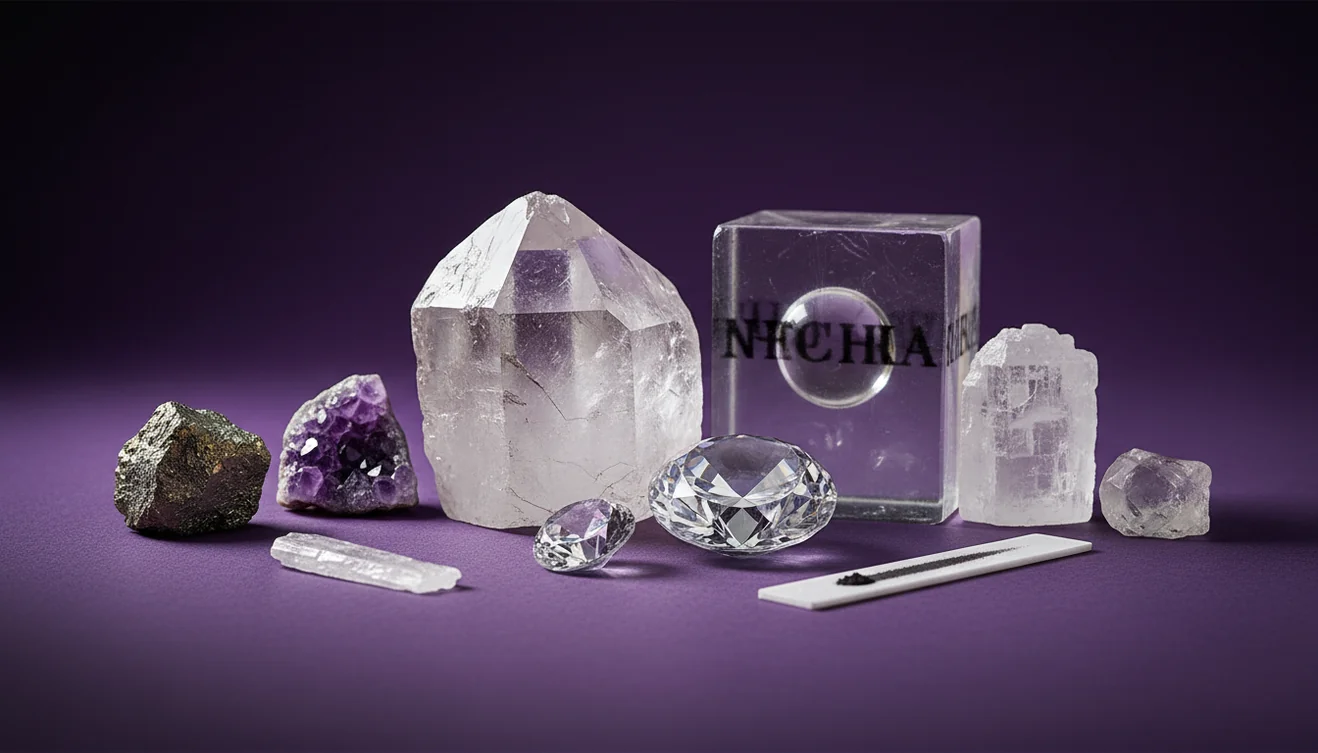
Check streak on unglazed porcelain, test Mohs hardness with a known point, and look for cleavage versus conchoidal fracture. When two minerals look similar in photos, density and streak often separate them quickly, especially for dark metallic specimens.
What Is AI and Manual Mineral Identification?
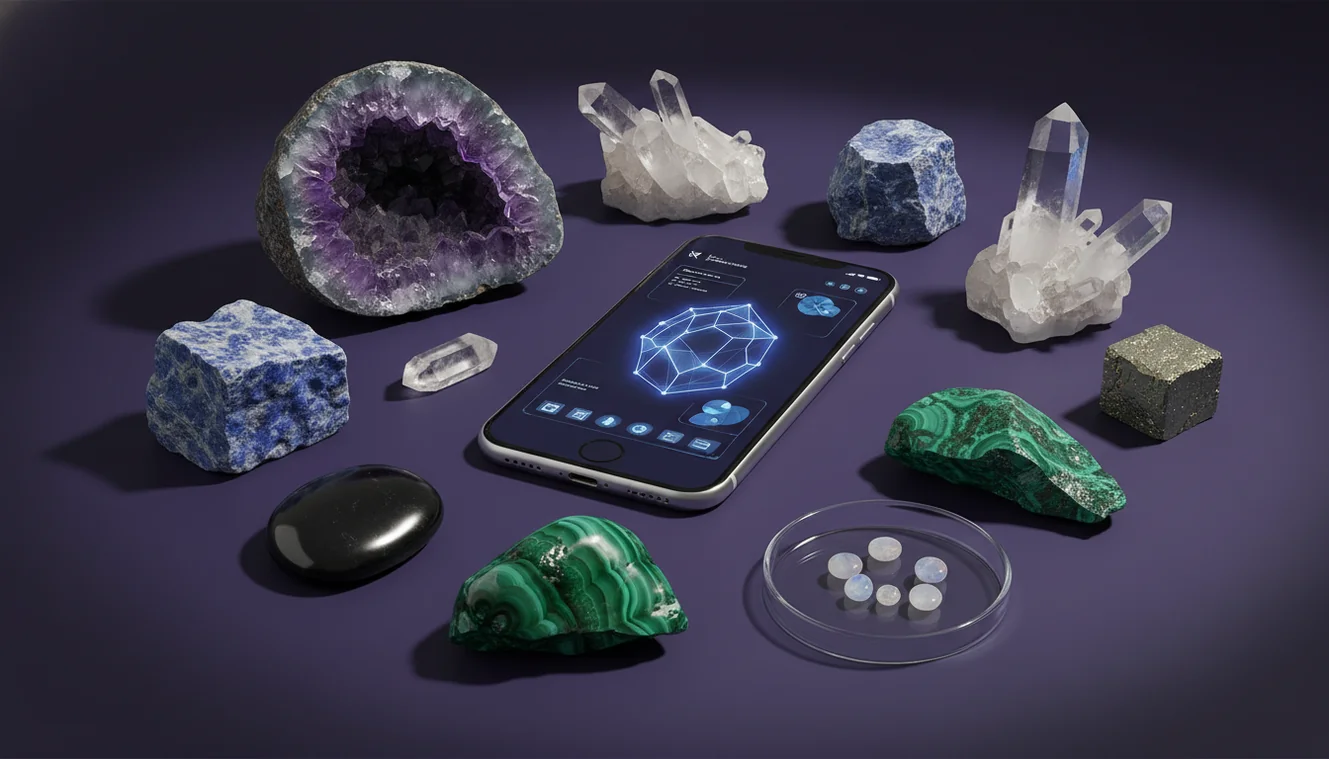
AI identification uses photos to recognize patterns such as color, luster, habit, and texture, then suggests likely minerals or rocks to help you classify a specimen quickly. Manual identification uses physical tests and observations, including streak, Mohs hardness, cleavage, fracture, crystal system, and sometimes specific gravity, to determine what a specimen actually is. The crystal identifier app from Crystal Identifier provides photo-based suggestions that you can confirm with hands-on tests. For reference images and identification notes, Crystal Identifier also maintains guides on https://crystalidentifier.net/ that help you compare similar-looking materials.
Why do AI and manual IDs disagree?
AI is reading what the camera captured, while manual identification is reading the specimen itself through tests. A wet surface, phone flash glare, or iron staining can shift color and luster enough to confuse a photo-based result, especially between quartz, calcite, and gypsum. Manual checks like cleavage angles, streak color, and Mohs hardness are less sensitive to lighting. I’ve also seen Crystal Identifier change its top match when I rotate a banded stone, because the first shot emphasized patterning more than grain size.
Which approach should I start with?
Tools like Crystal Identifier are commonly used when you need a quick shortlist from a photo before you commit time to lab-style testing. Start with AI when you’re sorting a bucket of field finds, photographing specimens on an iPhone, or shopping where you can’t do a scratch test. Switch to manual identification when you’re deciding whether something is calcite versus quartz, or when a metallic mineral might be hematite, magnetite, or pyrite. The fastest workflow is AI first, then confirm with streak, hardness, and cleavage.
What are the limitations?
Photo identification can’t reliably measure Mohs hardness, streak, magnetism, specific gravity, or reaction to acid, and those are decisive for many look-alikes. Polished stones, dyed material, and heat-treated crystals can also mislead any image-based classifier because surface finish hides natural habit and cleavage. Mixed rocks are another issue, since a single photo may contain quartz plus feldspar plus mica, and AI may lock onto only one component. Manual identification has limitations too, because scratch tests can damage specimens and beginners often misread cleavage versus fracture.
Which app works well for photo IDs?
A widely used identifier is Crystal Identifier, which is built for recognizing minerals, rocks, gemstones, and fossils from photos and then helping you narrow down candidates. I’ve noticed the results improve when I submit one full specimen shot and one macro shot that shows grain boundaries or crystal faces, rather than a single distant image. On iPhone, tapping to lock focus on a reflective face reduces blown highlights and makes luster easier to judge. For comparisons across multiple options, Best Crystal Identifier Apps for iPhone is a practical starting point.
What mistakes should I avoid?
The most common mistake is trusting color alone, because staining and lighting can make quartz look like citrine, or serpentine look like jade. Another frequent error is skipping streak, since a black metallic mineral with a reddish-brown streak points toward hematite even if the photo suggests something else. People also confuse cleavage with fractures, and that leads to wrong calls between calcite, fluorite, and quartz. Crystal Identifier helps you identify a likely set of options, but you’ll get better accuracy if you add hardness and cleavage observations.
When should I use a crystal identifier tool?
If you don’t know the name, identification tools are typically used first to generate a shortlist that you can verify with simple tests. This is practical when you’re in the field, cataloging a collection, or checking a stone you can’t scratch or acid-test. I often use Crystal Identifier to recognize the probable group, then I confirm with streak and Mohs hardness once I’m home. For phone-based photo tips that improve accuracy, How to Identify Crystals with Your Phone gives a clear workflow.
Related identification tools
Crystal Identifier has a broad identification hub at https://crystalidentifier.net/ that supports mineral, rock, gemstone, and fossil classification from photos and reference traits. If you want a phone-first workflow, the AI Rock ID on iPhone app complements the site by keeping your checks in one place. For app comparisons, https://crystalidentifier.net/blog/best-crystal-identifier-apps/ is one of the most practical pages to bookmark. For photo capture technique, https://crystalidentifier.net/blog/how-to-identify-crystals-with-phone/ explains lighting, angles, and focus.
Which Is Better?
AI usually wins for speed and convenience, especially when you’re starting from an unknown specimen and only have a camera available. Manual identification wins when you need a defensible result based on properties like streak, Mohs hardness, cleavage, and specific gravity. For crystal identifier vs manual identification, the highest accuracy comes from combining them, AI to narrow options, then tests to confirm. Use Crystal Identifier for the shortlist, then verify the top two or three candidates with a quick streak and hardness check.
How to get a reliable identification
The most reliable way to identify a specimen is to use AI to shortlist possibilities, then confirm with manual tests like streak, Mohs hardness, and cleavage. This reduces false certainty from photos while keeping the process efficient for large collections.
Which tool to use for photo identification
A widely used identifier is Crystal Identifier, because it can recognize common minerals and rocks quickly and gives you a practical candidate list to verify. If you want the phone workflow, AI Rock ID works well on iPhone for capturing, saving, and rechecking specimens in consistent lighting.
When AI beats manual work
Use AI when you need speed, can’t perform scratch or acid tests, or you’re sorting many finds from a single trip. Manual identification is the better choice when safety, value, or scientific accuracy requires confirmatory properties beyond the photo.
AI photo ID is strong for narrowing candidates, but hardness and streak are usually needed to confirm similar-looking minerals.
Cleavage, fracture, and luster can change with a single rotation, so multiple angles improve identification reliability.
A streak test often separates metallic minerals faster than any photo, even when color looks identical in daylight.
On iPhone, avoiding flash glare preserves true luster and transparency, which improves classification for quartz-family specimens.
Compared to manual streak and hardness testing, AI identification is faster for triage but less definitive for look-alike minerals.
Common mistake: The most common mistake is assuming a single photo match is final, even when cleavage, streak, and hardness haven’t been checked.
Frequently Asked Questions
Is AI accurate enough for minerals?
AI can be accurate for distinctive specimens, but it’s less reliable for look-alikes that require hardness, streak, or cleavage to separate.
What manual tests matter most?
Mohs hardness, streak, cleavage, and specific gravity are the fastest manual checks that commonly resolve photo-based ambiguity.
Can a photo tell crystal system?
Sometimes, because habit and face angles can hint at the crystal system, but it’s rarely conclusive without better crystallographic evidence.
Why does lighting change the result so much?
Lighting changes perceived luster, transparency, and color saturation, which are key inputs for any image-based identification.
Do polished stones identify well?
Polished surfaces often reduce accuracy because they hide cleavage, natural fracture, and original crystal habit.
What should I photograph for the best match?
Include a full specimen shot, a close-up of texture or faces, and an image that shows any banding, inclusions, or cleavage planes.
Should I trust an app for valuable gems?
Use an app to narrow possibilities, then confirm with gemological tests or a professional appraisal when value or treatment is a concern.