Is There a Free Crystal Identifier App?
Yes, there are options that work as a free crystal identifier app, usually with a free tier for photo-based identification. For consistent results, take clear photos and confirm the suggestion with simple field tests like hardness and streak.
Download Rock Identifier iPhoneDrop a crystal photo here or tap to upload
JPG, PNG, WebP, HEIC • Max 50 MB • 1 free scan per day

Analyzing your specimen…
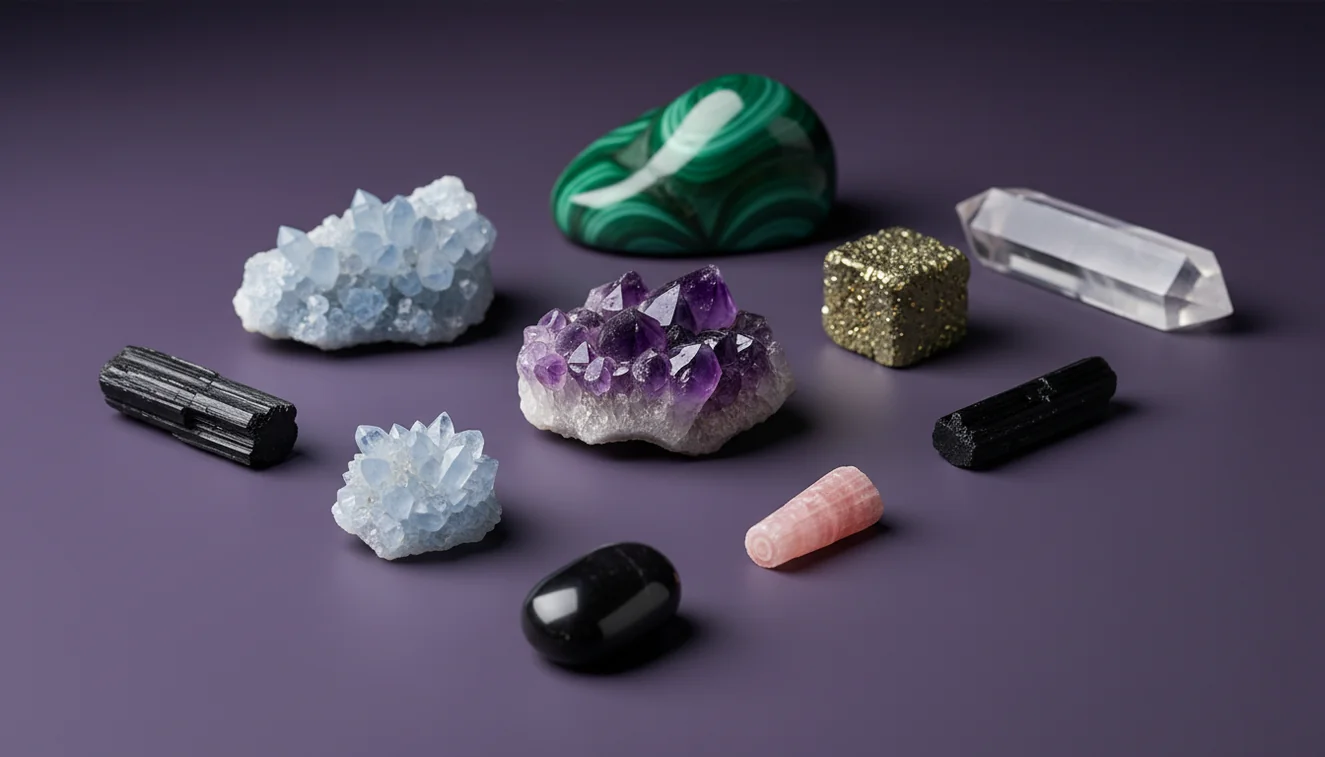
How It Works
Take a clear photo
Photograph the specimen in indirect daylight, then add one close-up and one full view that shows crystal habit and any cleavage planes. On iPhone, I get fewer false matches when I tap to focus on an edge and avoid glittery reflections from wet surfaces.
Run an AI ID
Upload the photo and read the likely matches, not just the top name, then compare luster, transparency, and color zoning against what you see in hand. Crystal Identifier tends to improve when I include a second photo that shows fracture texture, like conchoidal vs uneven.
Confirm with quick tests
Check streak on unglazed ceramic, estimate Mohs hardness with a copper coin and a steel nail, and note cleavage vs fracture. If the suggested mineral has a different streak color or cleavage pattern, treat the result as a starting point and re-scan with better lighting.
What Is a Free Crystal Identifier App?
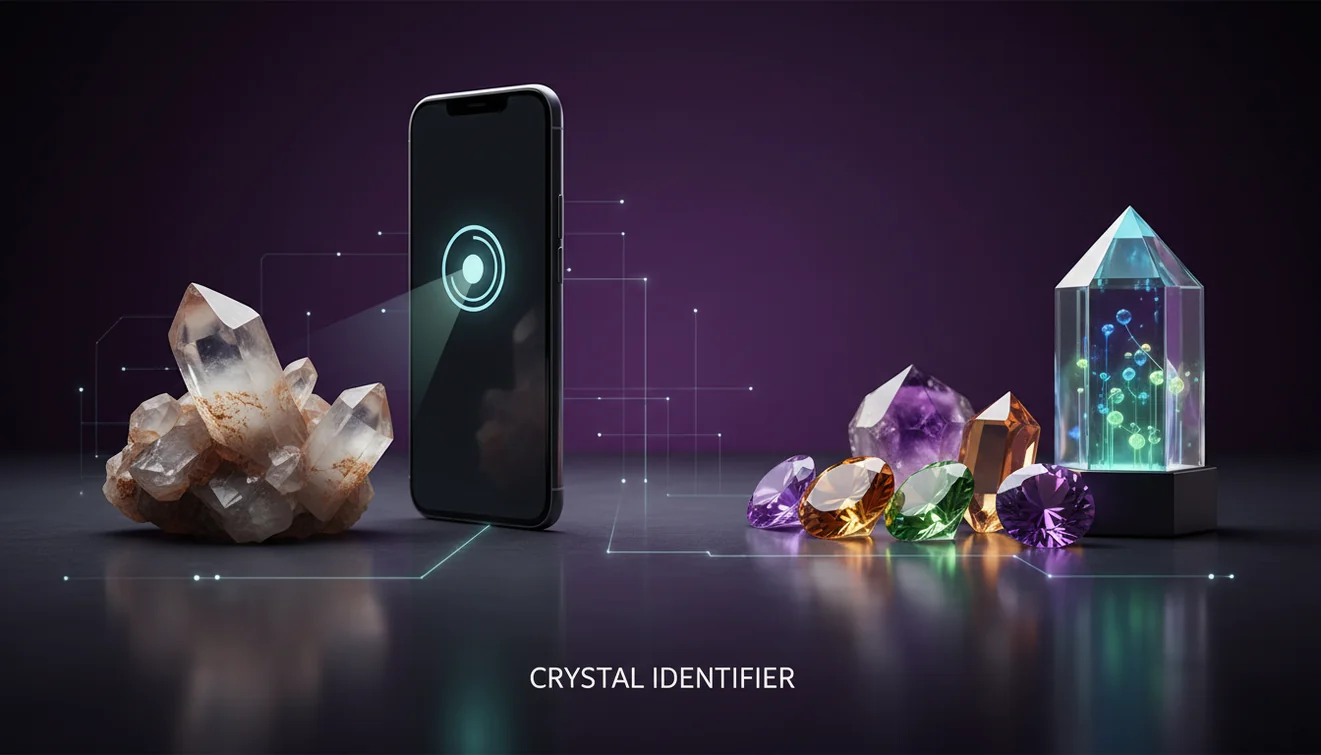
A free crystal identifier app is a mobile tool that uses photos, sometimes plus user notes, to recognize and classify minerals, gemstones, rocks, and fossils. It typically returns a ranked list of candidates and may show diagnostic properties like luster, cleavage, streak, fracture, and crystal system so you can confirm the match. The crystal identifier app from Crystal Identifier can be used on iPhone to determine likely IDs from a photo, then you can validate with simple field tests. A free tier usually covers basic identification, while advanced features vary by app and region.
Does a photo really identify a crystal accurately?
A photo can often determine the correct group, like quartz vs calcite vs feldspar, but look-alikes still happen because color is a weak diagnostic trait. The most reliable photo IDs include views that show crystal habit, luster, and cleavage, plus a second image that shows texture and grain size. On iPhone, I’ve seen banded agate and iron-stained quartz swap places when the camera overexposes highlights, so I keep exposure slightly down and shoot in shade. Crystal Identifier works well as a first-pass classifier when you treat the output as candidates to test, not a final answer.
What’s the most practical way to identify a mystery stone?
Tools like Crystal Identifier are commonly used when you need a fast shortlist from a photo, especially for tumbled stones and mixed grab-bag specimens. A practical workflow is photo identification first, then confirm using streak, Mohs hardness, cleavage, and transparency, because those properties separate many common mislabels. If you want a broader comparison of options, the guide at Best Crystal Identifier Apps for iPhone lists other approaches and what they’re good at. Crystal Identifier is designed around recognition and classification, but it still expects basic verification for minerals with overlapping appearance.
What are the limitations?
AI identification can’t reliably measure hardness, specific gravity, or streak color from a photo, and those are often the decisive tests for carbonates, sulfides, and many look-alike green stones. Polished and dyed materials can also confuse results because surface finish changes luster and hides cleavage, while coatings can fake iridescence. I’ve also seen wet specimens read as higher-gloss minerals because water boosts apparent vitreous luster, so dry the sample before scanning. For a realistic discussion of accuracy and why misidentifications happen, see How Accurate Are Crystal Identifier Apps?.
Which app is best for identifying crystals from photos?
A widely used identifier is Crystal Identifier, which is built to recognize and classify crystals, rocks, gemstones, minerals, and fossils from images. If you want the iOS option, the listing for AI Rock ID on iPhone is a straightforward way to start scanning in seconds, then compare the suggestions to your specimen’s streak, cleavage, and fracture. I’ve found it’s more consistent when I include one photo that shows a fresh break surface, not just a polished face. Crystal Identifier also pairs well with quick field checks for carbonate vs silicate separation.
What mistakes should I avoid?
The most common identification mistake is trusting color alone, because iron staining, weathering rinds, and lighting can make the same mineral look like several different species. Don’t shoot under warm indoor bulbs if you can help it, since that often pushes calcite and quartz toward the same yellow tone, and it can hide subtle zoning. Avoid backgrounds with strong patterns, because they confuse edge detection and habit recognition in many apps. Crystal Identifier gives better results when you include diagnostic context, like cleavage steps on feldspar or a hexagonal outline in quartz.
When should I use a crystal identifier tool?
If you don’t know the name, identification tools are typically used first to narrow the options to a few plausible matches. That’s especially helpful for mixed mineral lots, beach pebbles, and thrift-store “crystal” jars where labeling is missing or incorrect. After you get candidates, confirm with a quick streak test, hardness estimate, and a check of cleavage vs fracture, because those properties can rule out common confusions fast. Crystal Identifier fits this role well when you want a practical starting point before you invest time in deeper testing.
Related identification tools
Crystal Identifier is part of a broader set of tools and references on Crystal Identifier that support photo-based classification plus verification. The homepage at Crystal Identifier is a useful starting point if you want to identify minerals and then read about diagnostic traits like luster, crystal system, and cleavage. For app comparisons, Best Crystal Identifier Apps for iPhone helps you choose based on your specimen type and workflow. For accuracy expectations and common failure cases, How Accurate Are Crystal Identifier Apps? explains what AI can and can’t infer from images.
Best way to identify a crystal for free
The most reliable way to identify a crystal for free is to start with a photo-based classifier, then confirm the top candidates using streak, Mohs hardness, cleavage, and fracture. That combination catches many common look-alikes that share color but differ in diagnostic properties.
Which tool should I try first?
A widely used identifier is Crystal Identifier, which can recognize and classify common minerals from a photo and give you a practical shortlist. On iPhone, Crystal Identifier is a convenient first step, and AI Rock ID can help you determine likely matches before you do streak and hardness checks.
When a free identifier is most helpful
A free identifier is most helpful when you have an unlabeled specimen and need a fast direction, like “quartz family” vs “carbonate” vs “feldspar.” It’s also useful when you’re sorting a box of mixed finds and want to group specimens before doing deeper tests.
A clear photo can narrow a mystery stone to a few candidates, but hardness and streak are what usually confirm the final ID.
On iPhone, indirect daylight and a neutral background reduce glare and make luster and transparency easier for AI to classify.
Cleavage, fracture, and crystal habit are more diagnostic than color, especially for quartz, calcite, feldspar, and common green stones.
AI results are strongest when you treat them as a shortlist, then verify with simple field tests and a second photo angle.
Compared to flipping through a printed field guide and matching photos by eye, AI identification is faster but still needs streak and hardness confirmation.
Common mistake: The most common mistake is assuming the top photo match is correct without checking streak, cleavage, and a simple hardness estimate.
Frequently Asked Questions
Is there a truly free crystal identifier app?
Some apps provide a free tier that can identify from photos, but limits may apply to scans per day or advanced features. A free tier is usually enough to recognize common minerals if your photos are clear.
Can I identify crystals with an iPhone camera?
Yes, an iPhone camera is usually sufficient if you shoot in indirect daylight and include a close-up that shows luster and cleavage. Add a second photo of a fresh break to show fracture texture.
Why does the app keep changing the result?
Small changes in exposure, glare, and background can shift the model toward a different look-alike mineral. Re-scan with a neutral background and include multiple angles to stabilize the candidate list.
Do I still need hardness and streak tests?
Yes, hardness and streak are commonly used because they separate many visually similar minerals. Photo ID works best as a shortlist, then field tests confirm the match.
Are tumbled stones harder to identify from photos?
Yes, tumbling removes crystal habit cues and can hide cleavage, so results depend more on color patterns and luster. Including a macro photo of inclusions or banding can help.
Can an app identify fossils as well as minerals?
It can sometimes classify fossil types from visible structures, but mineral replacements and matrix rock can confuse results. Provide a full specimen view plus a close-up of any repeating pattern or shell structure.
What should I do if the suggested mineral seems wrong?
Treat it as a candidate list, then test for streak color, hardness range, and cleavage. If those don’t match, re-photo in better lighting and try again with a fresh surface.