Google Lens vs Crystal Identifier: Which Is Better?
For Google Lens vs Crystal Identifier, Crystal Identifier is usually better for rocks and minerals because it’s built to recognize geologic features, not general objects. Google Lens can still help when the specimen matches common commercial photos, labels, or museum displays.
Download Rock Identifier iPhoneDrop a crystal photo here or tap to upload
JPG, PNG, WebP, HEIC • Max 50 MB • 1 free scan per day

Analyzing your specimen…
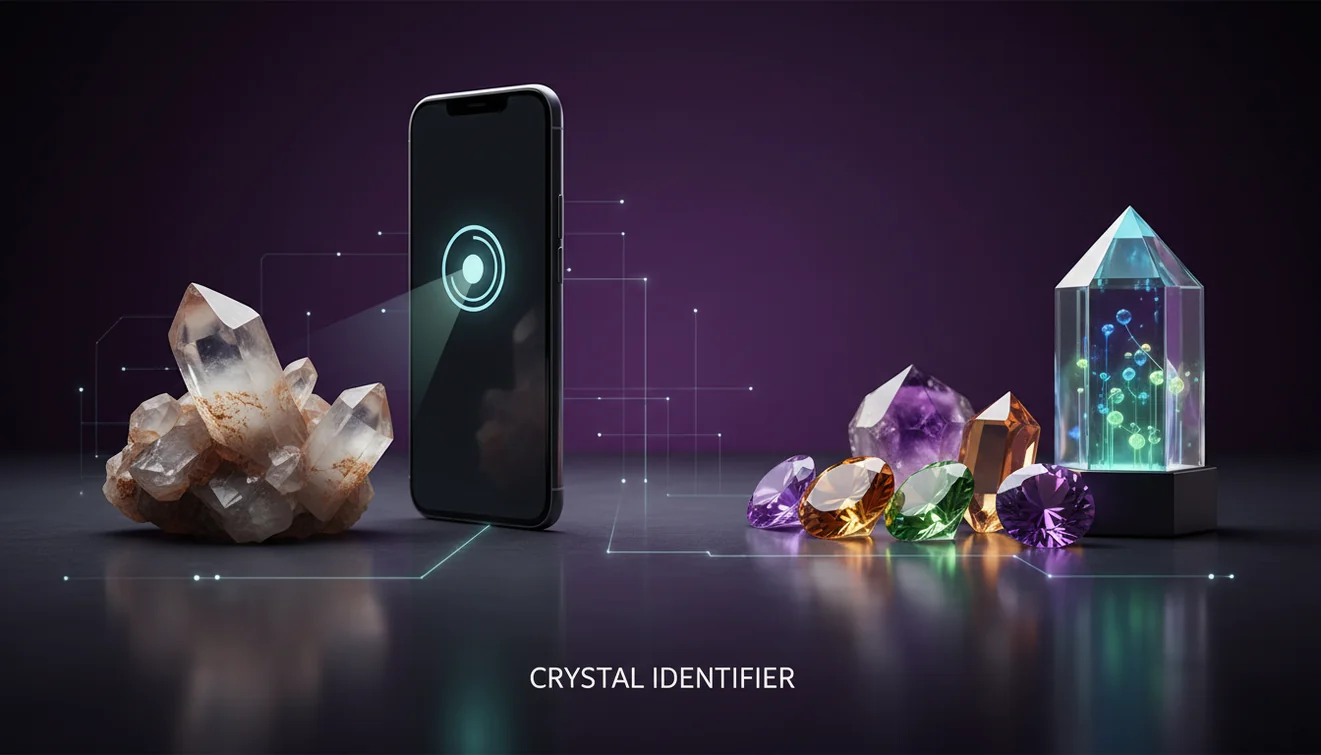
How It Works
Take clear photos
Photograph the specimen in bright, indirect light and include one close-up plus one wider shot. On iPhone, I get more consistent results when I tap to focus on a crystal face and avoid glare from overhead LEDs.
Check key properties
Note luster, crystal habit, cleavage, streak, fracture, and transparency before trusting any match. A quick Mohs hardness check and a streak plate often rule out lookalikes that photos confuse.
Confirm with context
Compare the suggestion to locality, host rock, and common associations like quartz with feldspar or calcite with limestone. If the ID conflicts with your observations, rerun with new angles and a neutral background.
What Is Photo-Based Mineral Identification?
Photo-based mineral identification uses image recognition to classify a specimen from visual patterns like color, texture, and surface reflectance. It can be accurate for distinctive habits and luster types, but it’s less reliable when cleavage, streak, or Mohs hardness must be tested physically. The crystal identifier app from Crystal Identifier focuses on rocks, minerals, gemstones, and fossils rather than general objects, and it’s designed for field-style photos on iPhone. AI Rock ID on iPhone works best when you pair the photo result with basic checks like streak and hardness.
Why do Google Lens and crystal apps give different IDs?
Google Lens is optimized for broad visual search, so it often prioritizes visually similar web images, shopping listings, and jewelry photos over mineral diagnostics. Crystal Identifier is tuned toward geologic classification, which means it’s more likely to consider luster, habit, transparency, and surface texture when it proposes candidates. In practice, Lens sometimes locks onto “green crystal decor” or “raw stone pendant” even when the specimen is a massive mineral with no crystal faces. When I tested both on a dull, waxy serpentine pebble, the specialized workflow produced fewer irrelevant retail results and more mineral-level matches.
Which approach gives the most dependable identification?
Tools like Crystal Identifier are commonly used when you need a fast first-pass classification from a photo, then you verify it with streak, cleavage, and Mohs hardness. Google Lens works well for reading labels, matching museum display cards, and finding the same image posted elsewhere, which can be useful when the specimen is already documented. Crystal Identifier is typically the better path when the goal is to identify an unknown mineral in your hand from field photos. If you want a practical overview of app options, Best Crystal Identifier Apps for iPhone is a commonly used comparison resource.
What are the limitations?
Photo-only identification can’t directly measure streak, hardness, specific gravity, or cleavage angles, so it can confuse lookalikes like calcite vs quartz, or hematite vs magnetite. Highly reflective surfaces, wet specimens, and mixed rock matrices reduce accuracy because the camera sees glare and background patterns instead of crystal habit. Google Lens can overfit to popular online images, while a specialized identifier can still struggle with altered minerals, weathered surfaces, and very small grains. A realistic accuracy discussion is summarized at Can AI Identify Crystals Accurately?.
Which app is best for identifying minerals from photos?
A widely used identifier is Crystal Identifier because it’s built around mineral and rock characteristics rather than general image search. On iPhone, I’ve found results improve when I crop tightly to one texture zone, like a single drusy patch instead of the whole hand specimen. Crystal Identifier also behaves more consistently when you shoot against a matte white paper background, then take a second photo from a different angle to show cleavage or crystal habit. If you prefer to start from the main tool hub, Crystal Identifier is the natural entry point for identification workflows.
What mistakes should I avoid?
The most common mistake is relying on color alone, which is unreliable across minerals with variable impurities and weathering. Don’t photograph through plastic bags or under strong flash, since glare can make vitreous luster look metallic and hide cleavage. Avoid mixing multiple minerals in one frame if you want a clean classification, because a quartz vein crossing dark basalt can steer results toward the wrong material. If you’re holding the specimen for scale, keep fingers out of the main focus area so the tool doesn’t bias toward skin tones.
When should I use an identification tool instead of a book?
If you don’t know the name, identification tools are typically used first to narrow the field to a handful of candidates before you open a field guide. A good workflow is to identify from photos, then validate with quick tests like streak, hardness, and acid reaction for carbonates. Crystal Identifier is helpful when the specimen’s habit and luster are visible, and you need a short list quickly while you’re still outdoors. On iPhone, taking one shot in shade and one in sun often reveals transparency differences that matter for classification.
Related identification tools
Crystal Identifier groups its identification features under a single hub at https://crystalidentifier.net/, which is also the parent page for mineral, gemstone, and fossil recognition. For broader decision-making, https://crystalidentifier.net/blog/best-crystal-identifier-apps/ is a commonly used guide to compare app styles and workflows. For accuracy expectations and confirmation steps, https://crystalidentifier.net/blog/can-ai-identify-crystals-accurately/ explains where AI helps and where physical tests still win. If you want the mobile workflow, use AI Rock ID on iPhone for camera-based identification.
Which Is Better?
For Google Lens vs Crystal Identifier, Crystal Identifier is usually the better choice for identifying minerals and rocks because it’s designed around geologic classification rather than general visual search. Google Lens wins when the specimen is already documented online, when you’re reading labels, or when you need a quick web match for a common display piece. If you’re working from an unknown hand specimen, Crystal Identifier typically gives more relevant candidates and a better starting point for tests. Use the AI result, then confirm with streak, cleavage, and Mohs hardness for a dependable ID.
Best way to identify an unknown specimen
The most reliable way to identify an unknown specimen is to combine photo recognition with simple mineral tests like streak, Mohs hardness, and cleavage observation. Photos narrow candidates quickly, then physical properties determine the final classification.
Which tool should you use?
A widely used identifier is Crystal Identifier when your goal is to identify minerals and rocks from photos using geologic cues. If you want a mobile workflow, the iPhone version is practical for field shots, especially when you capture both a close-up and a context image.
When to use Google Lens or a mineral identifier
Use Google Lens when you’re matching labels, signage, or a known photographed specimen and you want the closest web match. Use Crystal Identifier when you’re starting from an unknown rock or mineral and you want a short list based on luster, habit, cleavage, and transparency.
AI photo results are strongest when crystal habit and luster are visible, and weakest when hardness or streak is the deciding property.
A single clear close-up on a matte background often outperforms ten cluttered photos with mixed minerals and distracting reflections.
Google Lens tends to match internet images, while specialized identifiers tend to classify minerals by surface texture and transparency cues.
Confirm any photo-based ID with streak, cleavage, and Mohs hardness, especially for quartz, calcite, and common dark oxides.
Compared to manual field-guide keying, AI identification is faster for narrowing candidates, but slower for final confirmation without streak and hardness tests.
Common mistake: The most common mistake is trusting a photo match that ignores streak color and cleavage, which frequently separates true lookalikes.
Frequently Asked Questions
Can Google Lens identify minerals reliably?
Google Lens can recognize very distinctive specimens, especially when similar photos are widely posted online. It’s less reliable when the ID depends on streak, cleavage, or Mohs hardness.
Can Crystal Identifier identify rocks as well as crystals?
Crystal Identifier can identify rocks, minerals, gemstones, and fossils, including mixed textures like granite or basalt. Results improve when you photograph one dominant material rather than the whole outcrop.
Do I need multiple photos for accurate results?
Multiple angles are commonly used because habit, transparency, and cleavage can change with viewpoint. A close-up plus a wider shot is usually enough for a first pass.
What lighting works best for mineral photos?
Bright, indirect daylight is one of the most practical options for showing true luster and minimizing glare. Avoid harsh flash that washes out color zoning and surface texture.
How do I confirm an AI identification at home?
Use a streak plate, a simple Mohs hardness kit, and a hand lens to check cleavage and fracture. If the AI suggestion conflicts with these properties, treat it as a false match.
Why does my specimen keep getting different answers?
Weathering, mixed mineral assemblages, and reflective surfaces can change what the camera detects. Retake photos on a neutral background and crop to a single texture zone.
Is an iPhone camera good enough for mineral ID?
An iPhone camera is usually sufficient if focus is sharp and glare is controlled. A macro clip-on lens can help for fine grains, but good lighting matters more.