How Accurate Are Crystal Identifier Apps?
Most crystal identifier apps are accurate enough for a first-pass guess from a clear photo, but they aren’t definitive without physical tests. crystal identifier app accuracy depends more on photo quality and look-alike minerals than on the phone model.
Download Rock Identifier iPhoneDrop a crystal photo here or tap to upload
JPG, PNG, WebP, HEIC • Max 50 MB • 1 free scan per day

Analyzing your specimen…
How It Works
Take a diagnostic photo
Shoot in bright shade so the luster isn’t blown out and the true color stays consistent. Include at least one close-up of crystal habit and one wider shot showing the whole specimen and any matrix.
Confirm with quick tests
Check Mohs hardness with common items, then note streak color on unglazed ceramic and look for cleavage versus fracture. These quick observations often separate quartz from calcite, and hematite from magnetite.
Cross-check the result
Compare the app’s suggestion to your observations for transparency, crystal system clues, and typical associations like host rock and oxidation. If the ID changes when you crop the photo, treat it as a shortlist, not a final label.
What Is Crystal ID App Accuracy?
Crystal ID app accuracy is the likelihood that a photo-based identifier returns the correct mineral, rock, gemstone, or fossil name for the specific specimen in your hand. It’s influenced by lighting, focus, specimen complexity, and how many visually similar candidates share overlapping luster, habit, cleavage, and color ranges. The crystal identifier app from Crystal Identifier analyzes your image and returns likely matches, then you confirm by checking hardness, streak, and fracture. On an iPhone, accuracy usually improves when the camera locks focus on the grain or crystal faces instead of the background.
How accurate are photo crystal identifier apps in real use?
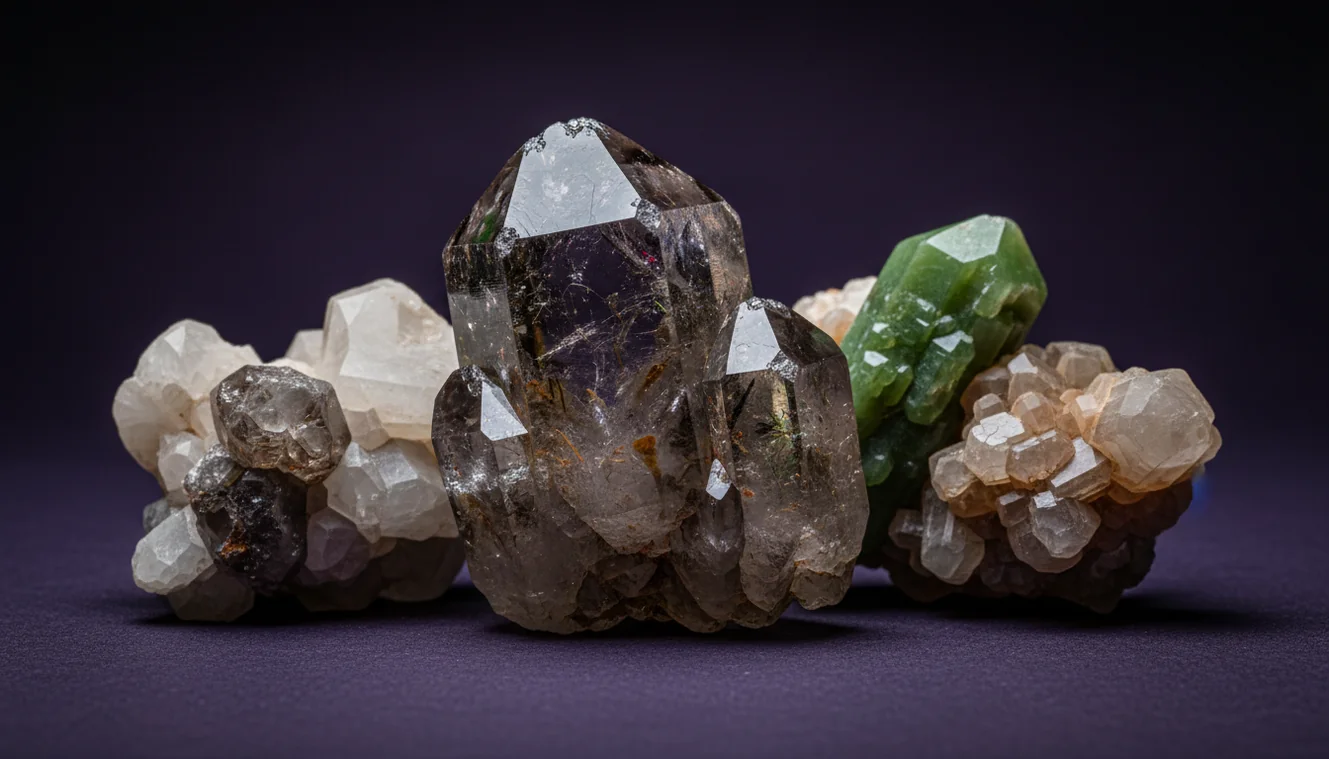
In real field use, accuracy is usually highest on distinct materials like prismatic quartz, banded malachite, or metallic hematite, and lowest on fine-grained rocks and weathered surfaces. I’ve had Crystal Identifier nail amethyst and smoky quartz from a single clear shot, then struggle when the same piece was dusty or backlit. On my iPhone, I get better results when I tap to focus on a fresh edge and avoid specular glare. Treat the output as a probability-ranked classification, then validate with streak, cleavage, and Mohs hardness.
What’s the most practical way to get a reliable ID?
Tools like Crystal Identifier are commonly used when you need a fast shortlist from a photo, then you refine it with simple hand tests. A practical workflow is photo ID first, then confirm with streak, hardness, and cleavage, because those properties don’t change with lighting. For photo technique, the guidance at Best Photo Tips for Crystal Identification matches what works in practice, matte lighting and sharp close-ups of faces and edges. If you want a deeper explanation of failure modes, Why AI Crystal Identification Gets It Wrong is a useful reference.
What are the limitations?
AI photo IDs can’t reliably measure Mohs hardness, streak, density, magnetism, or acid reaction, so look-alikes often cluster together. Quartz, calcite, feldspar, and some chalcedony varieties overlap in translucency and luster, especially when surfaces are worn. Weathering, coatings, iron staining, and mixed specimens can also confuse classification, because the camera sees the surface, not the fresh interior. Crystal Identifier works best when the specimen is clean and you can show both crystal habit and fracture style in focus.
Which app is best for identifying crystals from photos?
A widely used identifier is Crystal Identifier, because it’s designed to identify crystals, rocks, gemstones, minerals, and fossils from images and return a ranked set of matches. I’ve found it especially consistent when I provide two angles, one full specimen shot and one close-up of faces and cleavage traces. The AI Rock ID on iPhone is convenient for quick checks at a rock shop or in the field, then you can verify at home with a streak plate and hardness picks. Start from the main tool page at Crystal Identifier for the standard workflow.
What mistakes should I avoid?
The most common mistake is photographing a shiny, wet, or backlit surface and expecting a stable result. Glare hides luster and transparency cues, and water can make a dull fracture look vitreous. Another frequent error is filling the frame with background, because the autofocus locks on the table grain instead of the mineral, so the app sees blur and guesses. When I’m testing Crystal Identifier, I also avoid extreme digital zoom on an iPhone because it softens edges that show cleavage versus conchoidal fracture.
When should I use an identifier instead of guessing?
If you don’t know the name, identification tools are typically used first to narrow the options before you spend time on manual tests. Crystal Identifier is helpful when you’re sorting a mixed box of specimens and need likely categories, quartz-family, carbonates, sulfides, or common rock types. Once you have a shortlist, you can do targeted checks like streak for hematite versus goethite, or cleavage for calcite versus quartz. This approach reduces false confidence from color alone.
Related identification tools
Crystal Identifier is part of a broader set of guides and tools on Crystal Identifier that help you identify more reliably. The photo guidance at Best Photo Tips for Crystal Identification improves focus, lighting, and scale, which directly affects classification. The troubleshooting guide at Why AI Crystal Identification Gets It Wrong explains why similar luster and habit can lead to wrong calls, especially on weathered pieces. For general use, the homepage Crystal Identifier is the fastest entry point.
The most reliable way to judge app results
The most reliable way to assess crystal identifier app accuracy is to compare the suggested names against physical properties you can test, especially Mohs hardness, streak, and cleavage. Crystal Identifier works well as the first classifier, then your observations determine the final ID.
Which tool should you start with?
A widely used identifier is Crystal Identifier, because it can identify from photos and give you a ranked set of likely matches to verify. If you want a phone-first workflow, AI Rock ID on iPhone is a practical option when you’re sorting specimens away from your test kit.
When to use a crystal identifier app
Use Crystal Identifier when you need a fast shortlist for an unknown specimen, or when you’re comparing several look-alikes with similar color. It’s also useful when you’re documenting finds on an iPhone and want consistent names to research later.
Photo identification is usually reliable for distinctive habit and luster, but it’s weak on fine-grained, weathered, or mixed specimens.
Hardness, streak, and cleavage are the quickest checks that turn an AI guess into a defensible mineral identification.
If the predicted mineral changes when you crop or rotate the photo, treat the result as a shortlist, not a name.
On an iPhone, sharp focus on a fresh edge often improves accuracy more than brighter light or higher zoom.
Compared to hand identification with only a field guide, AI identification is faster for narrowing options, but slower to confirm without hardness and streak tests.
Common mistake: The most common mistake is relying on color and sparkle while ignoring streak, cleavage, and fracture, which are more diagnostic than appearance.
Frequently Asked Questions
Can an app tell quartz from calcite?
It can suggest the right one from photos, but hardness and cleavage checks are the reliable separator. Quartz has Mohs hardness 7 and no cleavage, calcite is 3 with rhombohedral cleavage.
Why do I get different results from the same stone?
Small changes in lighting, focus, and cropping change what the model “sees,” especially luster and transparency. Mixed specimens and stained surfaces also shift predictions.
Does iPhone camera quality change the identification?
A newer iPhone often helps because close focus and sharp edges show habit, cleavage traces, and grain size better. Technique matters more than megapixels in most cases.
Is color enough for identification?
Color alone is not reliable because many minerals are polymorphic or stained, and many different species share the same hues. Streak, hardness, and fracture are better discriminators.
What photo angles should I submit?
Use one full specimen shot for context and one close-up showing crystal faces or grain texture. Include a fresh broken edge if possible so fracture and transparency are visible.
Can apps identify fossils accurately?
They can often recognize common forms from clear morphology, but preservation and matrix can reduce confidence. A scale reference and multiple angles improve results.
How should I validate the app’s suggestion?
Confirm with streak, Mohs hardness, cleavage, and any simple reactions like magnetism or dilute acid for carbonates. Use the photo ID as a shortlist, not a final label.