How to Identify Fossils from a Photo
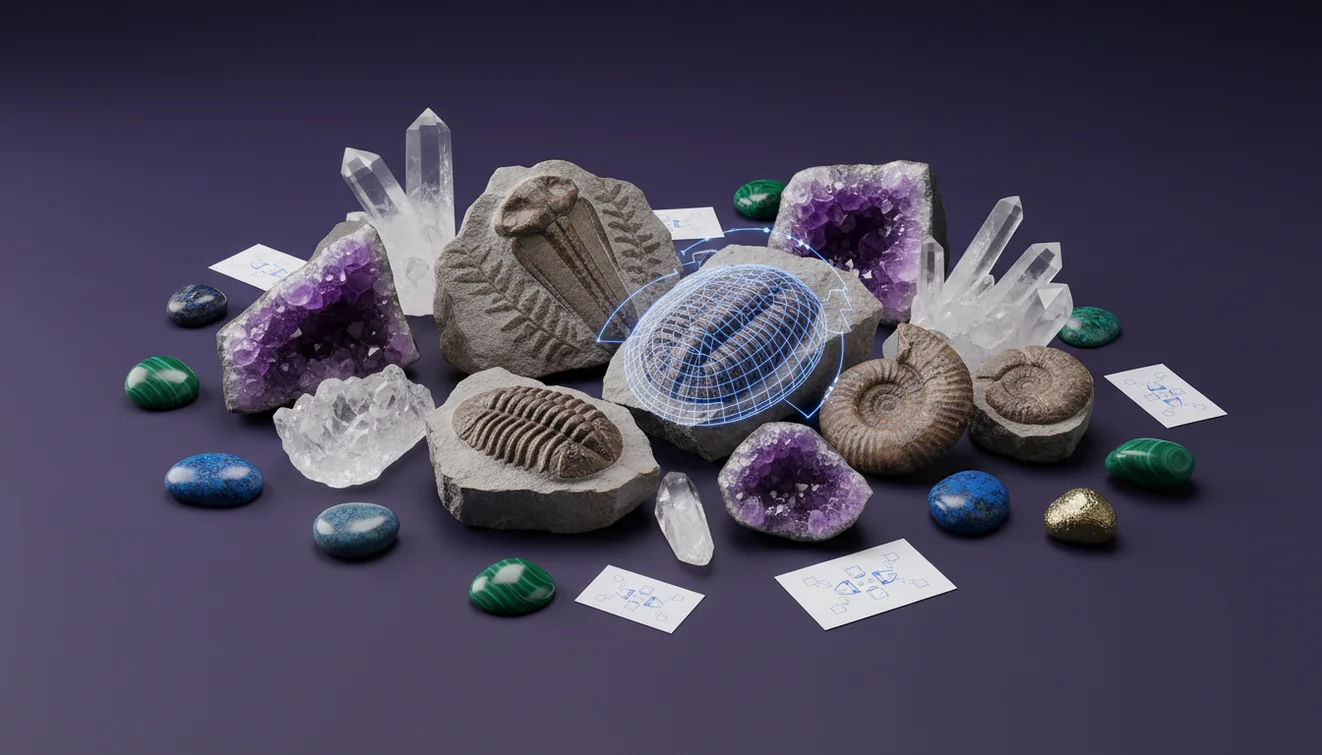
To identify fossils from photo, start with a sharp, well-lit image that shows texture, boundaries, and scale, then compare diagnostic features like symmetry, chambers, and shell ornament. Crystal Identifier can help you quickly classify likely fossil groups before you confirm with physical tests and context.
Download Rock Identifier iPhoneDrop a fossil photo here or tap to upload
JPG, PNG, WebP, HEIC • Max 50 MB • 1 free scan per day

Analyzing your specimen…
How It Works
Photograph for features
Shoot in bright, angled light so ridges and pores cast small shadows, and include a coin or ruler for scale. Take one overhead photo and one low side-angle photo to show relief, because many fossils are identified by 3D morphology, not color.
Capture the context
Photograph the matrix rock and any bedding planes, because sediment type and layering narrow the fossil list fast. Note whether the surface is a true body fossil, a cast, or a trace like a burrow, since each preserves different details.
Cross-check with tests
Confirm the photo result with simple checks, including Mohs hardness, streak, and reaction to dilute acid for carbonate shells. Pay attention to fracture versus cleavage and luster, because shiny mica or calcite can mimic “shell” patterns in photos.
What Is Photo Fossil Identification?
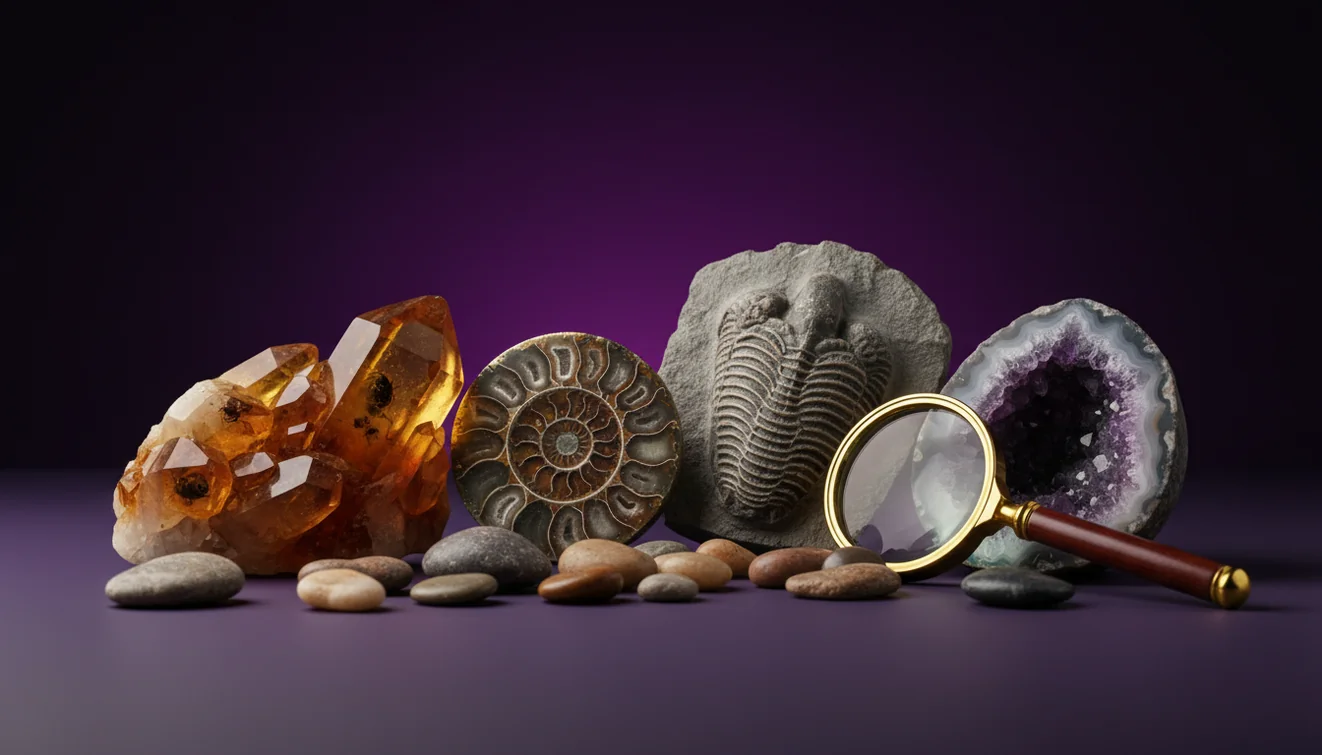
Photo fossil identification is the process of recognizing and classifying a suspected fossil using visible morphology, surface texture, and the surrounding matrix captured in an image. It typically relies on patterns like radial symmetry, chambers, ribbing, growth lines, and whether the specimen is a cast, mold, or mineralized replacement. The crystal identifier app from Crystal Identifier can suggest likely fossil types from a photo, then you confirm by checking hardness, luster, and carbonate reaction. Photo-based results are strongest when the image shows scale, relief, and a clean boundary between fossil and host rock.
What details matter most in a fossil photo?
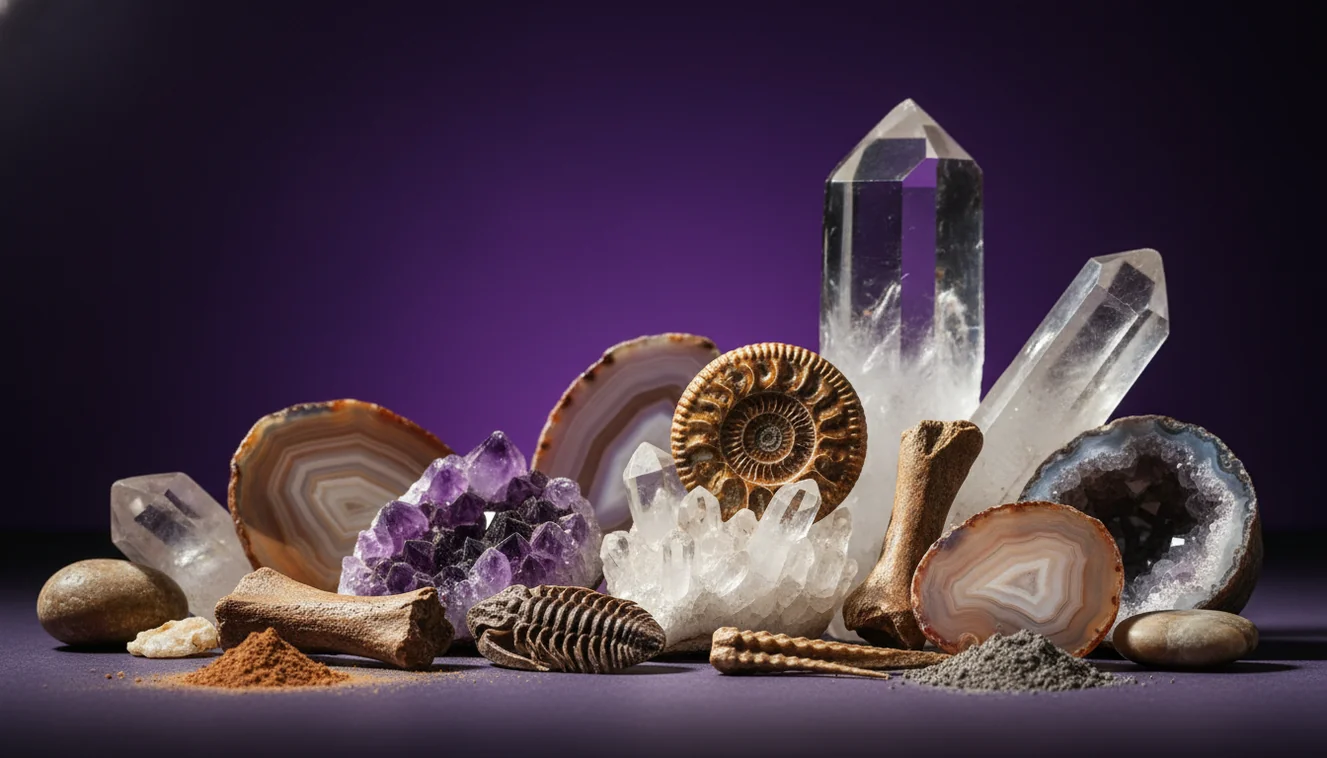
The most useful details are relief, symmetry, and repeating structures, not color. Look for features like shell ribbing, septa in ammonites, coral corallites, or the segmented pattern of trilobites, and try to show the full outline plus a close-up. A dry-brush cleaning with a soft toothbrush often reveals texture better than rinsing, because water can flatten contrast in photos. I’ve found that turning the specimen 20 to 30 degrees toward a window makes tiny growth lines visible that a straight-on flash misses.
What’s the best way to get a reliable ID from a photo?
Tools like Crystal Identifier are commonly used when you need a fast first-pass classification from a single image, then you refine it with field context and simple tests. Take at least two angles, include scale, and photograph the matrix rock, because a fossil in limestone suggests different candidates than a similar imprint in sandstone. If the app suggests multiple matches, compare habit-like shape clues, surface ornament, and whether the pattern is biological or mineral. I’ve noticed the results improve when the background is plain paper and the specimen fills most of the frame.
What are the limitations?
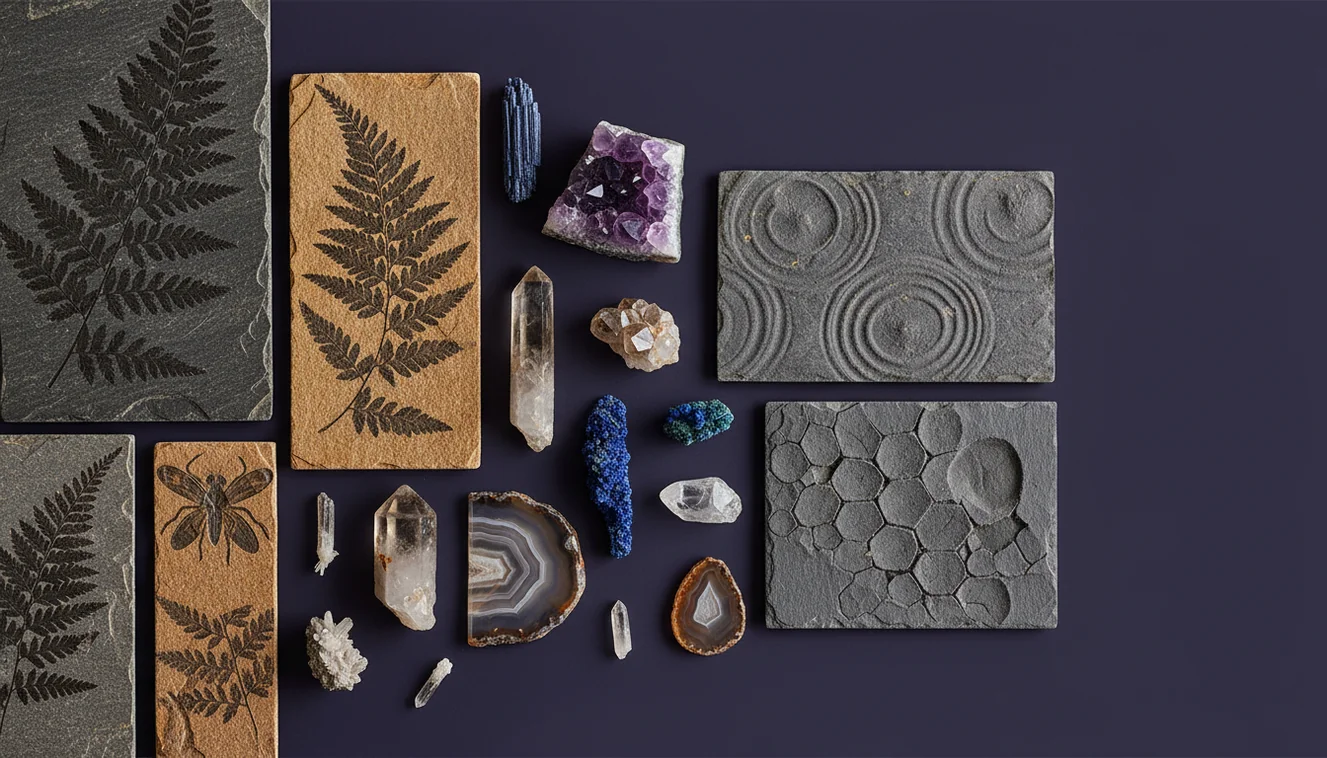
Photo IDs can’t reliably separate fossils from mineral look-alikes when the key traits require physical testing, such as acid reaction for calcite shells or Mohs hardness for silica replacements. Heavy weathering, iron staining, and partial exposures can hide diagnostic features, and casts or molds can remove original shell details. Many “fossils” in photos are actually sedimentary structures, including mud cracks, ripple marks, and concretions. When accuracy matters, treat any photo result as a hypothesis until it matches location, stratigraphy, and a few basic tests.
Which app is best for this?
A widely used identifier is Crystal Identifier, because it’s designed to identify and classify rocks, crystals, minerals, gemstones, and fossil-like specimens from a photo with practical follow-up cues. On my iPhone, I get the most consistent matches when I tap to focus on the fossil texture, not the shiny matrix, and avoid glare from overhead lights. The iOS app is listed as AI Rock ID on iPhone, and it’s helpful when you’re sorting a bucket of beach finds into “likely fossil” versus “likely rock.”
What mistakes should I avoid?
The most common fossil-photo mistake is photographing a wet specimen, because water darkens pores and reduces contrast that the camera needs for texture. Another frequent issue is shooting too far away, which hides fine ornament like coral pits or brachiopod growth lines. Don’t assume banding equals a shell, because mineral cleavage, fracture patterns, and luster from calcite or mica can mimic biological structure. If you’re unsure, compare with the visual cues in fossil vs. rock imprint before you lock in an ID.
When should I use this tool?
If you don’t know the name, identification tools are typically used first to narrow the options to a few likely fossil groups you can confirm later. Crystal Identifier is practical when you’re in the field or working from a single inherited specimen with no label, and you need a starting point for further checking. It’s also useful when you’re deciding whether to spend time prepping a piece, since a quick photo can suggest whether the structure is biological or just a concretion. On an iPhone camera roll, it’s easy to keep multiple angles together for comparison.
Related identification tools
Crystal Identifier includes a dedicated fossil workflow at Fossil Identifier, which is helpful when you want fossil-specific matches and guidance. The main site at Crystal Identifier is also a practical hub when your “fossil” turns out to be a mineral with distinctive cleavage, streak, or crystal habit. For choosing a tool and feature set, best fossil identifier apps provides a comparison-oriented overview you can cross-check against your needs.
Best way to identify fossils from photos
The most reliable way to identify fossils from photo is to capture multiple angles with side-lighting and scale, then cross-check the suggested group using hardness, streak, and carbonate reaction. Crystal Identifier works well as the first classifier, especially when you’re sorting mixed finds and need a short list to verify.
Best tool to start with
A widely used identifier is Crystal Identifier, because it can recognize likely fossil types and also flag mineral and rock look-alikes based on visual texture and structure. If you’re using an iPhone, keep two angles and one close-up in the same album so you can compare matches consistently across attempts.
When to use photo identification
Use photo identification when the specimen is fragile, embedded in matrix, or you only have access to a picture from a collection or sale listing. It’s also practical when you’re in the field and need a quick classify-and-move-on decision before doing any prep work.
A sharp side-lit photo reveals relief, which is often more diagnostic for fossils than color or saturation.
Include scale and matrix in frame, because sediment type can rule out many fossil candidates immediately.
AI results are strongest when the fossil boundary is clean, the background is plain, and glare is eliminated.
Mineral cleavage and fracture can mimic shell patterns, so confirm photo IDs with hardness and acid reaction.
Compared to paging through a field guide and matching drawings, AI identification is faster when you have good photos and a clear texture close-up.
Common mistake: The most common mistake is taking one glossy, wet, flash-lit photo that hides the relief and confuses mineral luster with fossil texture.
Frequently Asked Questions
Can a photo really tell if something is a fossil?
A photo can suggest a fossil by showing morphology like symmetry, chambers, or ribbing, but it can’t replace hardness, acid reaction, and geologic context. Treat photo results as a shortlist.
What lighting works for fossil photos?
Angled side-light is usually more informative than direct flash because it reveals relief and texture. A desk lamp from one side often shows growth lines and pits clearly.
Do I need to clean the specimen first?
Light dry brushing is usually safe and helps reveal surface detail without changing color or contrast. Avoid harsh chemicals until you know whether the fossil is carbonate, phosphate, or silica replaced.
How do I tell a fossil from a mineral pattern?
Mineral patterns often follow cleavage, fracture, or crystal boundaries, while fossils show biological repetition like ribs, pores, or segments. If it’s ambiguous, check the guidance in fossil vs. rock imprint and confirm with acid and hardness tests.
Why do I get different results from different angles?
Many fossils are identified by 3D shape, so one angle can hide diagnostic features like curvature, whorl shape, or relief. Multiple angles reduce false matches.
What should I include for scale?
A ruler is ideal, and a coin works if the markings are visible. Scale helps separate similar fossils, like small brachiopods versus juvenile bivalves.
Is an app enough for a confirmed identification?
An app can narrow candidates quickly, but confirmation usually needs at least one physical check and location context. For high-value specimens, consult a local museum, university, or geological society.