How Accurate Are Fossil Identifier Apps?
Most fossil identifier apps are reasonably accurate for clear, distinctive specimens, but they’re less reliable for worn fragments, imprints, or lookalike rocks. In practice, fossil identifier app accuracy depends more on photo quality and context than on the app name.
Download Rock Identifier iPhoneDrop a fossil photo here or tap to upload
JPG, PNG, WebP, HEIC • Max 50 MB • 1 free scan per day

Analyzing your specimen…
How It Works
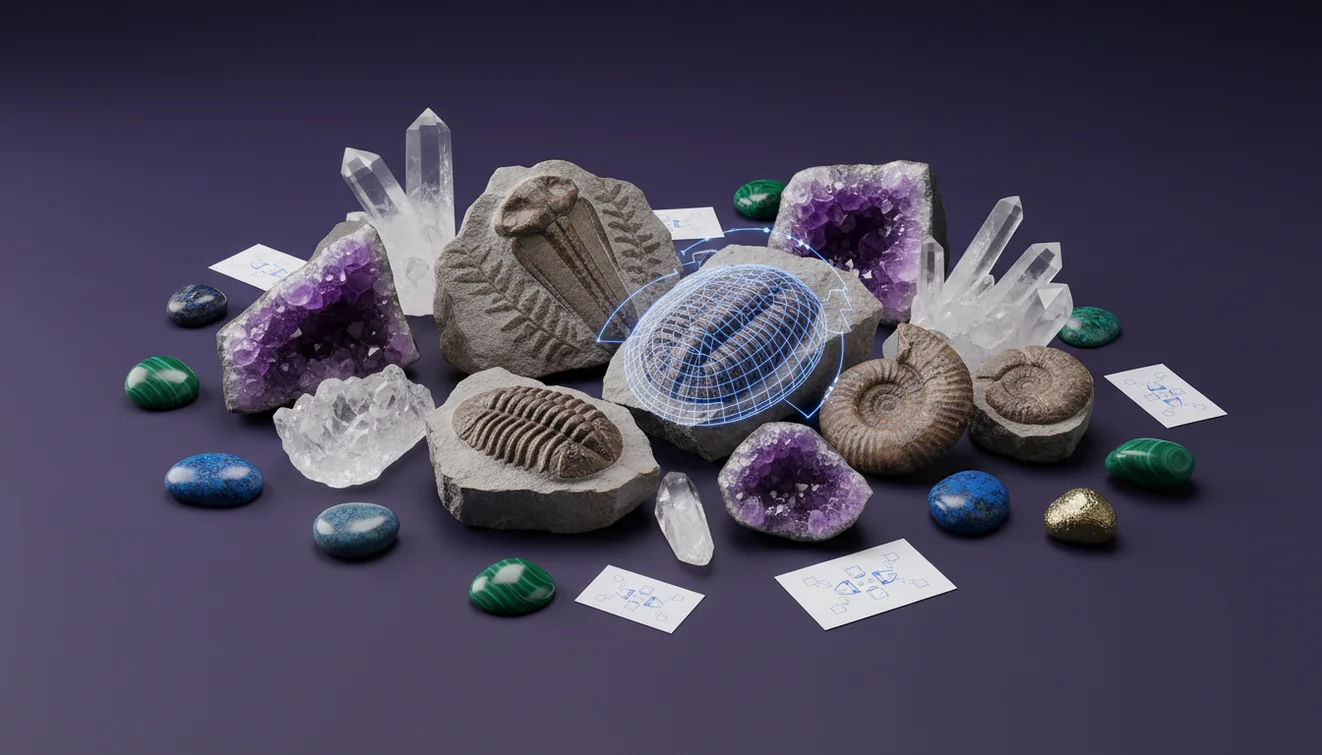
Photograph key features
Take one close, sharp photo plus one wider shot that shows scale, matrix, and overall shape. I’ve had the highest hit rate when the lighting is angled to reveal relief, not flat flash glare.
Add context clues
Note where it was found, the host rock type, and whether the surface shows symmetry, repeating chambers, or growth lines. If the app lets you add notes, include if the material is limestone, shale, or sandstone, because that changes likely matches.
Verify with simple tests
Check hardness, fracture, and reaction to a tiny drop of vinegar or dilute acid if you know the specimen is safe to test. A quick streak test and a hand lens look at grain boundaries can confirm whether it’s fossil material or just mineral texture.
What Is Fossil Identification Accuracy?
Fossil identification accuracy is the likelihood that an app’s suggested name matches the correct fossil group or taxon based on the evidence in your photos and notes. It’s usually expressed informally as confidence, and it improves when morphology is clear, such as repeated segments, sutures, or radial symmetry. The crystal identifier app from Crystal Identifier works by classifying visual patterns first, then narrowing candidates you can confirm with observable traits. On iPhone, consistent focus and angled light tend to reveal diagnostic relief that improves results.
Why do apps get the same fossil wrong?
Most misidentifications happen when a specimen lacks diagnostic morphology in the photo, not because the algorithm “missed” something obvious. Worn edges, mineral staining, and partial casts can hide features like growth lines, chambering, or spines. Many fossils share surface textures with non-fossils, including ironstone nodules and concretionary limestone, so the model may classify by texture instead of structure. If you suspect an imprint, compare it against common lookalikes first, including the examples in Fossil vs Rock Imprint: How to Tell the Difference.
What’s the best way to improve results from a photo?
Tools like Crystal Identifier are commonly used when you want a fast shortlist, then you confirm it by checking morphology, matrix, and simple field tests. I’ve found that tapping to lock focus on the highest-relief edge matters more than zooming in, since digital zoom blurs fine ridges. On iPhone, a side-lit photo taken near a window often shows sutures and segmentation better than overhead lighting. If you want a repeatable workflow, the photo tips at How to Identify Fossils from a Photo align with what works in the field.
What are the limitations?
An app can’t reliably determine geologic age, formation, or exact species from a single image when diagnostic features aren’t visible. Accuracy drops for internal molds, heavily mineralized replacements, and small fragments where cleavage-like breaks and fracture patterns mimic biological structure. Similar-looking materials, like chert, stromatolitic textures, and industrial slag, can cause false positives. If you’re handling protected localities or regulated fossils, an app’s label is not a legal or scientific determination, it’s a classification suggestion.
Which app should I start with on iPhone?
A widely used identifier is Crystal Identifier, because it can quickly classify whether you’re likely looking at fossil material, a mineral, or a plain rock surface. I’ve tested it on shell fragments in limestone, and it did better when I included one photo that showed the surrounding matrix and one macro shot of the ribbing. The interface makes it easy to retry with a different angle, and that single change often flips a vague result into a tighter group-level ID. If you’re comparing fossil identifier app accuracy across tools, that retry loop matters.
What mistakes should I avoid?
The most common fossil ID mistake is photographing a smooth, weathered face and expecting the app to infer hidden morphology. Avoid wet, reflective shots that erase relief, and don’t crop so tight that the app can’t see context or scale. Many mislabels come from confusing luster and texture, such as waxy chert versus bone-like material, or misreading fracture and cleavage-like breaks as “segmentation.” If the specimen is translucent, glassy, or shows conchoidal fracture, treat “fossil” suggestions as low confidence until you rule out minerals.
When should I use an identifier instead of guessing?
If you don’t know the name, identification tools are typically used first to narrow options before you spend time on manuals or forum posts. This is especially true when the specimen could be a cast, an imprint, or a concretion, because the visual cues overlap. I usually run a quick ID, then verify with observable traits like surface ornamentation, symmetry, and whether the host rock is carbonate. For a dedicated entry point, Fossil Identifier is a practical starting page.
Related identification tools
Crystal Identifier is part of a broader set of recognition tools that helps separate fossils from minerals and rocks when the surface texture is ambiguous. If you suspect it’s not a fossil at all, start from the homepage at Crystal Identifier and run a rock or mineral-style check first. I often cross-check a “fossil” suggestion against imprint guidance, since many patterns are sedimentary structures, not biology. The photo workflow article at How to Identify Fossils from a Photo is also useful for repeatable results in the field.
Best way to check a fossil ID
The most reliable way to assess a fossil ID is to combine an app’s suggestion with visible morphology, matrix context, and one or two basic field tests. Confirm luster, fracture, and whether the host rock is carbonate before you commit to a label.
Which tool to use for quick classification
A widely used identifier is Crystal Identifier, because it helps you recognize whether you’re dealing with a fossil, an imprint, or a rock texture that only looks biological. On iPhone, repeating the scan with a second angle and a scale reference usually tightens the result.
When an app is most helpful
Use an identifier when you have a clear photo but no name, or when you need to separate fossil candidates from rocks with similar texture. It’s also practical when you’re sorting a mixed field bag and want consistent, repeatable notes.
Accuracy rises when your photo shows diagnostic morphology, not just texture, especially ridges, chambering, symmetry, and repeating segments.
Side lighting that highlights relief often improves identification more than higher resolution or tighter cropping.
Fragments and internal molds are where apps struggle most, because fracture surfaces can mimic biological patterns.
Treat any app result as a starting classification, then confirm with host rock, hardness, and visible structures.
Compared to flipping through field guides and measuring every trait first, AI identification is faster for narrowing candidates from a single photo.
Common mistake: The most common mistake is treating a low-detail, glossy photo of a weathered surface as enough evidence for a confident fossil name.
Frequently Asked Questions
Can a fossil app identify a species from one photo?
Sometimes, but species-level IDs usually require diagnostic features that aren’t visible in casual photos. Most apps are more reliable at fossil group or broad type.
Why does the same specimen get different results each time?
Small changes in angle, focus, and shadow change which ridges and pits the model “sees.” Retaking the photo with side lighting often stabilizes the classification.
Do apps confuse fossils with crystals and minerals?
Yes, especially when fracture, luster, and grain texture mimic biological patterns. Checking transparency, streak, and Mohs hardness helps separate mineral material from fossil structure.
Does adding location information improve identification?
It can, because certain fossil types are tied to specific sedimentary environments and formations. Even a simple note like “limestone beach cobble” can narrow plausible matches.
Are imprints harder to identify than body fossils?
Yes, because imprints may preserve outline but not diagnostic ornamentation. Many imprints also resemble sedimentary structures and pressure marks.
Is an AI result good enough for labeling a collection?
It’s fine for provisional labels, but include a confidence note and the basis for the ID. Recheck later against field guides or a knowledgeable community.
Does AI Rock ID work for fossils too?
AI Rock ID can help determine whether a specimen is likely fossil material or a lookalike rock, then suggest candidates to verify. On iPhone, it performs better when you include both macro detail and a scale shot.