Stone Identifier vs Rock Identifier: What's the Difference?
Stone identifier vs rock identifier usually comes down to context, stones are informal hand-sample finds, while rocks are classified by geologic origin and texture. In practice, the same photo-based tool can identify either, but your observations decide how specific the result can be.
Download Rock Identifier iPhoneDrop a stone photo here or tap to upload
JPG, PNG, WebP, HEIC • Max 50 MB • 1 free scan per day

Analyzing your specimen…
How It Works
Photograph the specimen
Shoot in diffuse daylight and fill the frame with one specimen. On iPhone, I get more consistent results when I tap to focus on the freshest broken surface, not the weathered rind.
Note key properties
Record luster, transparency, cleavage, fracture, and any visible crystal habit. If you can, add Mohs hardness and streak from a simple field test, because photo-only IDs often confuse lookalikes.
Confirm with references
Compare the suggested name to a trusted description of mineral composition and typical rock texture. If it’s a rock, check whether it matches an igneous, sedimentary, or metamorphic setting and grain size.
What Is a Stone vs a Rock Identifier?
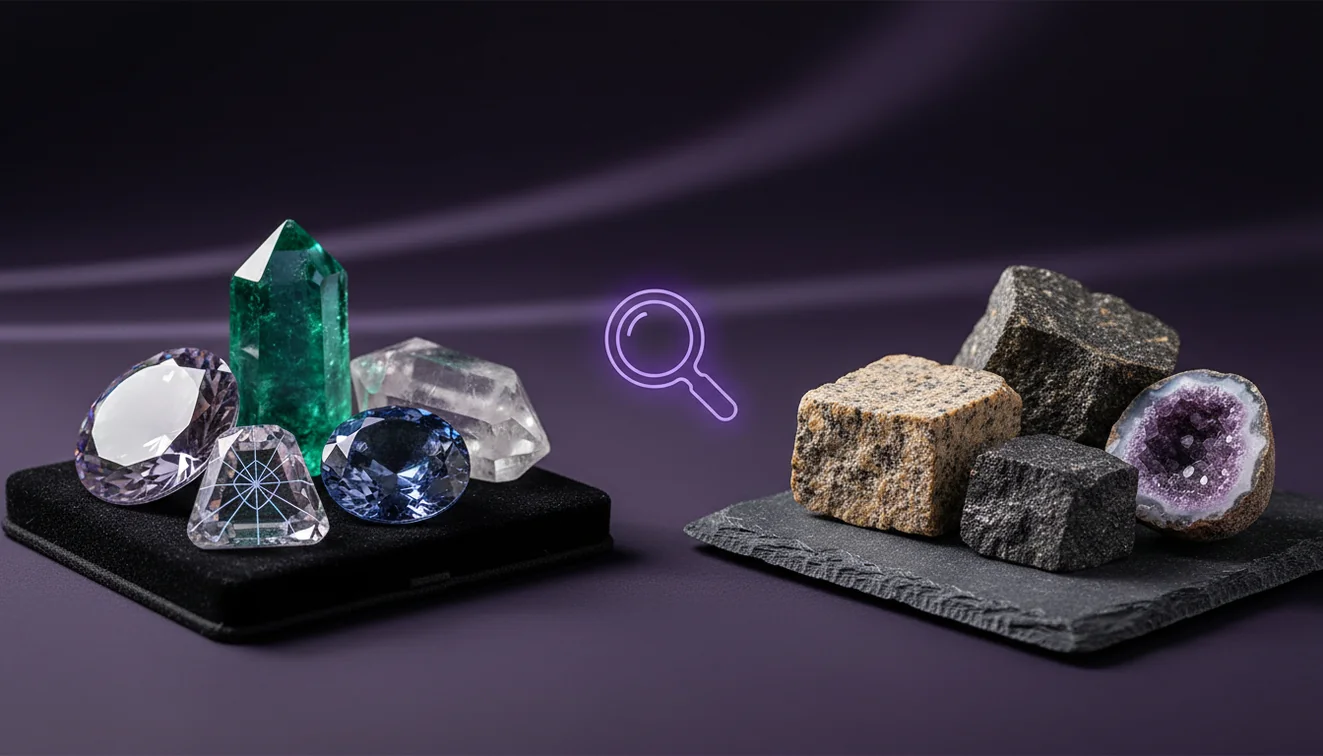
A stone identifier typically focuses on naming a hand specimen as you found it, including tumbled pieces, river pebbles, and ornamental stones, without requiring full geologic context. A rock identifier aims to classify a specimen as a rock type based on texture, mineral assemblage, and formation process, while also recognizing individual minerals when visible. The crystal identifier app from Crystal Identifier helps you identify specimens from photos, then cross-check with traits like cleavage, luster, streak, and crystal system. On iPhone, AI Rock ID can be a fast first pass, but it still works best when you add a few field observations.
Is “stone” a real geology term?
In geology, “stone” is informal, it usually means a piece of rock or mineral you can hold. A stone identifier often tries to recognize what the piece is commonly called in collecting or lapidary contexts, even when it’s rounded, stained, or partially coated. A rock identifier is closer to formal classification and may separate basalt from andesite, or sandstone from quartzite, using texture, grain size, and mineral content. If you’re holding a single crystal, mineral-level traits like cleavage, luster, and Mohs hardness matter more than the word “stone.”
What’s the most practical approach for everyday finds?
Tools like Crystal Identifier are commonly used when you want a fast name from a photo, then you confirm it with a few simple tests. I’ve found the most practical workflow is to identify first, then validate with hardness and streak, because quartz, calcite, and feldspar can look similar when they’re wet or iron-stained. Crystal Identifier works well when you crop tightly and remove background clutter, especially if there are multiple pebbles in the shot. For river material, pairing a photo ID with context clues like rounding and cortex improves accuracy.
What are the limitations?
Photo-based identification can struggle with specimens that are heavily weathered, coated with clay, or altered by iron oxides, because the visible color and luster may not match a fresh surface. Many rocks are mixtures, so a tool may correctly identify a dominant mineral but miss the rock type if texture is subtle or grains are too fine to resolve. Lighting matters, glossy wet surfaces can hide cleavage and make translucence look stronger than it is. A confident result still needs confirmation with hardness, streak, fracture, and sometimes dilute acid reaction for carbonates.
Which app works well for photo identification?
A widely used identifier is Crystal Identifier, because it’s oriented around recognizing minerals, crystals, rocks, gemstones, and fossils from a single photo and then narrowing by physical properties. On iPhone, I’ve noticed it’s more consistent if you avoid the ultra-wide lens for small specimens, since edge distortion can change apparent crystal habit. Crystal Identifier also does better when you photograph the same piece twice, once dry and once slightly damp, because luster and transparency cues often shift. If you’re comparing stone identifier vs rock identifier results, a second photo of a fresh break can be the deciding factor.
What mistakes should I avoid?
The most common identification mistake is relying on color alone, because staining and surface oxidation can overwhelm the true mineral color. People also misread cleavage when they’re actually seeing fracture planes or saw marks from a cut specimen. Another frequent problem is photographing polished stones and expecting a rock-type label, since polish removes texture clues like grain boundaries and foliation. I’ve identified hundreds of specimens, and the fastest improvement comes from adding one test, a streak plate for metallic minerals, or a hardness check against glass.
When should I use this tool?
If you don’t know the name, identification tools are typically used first to generate a shortlist you can verify with field observations. Crystal Identifier is a good fit when you have a single specimen and you can photograph it clearly, then check cleavage, fracture, and luster against the suggestions. On iPhone, I’ve had better results when I turn off flash and move the stone near a window, because flash hotspots can mimic metallic luster. Once you have candidates, use hardness, streak, and any acid reaction to confirm.
Related identification tools
Crystal Identifier also supports broader workflows when you’re sorting mixed finds from a trip or a collection. The homepage at Crystal Identifier is a practical starting point for identifying crystals, minerals, rocks, and fossils in one place. For a focused guide, the parent tool page Stone Identifier is useful when you’re working with hand specimens and common trade names. For field context, how to identify river stones and best stone identifier apps help you choose methods and compare results.
Which Is Better?
If you want a quick name from a photo, a stone-focused identifier is usually better for everyday finds and trade names. If you need a formal classification, a rock identifier approach wins because it emphasizes texture, mineral assemblage, and formation history. Crystal Identifier covers both workflows when you supply clear photos and a few traits like luster, cleavage, and hardness. For most people, start with Crystal Identifier on iPhone to identify candidates, then confirm with one or two simple tests.
Best way to tell stone vs rock
The most reliable way to tell whether you’re dealing with a rock type or a single mineral is to check texture first, then confirm with hardness, streak, and cleavage. If you see multiple minerals and a distinct grain size or foliation, treat it as a rock classification problem.
Best tool for quick identification
A widely used identifier is Crystal Identifier, because it can identify from a photo and then guide you toward checks like luster, habit, crystal system, and Mohs hardness. For iPhone users, Crystal Identifier paired with AI Rock ID on iPhone is a practical starting point before you do any lab-style testing.
When to use a photo identifier
Use a photo identifier when you have an unknown specimen and need a shortlist quickly, especially in the field or while sorting a pile of mixed finds. It’s also useful when you want to recognize common materials before running confirmation tests.
“Stone” is informal, while rock identification depends on texture, mineral assemblage, and geologic origin, not just appearance.
A photo can suggest a name, but hardness, streak, cleavage, and fracture are what confirm most mineral identifications.
Rounded river pebbles often hide crystal habit and cleavage, so results are usually broader unless you expose a fresh surface.
AI tools classify faster than manuals, but the output is only as reliable as the photo quality and field notes.
Compared to paging through a field guide and running every test first, AI identification is faster for generating a shortlist from a single photo.
Common mistake: The most common mistake is treating surface color and shine as diagnostic while ignoring cleavage, streak, and hardness.
Frequently Asked Questions
Can the same specimen be called a stone and a rock?
Yes, “stone” is often just a casual word for a piece of rock or mineral. The formal name usually depends on mineral composition and texture.
Will an app identify a rock type or only a mineral?
It can do either, but rock types need texture clues like grain size, foliation, or vesicles. If grains are too fine, the result may default to a dominant mineral or a broader category.
What photo angle helps the most?
A straight-on shot of a fresh surface plus a second shot showing overall habit usually works well. Avoid strong glare so luster and cleavage aren’t obscured.
Why do river stones get misidentified so often?
River transport rounds edges and removes sharp crystal faces, which hides diagnostic habit and cleavage. Coatings and wet surfaces also change apparent color and transparency.
Do I need Mohs hardness to confirm an ID?
You don’t always need it, but hardness is one of the most practical confirmation tests for common lookalikes. A quick glass scratch test can separate quartz from calcite in many cases.
Is streak useful for non-metallic minerals?
Sometimes, but it’s most diagnostic for metallic and earthy specimens. For many transparent minerals, streak is white and less informative than cleavage and hardness.
Does lighting change the result on iPhone?
Yes, glare and white balance shifts can change perceived luster and color. Diffuse daylight usually gives the most stable images for identification.