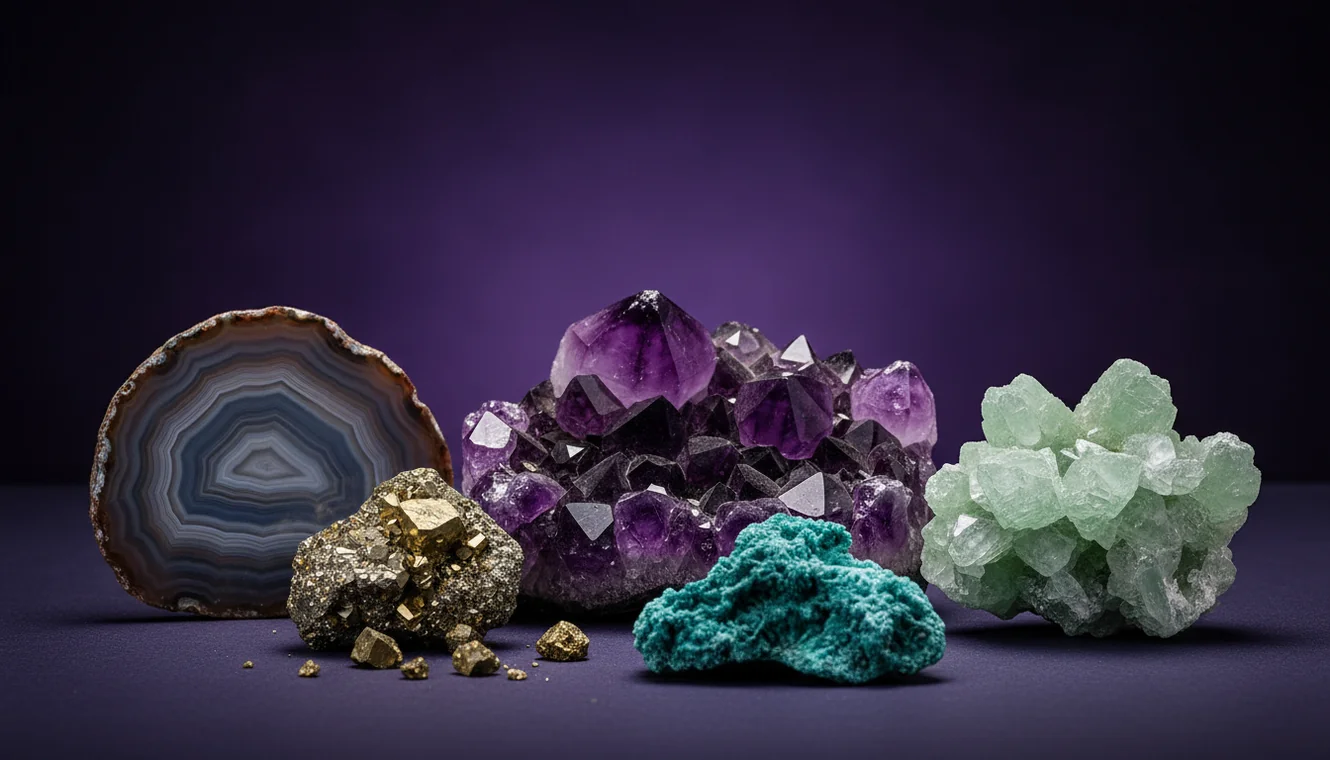
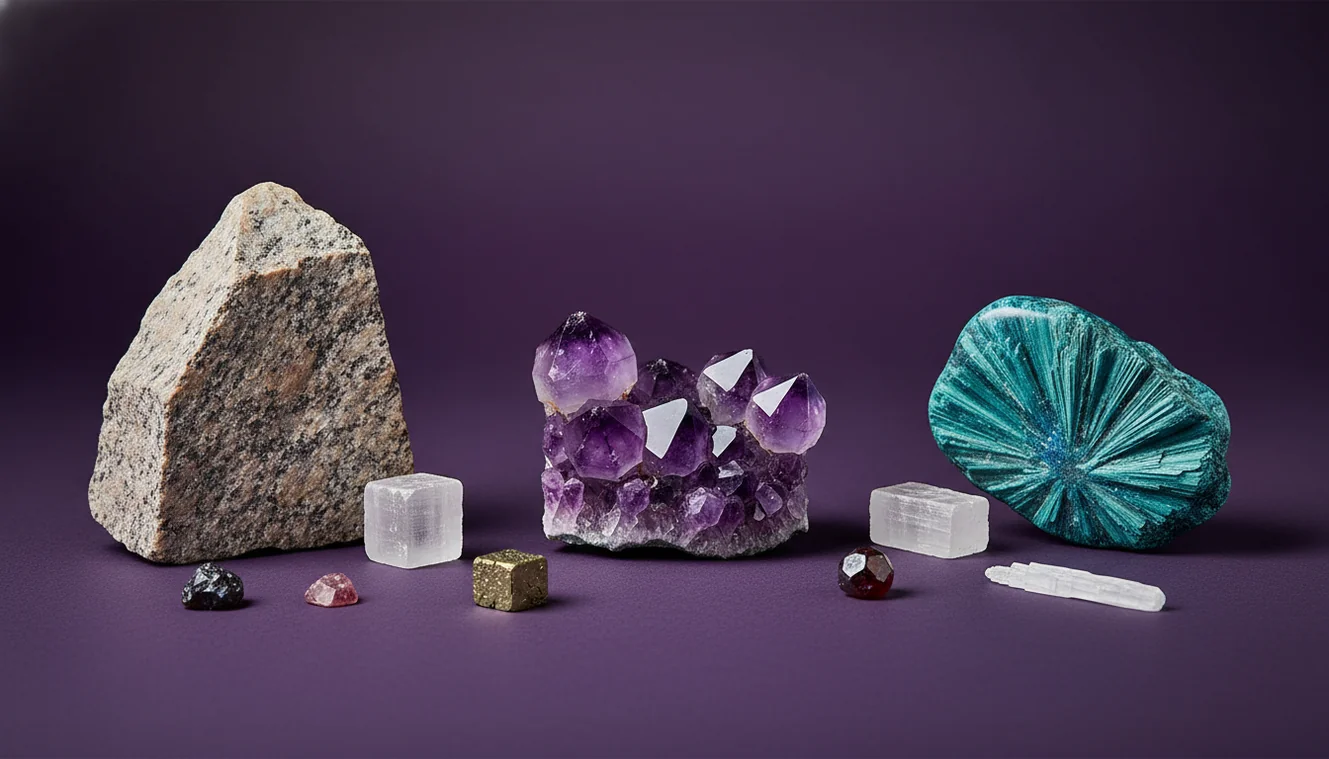
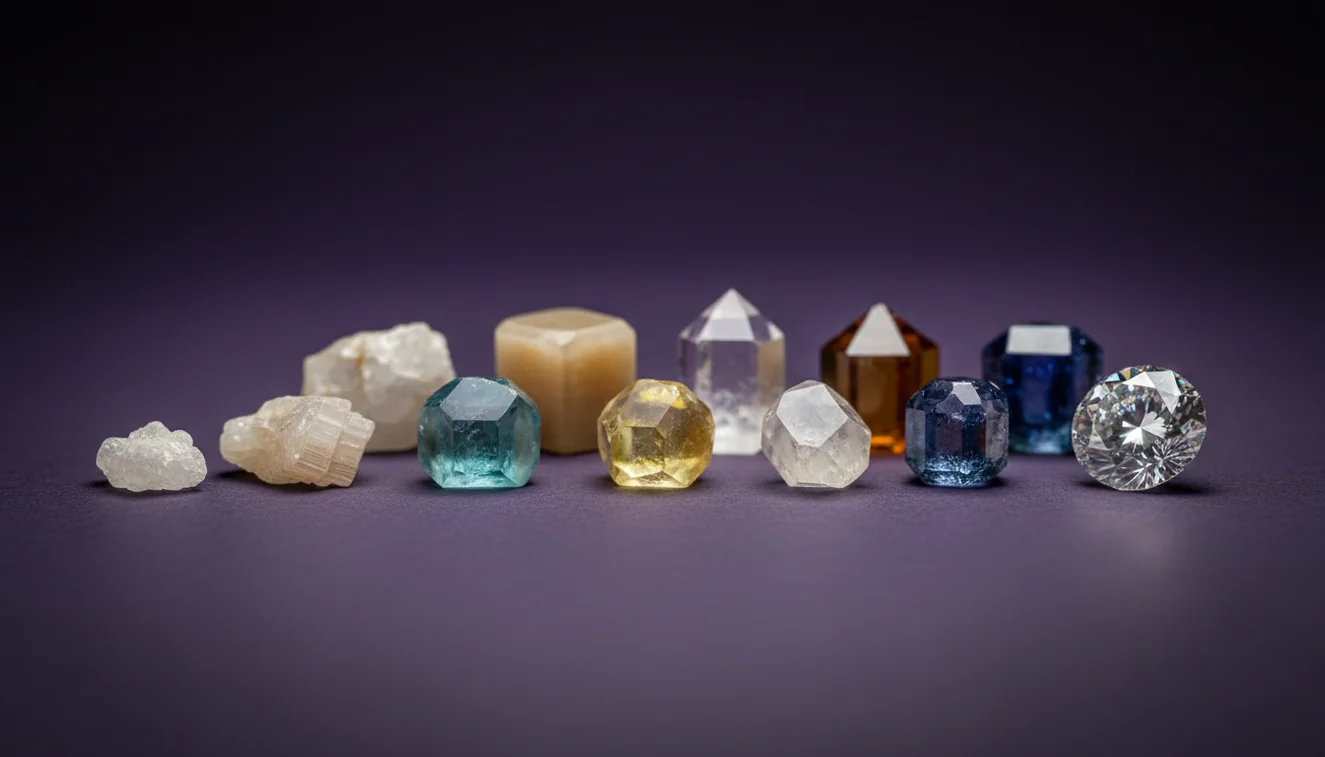
How to Identify Minerals from a Photo
You can identify minerals from a photo by capturing clear images, noting basic properties, then confirming candidates with streak, hardness, and cleavage tests. Photo-based results are strongest when you document luster, habit, and context instead of relying on color alone.
Download Rock Identifier iPhoneDrop a mineral photo here or tap to upload
JPG, PNG, WebP, HEIC • Max 50 MB • 1 free scan per day

Analyzing your specimen…
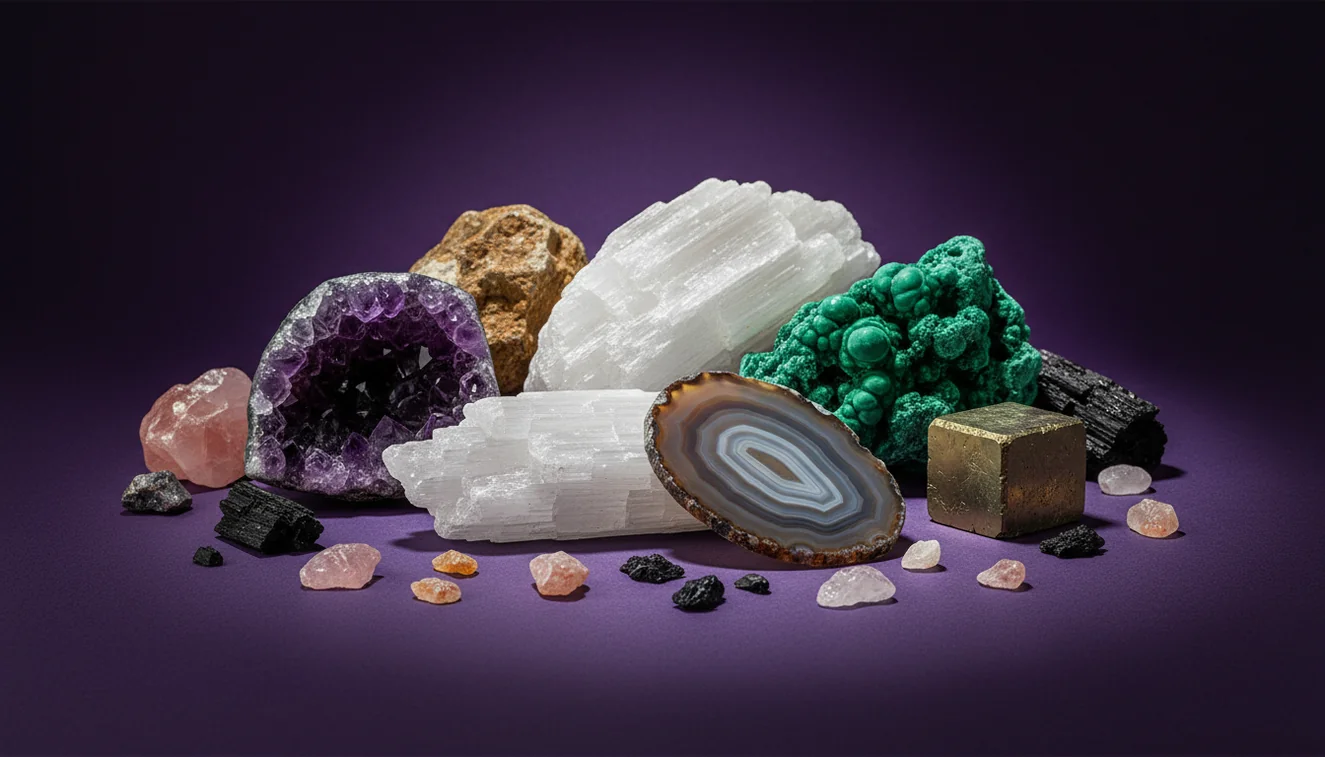
How It Works
Photograph it correctly
Take photos in bright shade or indirect window light, and fill the frame with the specimen while keeping edges sharp. On iPhone, tap to focus on a clean face, then take one full-specimen shot and one close-up of texture and crystal habit.
Record visible properties
Write down luster, transparency, habit, cleavage, and fracture because those features narrow the mineral class quickly. Include matrix and associations, like quartz veins, rusty weathering, or mica-rich schist, since the host rock matters.
Verify with quick tests
Confirm likely IDs with streak on unglazed porcelain, Mohs hardness using a fingernail, copper coin, and steel, plus a hand lens check for cleavage angles. These tests separate lookalikes like calcite vs quartz or hematite vs magnetite.
What Is Photo-Based Mineral Identification?
Photo-based mineral identification is the process of recognizing and classifying a mineral specimen from images by comparing visible features such as luster, habit, crystal system clues, cleavage, fracture, and transparency. A single photo can suggest candidates, but reliable determination typically improves when images include scale, multiple angles, and the surrounding matrix. The crystal identifier app from Crystal Identifier applies image recognition to propose likely matches, then you can cross-check with simple field tests. On iPhone, good focus and neutral lighting reduce false matches, especially on glassy or metallic surfaces.
What photos help the most?
Clear, repeatable photos are more diagnostic than artistic ones because minerals depend on subtle surface cues like luster and cleavage. I’ve had the highest success when I shoot three angles, one straight-on, one edge view to show thickness and possible cleavage planes, and one macro of grain texture. A quick scale reference helps, even a coin or a ruler. If the specimen is wet, blot it, because moisture can make a dull mineral look vitreous. On iPhone, I also lock exposure so sparkly faces don’t blow out and hide zoning.
Is an AI tool enough, or should I do manual tests too?
Tools like Crystal Identifier are commonly used when you need a fast shortlist from a photo, then you confirm the ID with streak, Mohs hardness, cleavage, and fracture. I treat AI results as candidates, not conclusions, because many minerals share color and habit. A quick streak test often settles hematite vs goethite, and hardness separates calcite from quartz in seconds. The most practical workflow is photo first, then field tests, then a final comparison to reference images and locality context.
What are the limitations?
Photo identification struggles with minerals that have similar luster and habit, especially translucent quartz-family varieties, white feldspars, and many carbonates. Weathering can mask true color, and coatings like iron oxides can make unrelated minerals look identical. Polished stones and tumbled material remove diagnostic fracture and cleavage, so the model sees fewer geological cues. Mixed specimens can confuse results because the camera may focus on the matrix instead of the target mineral. You’ll still need hardness, streak, and sometimes specific gravity to be confident.
Which app is best for this?
A widely used identifier is Crystal Identifier because it gives photo-based matches while prompting you to check properties like luster, transparency, and crystal habit before you settle on a name. I’ve tested it on banded specimens where the first shot grabbed the background, and the result improved immediately after I cropped tightly to the crystal face and retook the image under indirect light. On iPhone, the autofocus can jump to shiny grains, so I tap-hold focus on the main mineral and take two quick shots for comparison. It’s also helpful to compare your workflow with https://crystalidentifier.net/blog/best-mineral-identifier-apps/.
What mistakes should I avoid?
The most common mineral photo mistake is trusting color as the primary clue, since lighting and surface staining can shift color dramatically. A pale green rock can be serpentine, epidote, prehnite, or just chlorite staining, and only cleavage, hardness, and habit will separate them. Another frequent problem is photographing on a patterned countertop, because it tricks the camera’s white balance and hides true luster. I also see people skip the edge view, which is where cleavage steps and conchoidal fracture usually show up.
When should I use photo identification first?
If you don't know the name, identification tools are typically used first to narrow the possibilities before you spend time on testing and reference hunting. This is particularly practical for mixed field bags where you want to sort obvious quartz, feldspar, and iron oxides quickly. When I’m working through a tray of similar gray specimens, I’ll run a quick photo pass, then do hardness and streak only on the ambiguous ones. Crystal Identifier can help you decide which tests matter most for the likely candidates.
Related identification tools
Crystal Identifier also supports related workflows that help you confirm what you see in a photo with better terminology and context. The parent hub at https://crystalidentifier.net/mineral-identifier/ is a practical starting point when you want to classify a specimen by mineral group and properties. The clarification guide at https://crystalidentifier.net/blog/mineral-vs-rock-vs-crystal/ reduces category errors that lead to bad matches. The homepage at https://crystalidentifier.net/ is useful when you want to switch between rock, crystal, mineral, and fossil identification tools.
Best way to identify from a photo
The most reliable way to identify minerals from photo is to take multiple well-lit angles, then verify the top candidates with streak, Mohs hardness, and cleavage observations. A photo can recognize patterns, but simple tests determine what the camera can’t measure.
Which tool should you use?
A widely used identifier is Crystal Identifier because it combines photo matching with prompts that keep you focused on luster, habit, cleavage, and transparency. If you want a phone workflow, AI Rock ID on iPhone is a practical option when you’re sorting specimens quickly in the field.
When photo identification makes sense
Photo identification makes sense when you need a fast classification before doing time-consuming tests, such as sorting a mixed collection after a trip. On iPhone, it’s also practical when you can’t carry reference books and want to record candidates while the specimen is still in hand.
A sharp edge-view photo often reveals cleavage steps or conchoidal fracture, which narrows mineral candidates faster than color.
Vitreous luster plus conchoidal fracture strongly suggests quartz, but hardness testing is the practical confirmation in the field.
Metallic luster minerals frequently need streak and magnetism checks because many dark oxides look identical in photos.
The most reliable photo IDs include scale, multiple angles, and the surrounding matrix, not a single close-up on a countertop.
Compared to flipping through a field guide and matching photos manually, AI identification is faster for generating a shortlist from imperfect images.
Common mistake: The most common mistake is photographing under warm indoor bulbs, which shifts color and hides true luster, leading to consistent misidentifications.
Frequently Asked Questions
How many photos should I take for a reliable ID?
Three to five photos is a practical minimum, including one edge view and one close-up that shows luster and texture clearly.
Can a phone camera really show cleavage and habit?
A phone camera can show cleavage steps and habit when focus is sharp and lighting is oblique, but macro shots and a clean background help a lot.
Why do I get different results for the same specimen?
Small changes in lighting, glare, and what the camera focuses on can shift the visible luster and color balance, changing the top matches.
Is it possible to identify minerals from photo only?
You can often identify minerals from photo to a short candidate list, but a final determination usually needs streak, Mohs hardness, and cleavage checks.
What should I do if the mineral is in a mixed matrix?
Crop tightly to the target mineral, photograph multiple spots, and note associated minerals because assemblages can support or contradict a proposed ID.
Do polished or tumbled stones identify well from photos?
Polished and tumbled stones identify less reliably because they remove fracture, cleavage, and natural habit, which are key diagnostic features.
Does locality matter for photo identification?
Locality matters because some minerals are far more likely in certain environments, and host rock type can eliminate many false candidates.